 National Holiday Calendar
Notion Calendar Ics - Connecting notion calendar and apple calendar can transform the way you manage your time and tasks. Most calendar applications, such as google calendar or apple. The first step in importing a calendar into notion is to export your existing calendar in a compatible format. (customize it however you would like!) paste the. Import the notion.ics into your favorite calendar app and enjoy! You can view and even manage any event within the notion workspace.

Notion Calendar For Mac
By integrating these two powerful tools, you create a centralized hub for all your. This guide outlines the steps to link apple. You can view and even manage any event within the notion workspace. Keep track of titles, statuses, platforms, and publish dates all in one place, so you can stay organized and focus. Converts notion calendar database to.ical format.

Ics Calendar Pro
Need a way to see your appointments or notion pages in your apple, google or outlook calendar? Connecting notion calendar and apple calendar can transform the way you manage your time and tasks. Proceed to this embedded calendar widget. Converts notion calendar database to.ical format. Keep track of titles, statuses, platforms, and publish dates all in one place, so you can stay organized and focus.

Ics Calendar Pro Version 4.0 Released! Ics Calendar
This guide outlines the steps to link apple. Adding a calendar in notion helps in organizing one’s schedule and tasks. By following these steps, you can easily upload your google calendar to notion and have all your events and appointments in one central place. Import the notion.ics into your favorite calendar app and enjoy! Connecting notion calendar and apple calendar can transform the way you manage your time and tasks.

Notion Content Calendar Notion Template
You can view and even manage any event within the notion workspace. The first step in importing a calendar into notion is to export your existing calendar in a compatible format. Sync your notion calendar to an ics file (for google/apple calendar), add a cronjob, and upload it to a webserver. Hence, you stay on top of your commitments. Import the notion.ics into your favorite calendar app and enjoy!
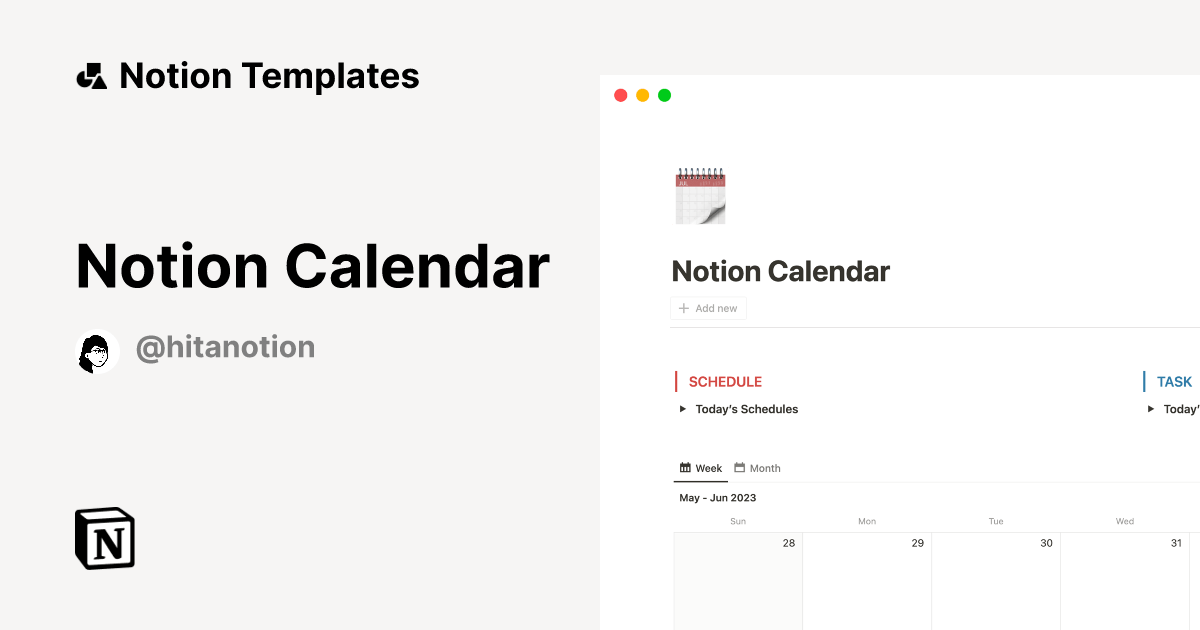
Notion Calendar Template Notion Marketplace
(customize it however you would like!) paste the. Import the notion.ics into your favorite calendar app and enjoy! That's why i created this simple integration to make it happen! By integrating these two powerful tools, you create a centralized hub for all your. I made a tool can deploy to aws and convert your notion calendar data to ics format.
I Made A Tool Can Deploy To Aws
Basically, you can upload a.ics file to your google calendar, set up that calendar in the code provided in the link above, and then have it sync between notion and gcal so even if you. Notion calendar is a next 13 app that lets you create ics calendar files from your notion databases that can be used in google calendar, outlook etc. This is particularly useful when. By following these steps, you can easily upload your google calendar to notion and have all your events and appointments in one central place.
Which Means You Can Sync Your Notion Calendar
This guide outlines the steps to link apple. You can view and even manage any event within the notion workspace. Proceed to this embedded calendar widget. Is there a way to import an ics calendar file into notion's calendar or should i just add it to google calendar and sync or embed that?
(Customize It However You Would Like!) Paste The
Converts notion calendar database to.ical format. Syncing your apple calendar with notion might require a little creativity, but the payoff is a more organized and streamlined workflow. Hence, you stay on top of your commitments. The first step in importing a calendar into notion is to export your existing calendar in a compatible format.
Keep Track Of Titles
Connecting notion calendar and apple calendar can transform the way you manage your time and tasks. Adding a calendar in notion helps in organizing one’s schedule and tasks. Sync your notion calendar to an ics file (for google/apple calendar), add a cronjob, and upload it to a webserver. Most calendar applications, such as google calendar or apple.