 National Holiday Calendar
Notion Calendar Time Blocking - Notion allows you to quickly and. Switch between daily and weekly layouts to track progress. Learn how to apply the the time blocking technique in notion easily and optimize your time management strategy. Easily allocate specific time slots for tasks, meetings, and personal activities. We’ll walk through the steps, share tips, and provide examples to make the process as. Combines the power of time blocking and smart goals to help users save, on average, 30 days a year through organizing projects, tasks, goals and objectives.
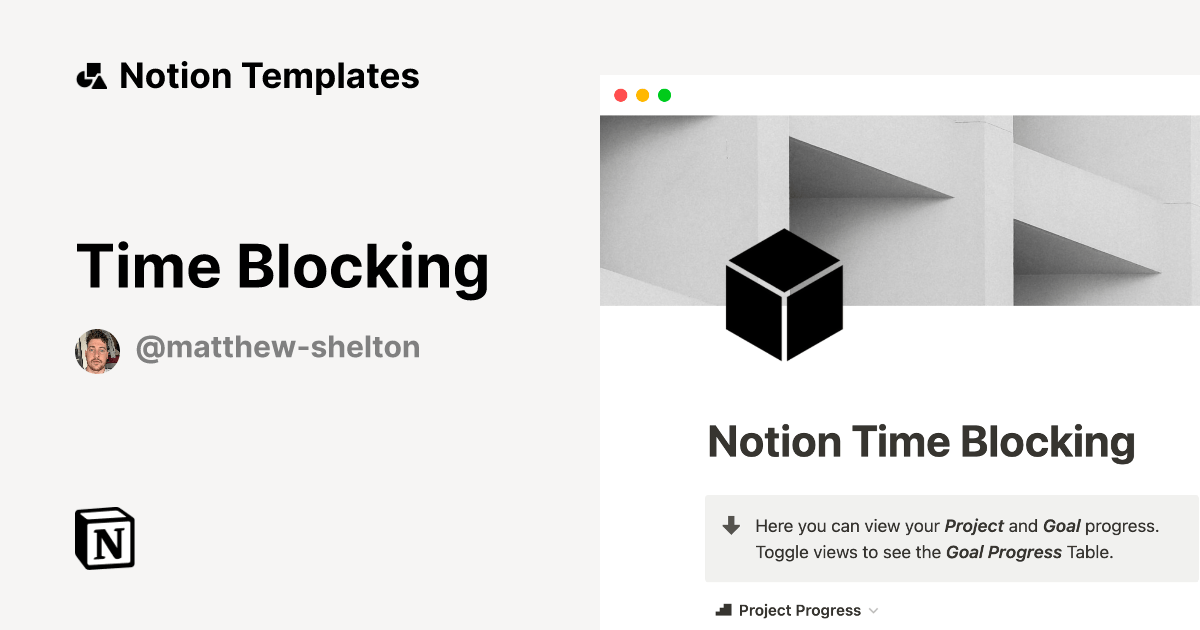
Time Blocking Template Notion Marketplace
With notion, users can easily create a time blocking database, add tasks to specific time slots, and track their progress throughout the day. With google calendar integration, you can plan your personal and. Learn how to apply the the time blocking technique in notion easily and optimize your time management strategy. With notion time blocking templates, users can create customized.

How To Create A Notion Time Blocking Planner
Imagine having your deadlines, meetings, and events in one view. Notion integration with google calendar. Using a time blocking database. Time blocking is a helpful time management method that involves dividing your day into separate blocks and assigning tasks in each block. Create a simple table, or set up a time blocking database.

Time Blocking Calender Template By Hansel Systems Notion Marketplace
Combines the power of time blocking and smart goals to help users save, on average, 30 days a year through organizing projects, tasks, goals and objectives. There are 2 ways to time block in notion: Learn how to apply the the time blocking technique in notion easily and optimize your time management strategy. Time blocking in notion is a powerful way to take control of your schedule and boost productivity.

Notion Time Blocking Guide (& Free Template) Steve Gagz
Using a time blocking database. Notion integration with google calendar. Time blocking in notion is a powerful way to take control of your schedule and boost productivity. Imagine having your deadlines, meetings, and events in one view. With notion, users can easily create a time blocking database, add tasks to specific time slots, and track their progress throughout the day.

Daily Time Blocking Notion Template In Word
Notion time blocking works by utilizing time block notion to organize and structure your schedule effectively. Create a simple table, or set up a time blocking database. Time blocking is a productivity. With google calendar integration, you can plan your personal and. Easily allocate specific time slots for tasks, meetings, and personal activities.
There Are 2 Ways To Time Block In Notion
Create a simple table, or set up a time blocking database. That’s why we prefer the second method: Notion integration with google calendar. Time blocking in notion is a powerful way to take control of your schedule and boost productivity.
Notion Allows You To Quickly And
| discover new ways to use. Combines the power of time blocking and smart goals to help users save, on average, 30 days a year through organizing projects, tasks, goals and objectives. By setting up your notion page, designing your time blocks, and making adjustments as. Switch between daily and weekly layouts to track progress.
Imagine Having Your Deadlines
With notion, users can easily create a time blocking database, add tasks to specific time slots, and track their progress throughout the day. The first method is the simplest and least involved, but it does have some limitations. We go through the whole. Learn how to apply the the time blocking technique in notion easily and optimize your time management strategy.
Google Calendar Integration
Time blocking is a helpful time management method that involves dividing your day into separate blocks and assigning tasks in each block. Using a time blocking database. With notion time blocking templates, users can create customized. Easily allocate specific time slots for tasks, meetings, and personal activities.