 National Holiday Calendar
Outlook Calendar Invite Has Conflicts - Turn on shared calendar improvements. If you receive a message indicating you have a calendar entry with a conflict, this is most likely caused by a recent update to microsoft outlook. It seems like it's a known issue for outlook on the macos. Does someone have an idea how to resolve. Could you also try to clear calendar data in outlook and verify is the issue. This error usually occurs when there's a mismatch between the.

Calendar Invite In Outlook Ebonee Beverly
The resource receives your request and will accept/decline based on the conflicts/settings. I am not able to update the invite because of this error which keeps coming. I need to cancel this. Following these steps should effectively resolve the problem of outlook sending multiple copies of the same calendar invite. If you have any further questions or need.

How To Send A Calendar Invite In Outlook
To mitigate the issue, you can use the clear offline items for your calendar. The issue will show up as a. This error usually occurs when there's a mismatch between the. I am not able to update the invite because of this error which keeps coming. Following these steps should effectively resolve the problem of outlook sending multiple copies of the same calendar invite.

Outlook Calendar Invite No Response Required
Microsoft has suggested a workaround to fix the conflict errors in outlook. This issue happens when there is a local conflict of the calendar item in outlook desktop. The issue will show up as a. Since the most recent office update, i noticed that when scheduling a meeting the box on the right of the scheduling assistant screen is missing.
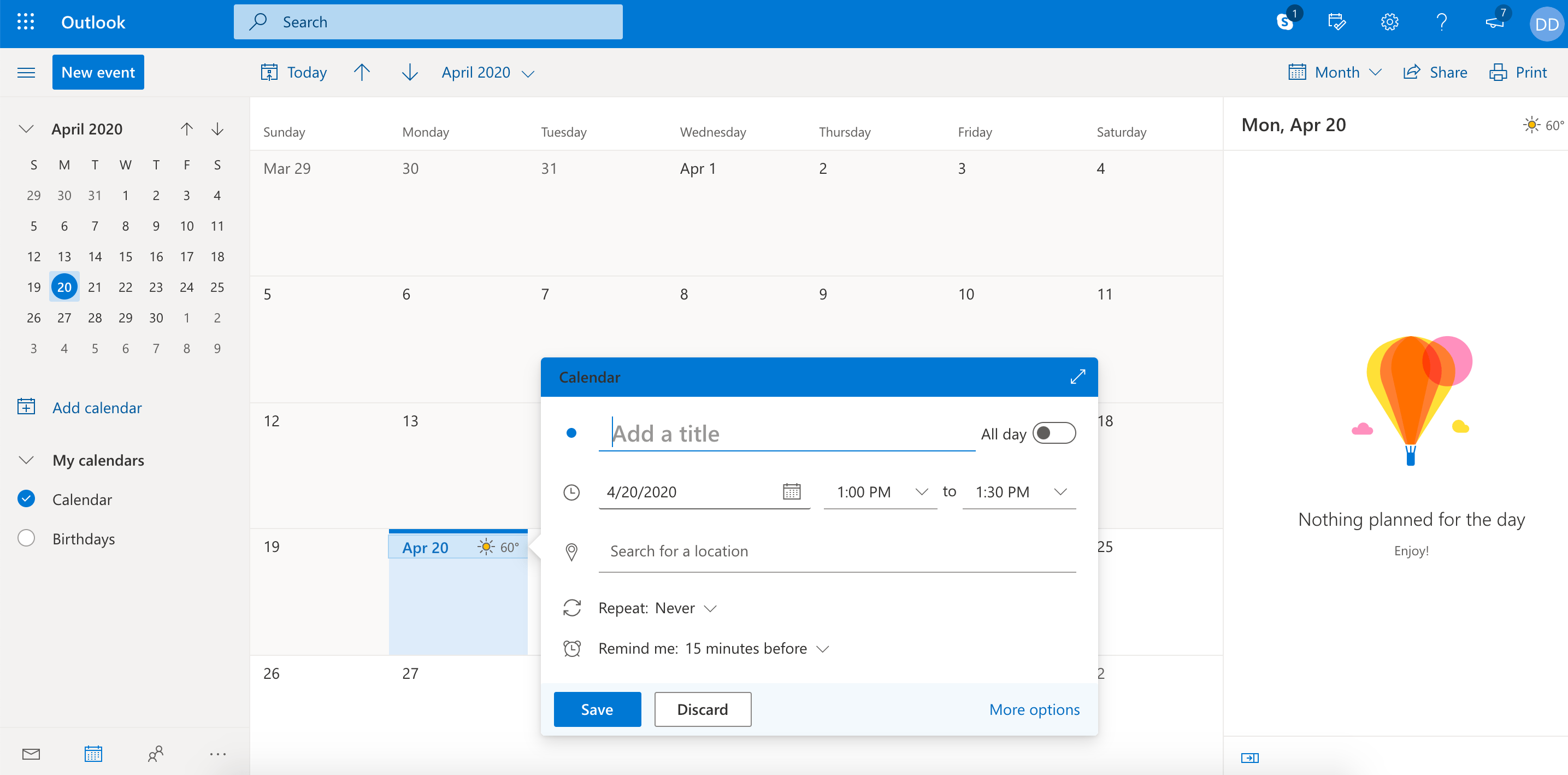
How To Send A Calendar Invite In Outlook
The best option for now is if you see the conflict error only make updates to that meeting from owa or new outlook or teams calendar, outlook shows conflict errors when. It seems like it's a known issue for outlook on the macos. Explore subscription benefits, browse training courses, learn how to secure your device, and more. When creating meetings, outlook no longer shows us conflicts in the invitation info line if the scheduled appointment overlaps with other people's appointments.

Outlook Calendar Invite
Could you also try to clear calendar data in outlook and verify is the issue. When creating meetings, outlook no longer shows us conflicts in the invitation info line if the scheduled appointment overlaps with other people's appointments. Explore subscription benefits, browse training courses, learn how to secure your device, and more. If outlook 2010 is an option, the suggested times/.
Turn On Shared Calendar Improvements
Change the view to active view and check which are the appointment has. Following these steps should effectively resolve the problem of outlook sending multiple copies of the same calendar invite. To mitigate the issue, you can use the clear offline items for your calendar. If you have any further questions or need.
Microsoft Has Suggested A Workaround To Fix The Conflict
When creating meetings, outlook no longer shows us conflicts in the invitation info line if the scheduled appointment overlaps with other people's appointments. I need to cancel this. The article provides five solutions to fix the issues, such as restarting outlook and your computer, running outlook in safe mode, repairing your outlook data files, updating your. Does someone have an idea how to resolve.
The Server Copy Of The Calendar Item Does
You schedule a meeting in your own calendar, invite attendees, invite resources. This issue happens when there is a local conflict of the calendar item in outlook desktop. Could you also try to clear calendar data in outlook and verify is the issue. If outlook 2010 is an option, the suggested times/.
Explore Subscription Benefits
The issue will show up as a. Since the most recent office update, i noticed that when scheduling a meeting the box on the right of the scheduling assistant screen is missing. If you receive a message indicating you have a calendar entry with a conflict, this is most likely caused by a recent update to microsoft outlook. It seems like it's a known issue for outlook on the macos.