 National Holiday Calendar
Outlook Calendar Iphone - Syncing your outlook calendar with your iphone or ipad is easier than you think. This is also a good. Create an icloud account if prompted. Connect your iphone to your computer and open itunes. Follow this step by step process to get up and running. Adding your outlook calendar to your iphone:

Syncing Iphone With Outlook Calendar Calendar Template 2021
Downloading the outlook calendar app allows you to keep track of calendar events from your iphone. To add your outlook calendar to your iphone, you first. Create an icloud account if prompted. Follow this step by step process to get up and running. If you don't want to download a separate app, you can also add your.

Calendar Outlook Iphone Xena Ameline
Follow this step by step process to get up and running. Do you want to have all your outlook appointments and reminders safely stored on your iphone? Syncing your outlook calendar with your iphone or ipad is easier than you think. Downloading the outlook calendar app allows you to keep track of calendar events from your iphone. Create an icloud account if prompted.
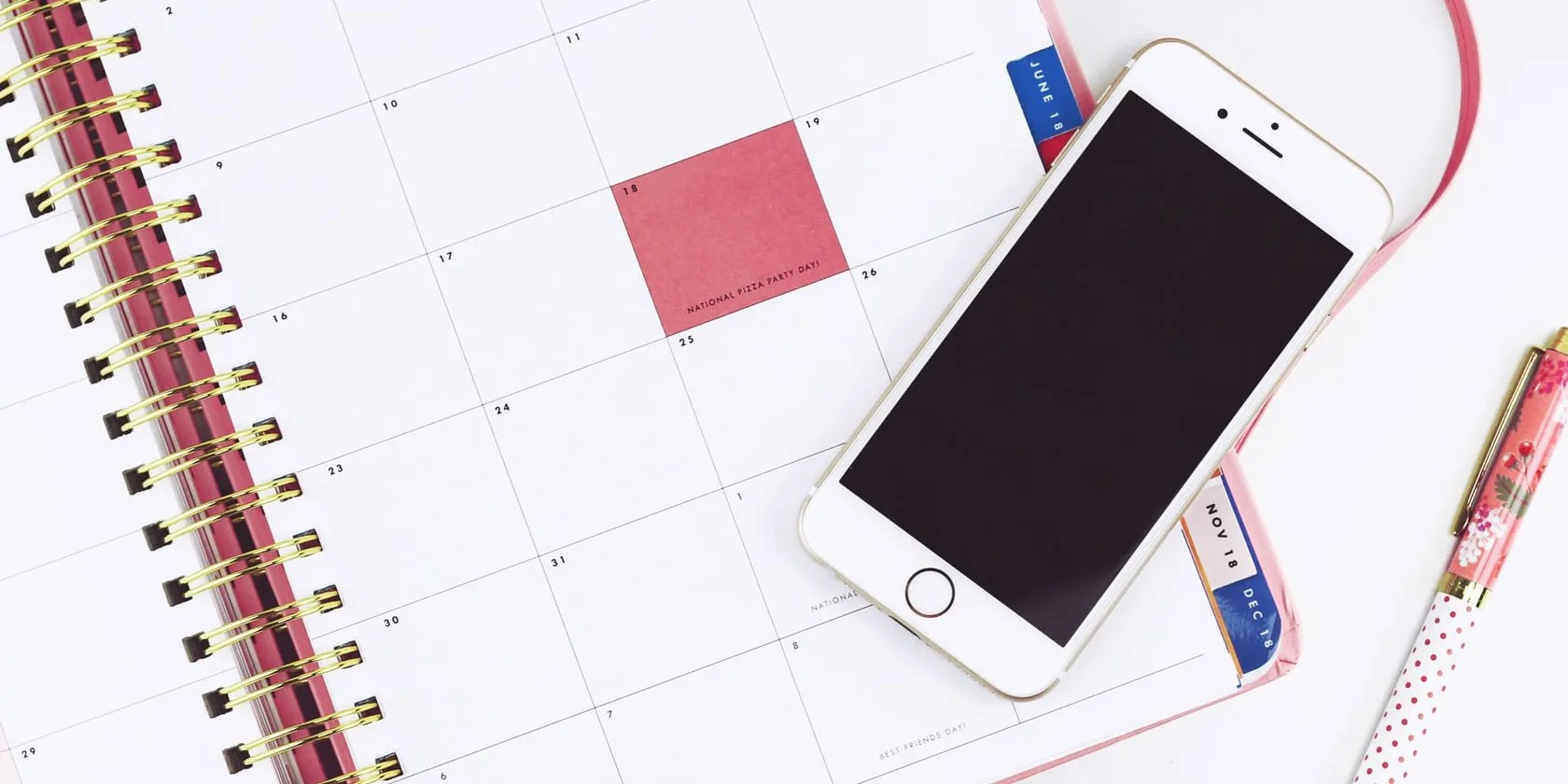
The Best Way To Sync An Outlook Calendar
Download and install the outlook app. Syncing your outlook calendar with your iphone is a great way to stay organized and ensure that you never miss an important event or appointment. Syncing your outlook calendar with your iphone or ipad is easier than you think. Stay organized in 2024 by syncing your iphone calendar with outlook. Documentation · news · version history · comparison · screenshots & videos.

Adding Apple Calendar To Outlook Beastholoser
Downloading the outlook calendar app allows you to keep track of calendar events from your iphone. Learn how to link your calendar with iphone with this guide. Documentation · news · version history · comparison · screenshots & videos Here are the steps to sync your outlook calendar with your iphone using itunes: This article provides info on how to add outlook calendars to your iphone, how to add calendars from your iphone to outlook, and even how to add an icloud calendar to.

How To Fix Outlook Calendar Not Syncing
Connect your iphone to your computer and open itunes. Here are the steps to sync your outlook calendar with your iphone using itunes: Download and install the outlook app. Launch outlook on your computer or. Adding your outlook calendar to your iphone:
In Such Cases, You Can
Not only can you access your outlook calendars through the ios app, but you can hook in just about any email address — outlook, exchange, gmail, and more besides can all. Downloading the outlook calendar app allows you to keep track of calendar events from your iphone. The calendar sync option is enabled on my iphone, and other calendar entries (like meetings) sync correctly. Click on the iphone icon in the top.
Icloud Calendar
Connect your iphone to your computer and open itunes. Syncing your outlook calendar with your iphone is a great way to stay organized and ensure that you never miss an important event or appointment. Learn a couple of ways to keep your outlook and iphone calendars in harmony. Launch outlook on your computer or.
Here Are The Steps To Sync Your Outlook Calendar
Do you want to have all your outlook appointments and reminders safely stored on your iphone? To start syncing your outlook calendar with iphone calendar, you need to enable calendar syncing in outlook. The appointment does not appear in webmail, indicating it isn’t. 無料のカレンダーアプリをお探しであれば「calendars by readdle」より、他のアプリをおすすめします。 「calendars by readdle」の有料プランは年額 2,100円。7日間の.
If You Don't Want To Download A Separate App
Download and install the outlook app. Adding your outlook calendar to your iphone: You use microsoft outlook and an iphone, and you want to synchronize your calendar. While you may prefer using the native calendar app on your iphone, your organization may use a different email client like outlook for work.