 National Holiday Calendar
Outlook Copy Calendar Event - Manage multiple calendars within microsoft outlook? Select open & export, then click import/export. Copying calendar events in outlook is a simple and effective way to share or transfer events between calendars. Ctrl+c and ctrl+v doesn't work when i select the event. To copy a meeting, select the meeting, hold the ctrl button on your keyboard and drag the meeting to a new spot. Once in the new spot, release both your mouse button and.

How To Copy Events
Click on the calendar icon in the lower section of the sidebar. In order to copy an entire calendar, proceed as following: To copy a meeting, select the meeting, hold the ctrl button on your keyboard and drag the meeting to a new spot. Manage multiple calendars within microsoft outlook? Copying calendar events in outlook is a simple and effective way to share or transfer events between calendars.
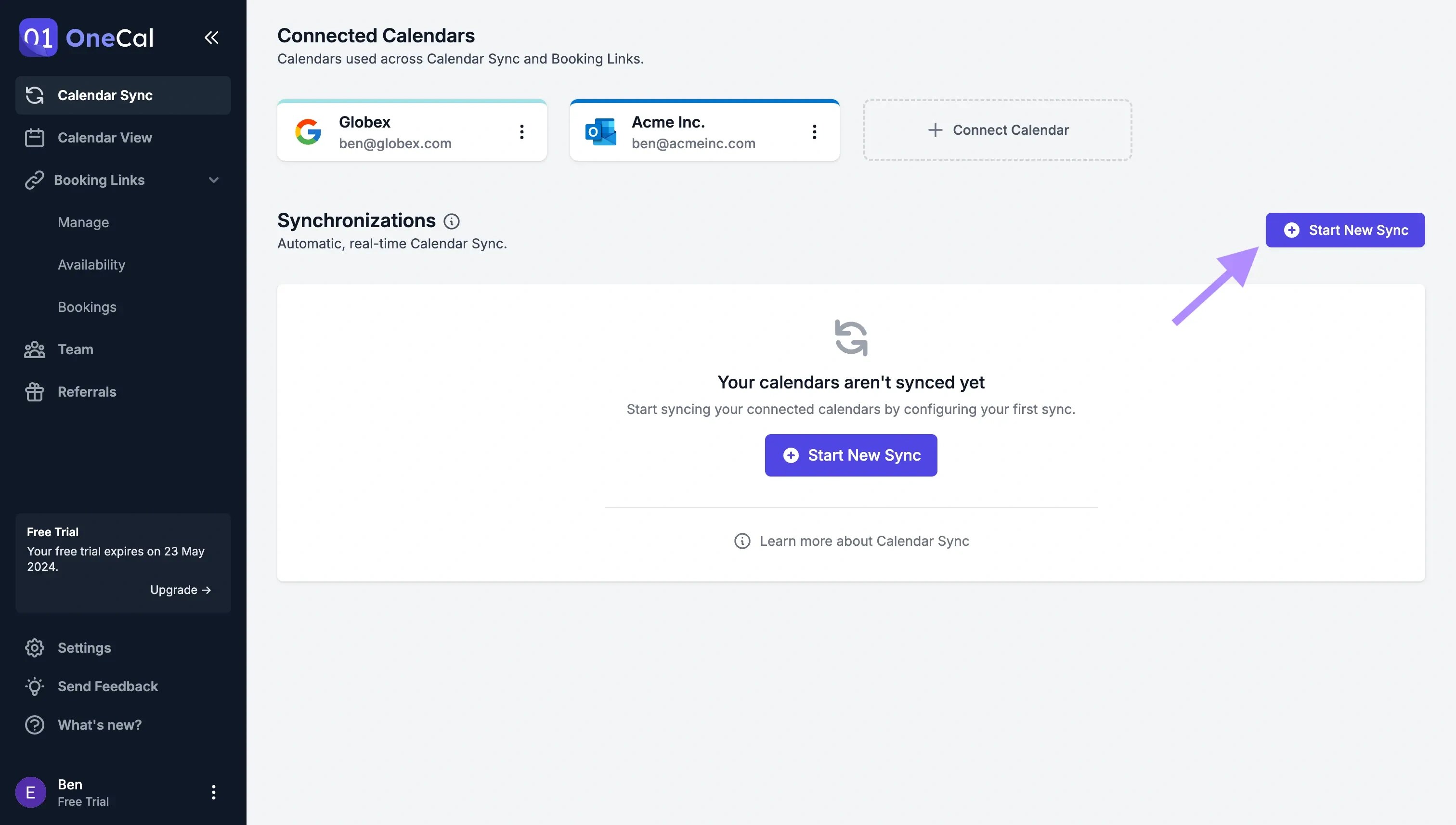
Microsoft Outlook Calendar
Duplicate appointments by automatically copying events between different microsoft outlook calendars. Manage multiple calendars within microsoft outlook? Open outlook and head to the calendar view. To copy individual calendar events in outlook, follow these steps: Open your outlook calendar and find the event you want to copy.

Microsoft Outlook Calendar
Manage multiple calendars within microsoft outlook? Select the duplicate event option from the context menu. Select open & export, then click import/export. Launch the outlook application or website. To copy individual calendar events in outlook, follow these steps:

How Can I Copy The List Of Attendees
Locate and click on the. Manage multiple calendars within microsoft outlook? Outlook allows you to copy an entire calendar including all appointments, meetings and events. One of the most useful features of outlook is the ability to copy and paste calendar events. Click on the calendar icon in the lower section of the sidebar.

Copy Calendar Events Pro For Android Download
Select open & export, then click import/export. Launch the outlook application or website. In order to copy an entire calendar, proceed as following: To copy a meeting, select the meeting, hold the ctrl button on your keyboard and drag the meeting to a new spot. Outlook is a powerful email and calendar client that allows users to manage their emails, contacts, and calendar events.
To Clarify This Case
To copy individual calendar events in outlook, follow these steps: Ctrl+c and ctrl+v doesn't work when i select the event. A copy is created, then edit the date. In the new window, you can adjust the date and time if.
By Following The Steps Outlined In This Article
Select open & export, then click import/export. Copying calendar events in outlook is a simple and effective way to share or transfer events between calendars. One of the most useful features of outlook is the ability to copy and paste calendar events. Click on the calendar icon in the lower section of the sidebar.
To Copy An Outlook Calendar Appointment To Another Day
Outlook is a powerful email and calendar client that allows users to manage their emails, contacts, and calendar events. One of the most useful features of. Outlook allows you to copy an entire calendar including all appointments, meetings and events. This article will guide you through the process of copying a calendar in.
Select The Calendar Event You Want To Copy
Click on file in the top left corner of the screen. Open your outlook calendar and find the event you want to copy. Open outlook on your computer and navigate to the calendar view. Locate and click on the.