 National Holiday Calendar
Pair Protonmail With Google Calendar - You can now import your google calendar with the proton calendar android app in just a few taps. Learn how to share a proton calendar with proton mail users, including how to set view and edi permissions. Synchronize contacts, email and calendar with gmail. That means that you can always store a backup of, for example, your photos and. Learn how to share a calendar from proton calendar using a link. In this article we will show you how to sync your google calendar to protonmail, so you can access all your appointments, events and reminders from one place.
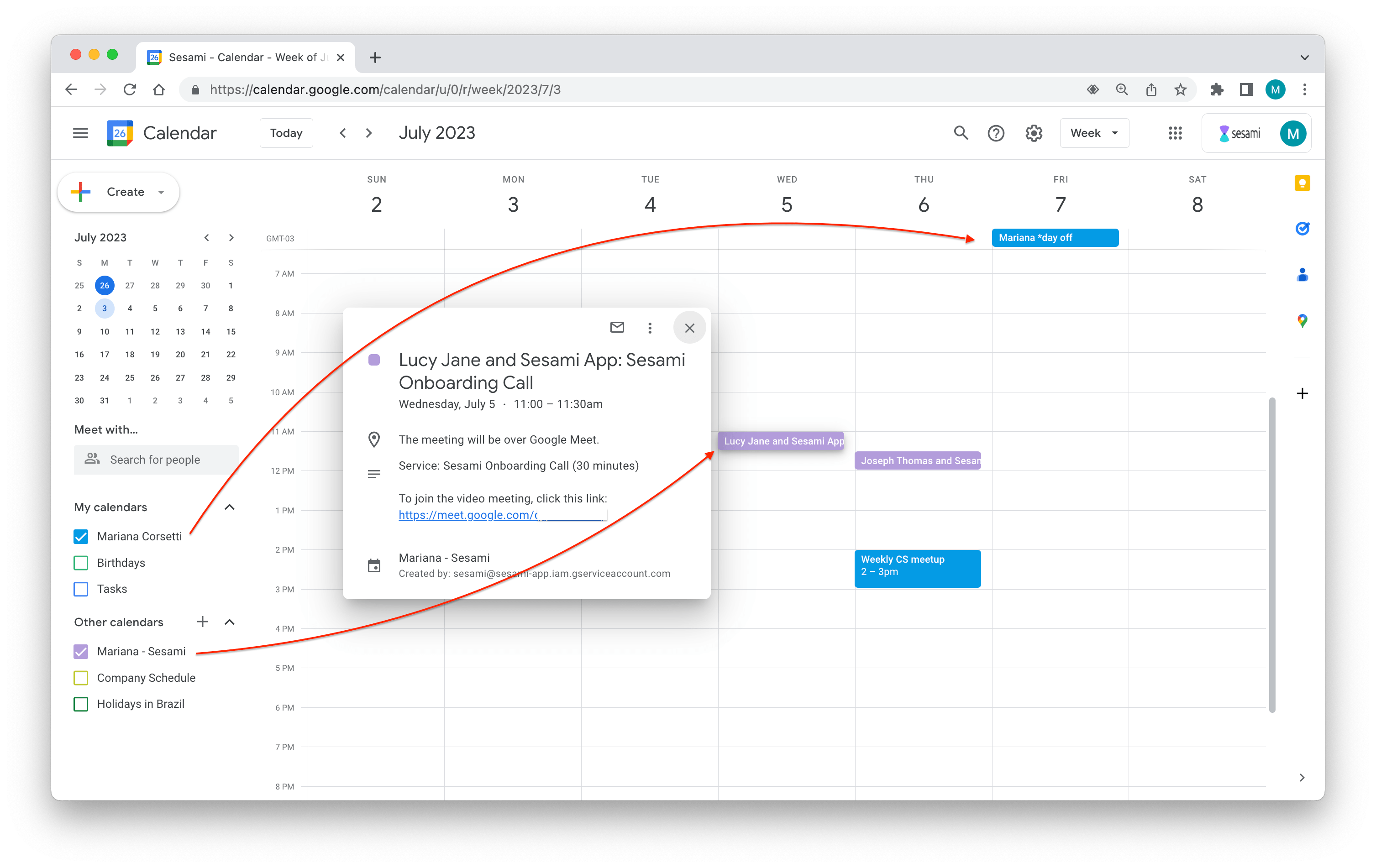
Sync My Google Calendar With My Wife's Rose Springer
If you don't have a protonmail account, create one first. You could also manually export your google calendar and import the ics file. After a little digging, i created a link to my proton calendar to allow google to load my calendar events sent to proton calendar. I have gone to share my calendar, created the link, gone to her google calendar, clicked add calendar from url, pasted it in and successfully added the calendar (it shows up in the list of calendars) but when i create an event it never shows up on her end.

How To Make My Google Calendar Private
Once you are logged in to protonmail, you will have access to the protoncalendar calendar. If i could export my proton calendar to a.ics file and upload it to google calendar once a week, that would work. Anyone with that link can see the latest updates to your schedule. Here is how to sync google calendar to proton mail. You can now import your google calendar with the proton calendar android app in just a few taps.

6 Best Alternatives To Google Calendar For Time Management
Learn how to share a proton calendar with proton mail users, including how to set view and edi permissions. Using a third party tool like proton mail bridge or manually exporting and importing calendar events. If you have a google account, you can synchronize your data with google. Hey, looks like you need help finding something. I can share my calendar with her no problem, but i'm having issues trying to figure out how to add her shared google calendar into protoncalendar.

How To Copy A Google Calendar
While it requires a bit of manual work to keep the calendars in sync, this method allows you to maintain. If you have a google account, you can synchronize your data with google. It's also possible to share your proton calendar for external viewing: To get started, open the proton calendar app, select “import from google” in the settings, and then select “new import.” If you choose to use protonmail bridge, you will first need to install it.

How To Subscribe To Google Calendar
Anyone with that link can see the latest updates to your schedule. You could also manually export your google calendar and import the ics file. If you have a google account, you can synchronize your data with google. The problem is, once google loads the calendar events, it fails to update anything. If you don't have a protonmail account, create one first.
It's Also Possible To Share Your Proton Calendar
After a little digging, i created a link to my proton calendar to allow google to load my calendar events sent to proton calendar. Subreddit for protoncalendar, a secure calendar service from the creators of protonmail and… I just want to be able to share my proton calendar with my wife's google calendar and get real time updates. Proton have some great guides for migrating from gmail to proton mail and from google calendar to proton calendar.
If I Could Export My Proton Calendar To A.ics
Learn how to share a proton calendar with proton mail users, including how to set view and edi permissions. The problem is, once google loads the calendar events, it fails to update anything. Don't miss the steps that we will share with you below. I have gone to share my calendar, created the link, gone to her google calendar, clicked add calendar from url, pasted it in and successfully added the calendar (it shows up in the list of calendars) but when i create an event it never shows up on her end.
Learn How To Add External Calendars From Google Calendar
Tap import from google, tap new import, and then tap continue. Syncing google calendar with proton mail involves using proton calendar to import your existing google calendar data. There are two main methods to synchronize google calendar in protonmail: Here's a guide on how to do so:
Using A Third Party Tool Like Proton Mail Bridge
To get started, open the proton calendar app, select “import from google” in the settings, and then select “new import.” If you choose to use protonmail bridge, you will first need to install it. We do not need to be able to edit each other's calendars, just the ability to see what is there continuously as we make updates. While it requires a bit of manual work to keep the calendars in sync, this method allows you to maintain.