 National Holiday Calendar
Person Not Getting Google Calendar Share Invite - If you lower the external sharing level, people. Each one of my people each use gmail and. We have investigated the error and found out the following: This help content & information general help center experience. Add another person's calendar to your calendar in new outlook for windows. Go to settings (gear icon) > view all outlook settings > calendar > shared calendars.

Google Calendar Share
Each one of my people each use gmail and. This invite persists, in the inbox tab in that app, even when he has accepted or declined the events. How can i solve this problem? We have investigated the error and found out the following: If you lower the external sharing level, people.

How To Resend Google Calendar Invite
To invite the person to the shared calendar, you’ll need to provide them with a link to the calendar. You can add a shared calendar either from a calendar sharing invitation, or directly from the calendar. This help content & information general help center experience. If i try to invite people to appointments in the google calendar app the invitations are not sent.

How To Share Your Google Calendar With Anyone Makeuseof
If i try to invite people to appointments in the google calendar app the invitations are not sent. When i click the link in his email on his phone it brings up google calendar & then says it cannot be added. If you lower the external sharing level, people. Invite the person to the shared calendar. In the external sharing options section, choose how your users can share their calendars with people outside your organization.

How To Share Google Calendar The Full Guide! Upphone
I am not getting the invitations. If i try to invite people to appointments in the google calendar app the invitations are not sent. I have been trying to share a calendar with my husband. There are two different ways to share calendar and event data with others. Invite the person to the shared calendar.
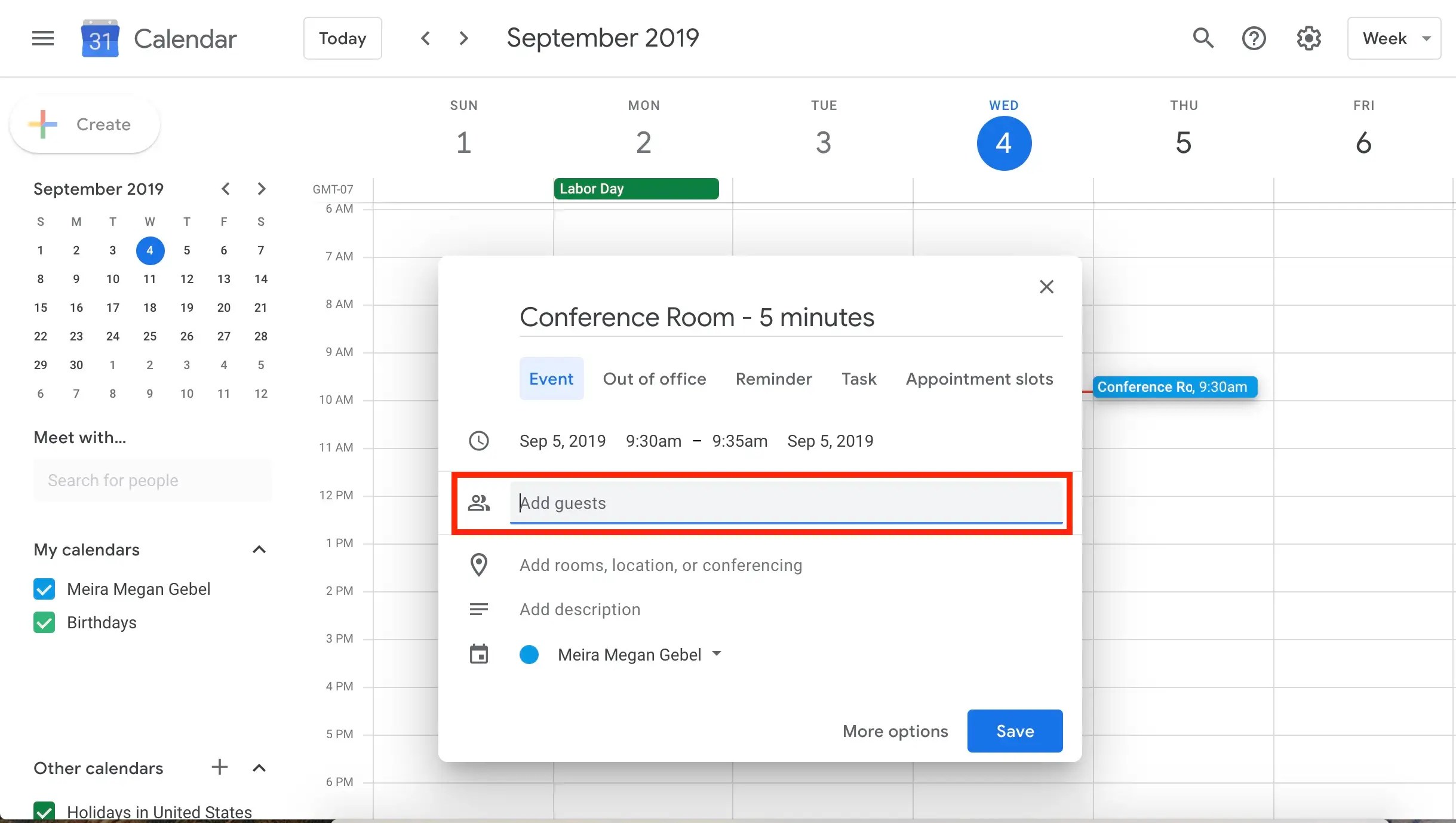
Google Calendar Resend Invite Printable Word Searches
I am currently a delegate on someone's calendar. The other person is not receiving any invitations to meetings, everything is on my email. Add another person's calendar to your calendar in new outlook for windows. When i click the link in his email on his phone it brings up google calendar & then says it cannot be added. I have been trying to share a calendar with my husband.
I Have Someone Sending Meeting Google Meeting Requests
I have been trying to share a calendar with my husband. Firstly, you can share an entire calendar, with a specified level of access. When someone uses gmail or google workspace to send a calendar invite to us, it is not received. Go to settings (gear icon) > view all outlook settings > calendar > shared calendars.
How Can I Solve This Problem?
To invite the person to the shared calendar, you’ll need to provide them with a link to the calendar. We have investigated the error and found out the following: This help content & information general help center experience. I am currently a delegate on someone's calendar.
How Can I Set It So
The other person is not receiving any invitations to meetings, everything is on my email. If i try to invite people to appointments in the google calendar app the invitations are not sent. Invite the person to the shared calendar. When i click the link in his email on his phone it brings up google calendar & then says it cannot be added.
I Am Not Getting The Invitations
There are two different ways to share calendar and event data with others. This invite persists, in the inbox tab in that app, even when he has accepted or declined the events. This help content & information general help center experience. Each one of my people each use gmail and.