 National Holiday Calendar
Share A Calendar On Iphone - Turn it on (or off) in settings > general >. The iphone calendar app offers versatile scheduling features, including event creation, syncing across devices, and customizable calendars for personal, family, and. Tap on the red info circle next to the calendar you wish to share. In this article, we’ll guide you. All you need to do is follow a few simple steps to give. But note that this process only applies to calendars run through your icloud.
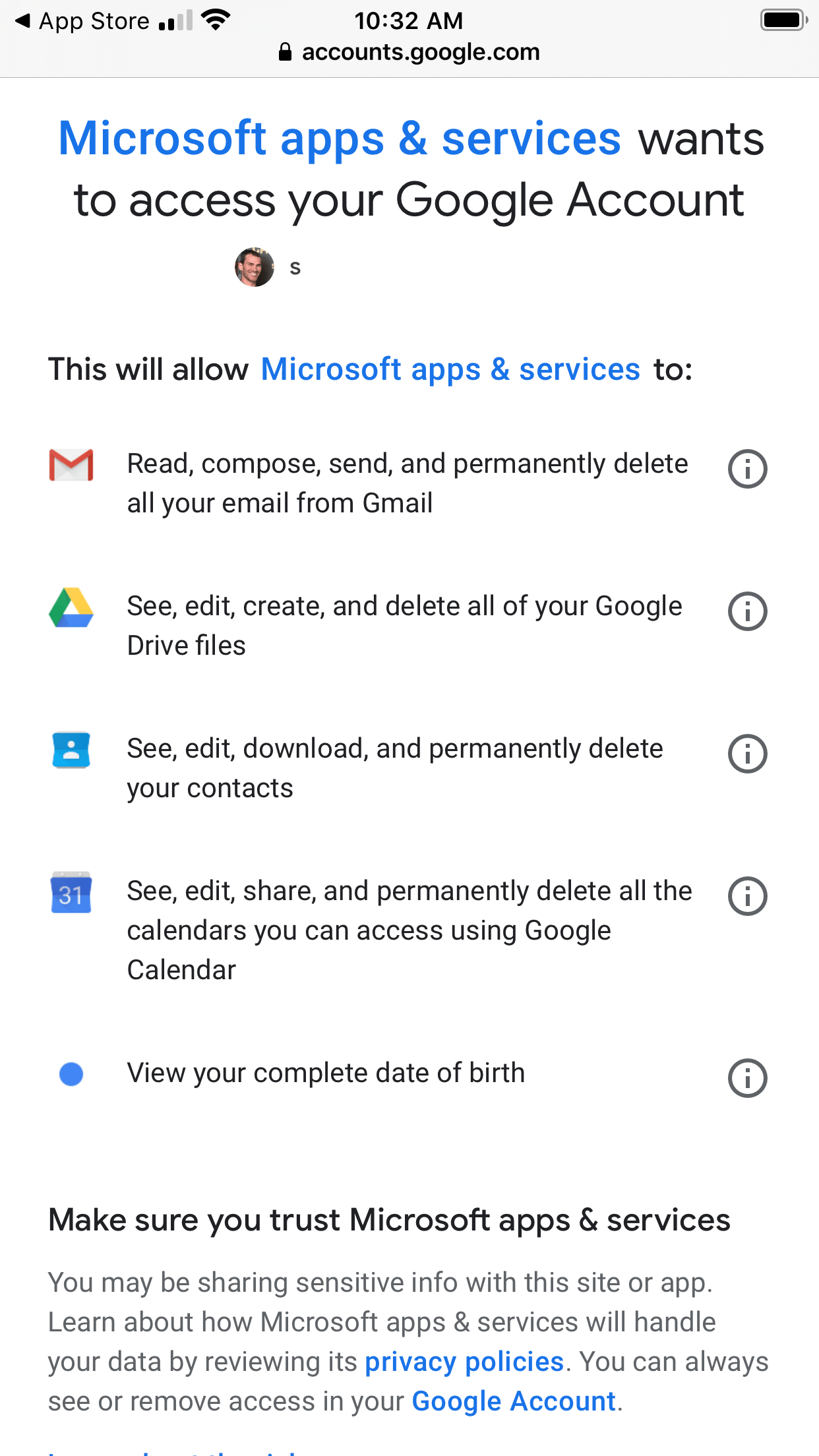
How To Share Calendar In Outlook To Iphone Bettacoop
But note that this process only applies to calendars run through your icloud. In the calendar app , you can share an icloud calendar with other icloud users. With namedrop, you can bring your iphone (or apple watch) next to someone else's to quickly share your email and phone number. Sharing your calendar on an iphone is a breeze, and it can be super helpful when planning events with family and friends.

How To Share Calendar On Iphone Quikly! Techbeon
With the rise of digital communication, sharing. If you use apple's icloud service and have added calendars to your account to. In the edit calendar screen, tap the link to add. If you want to share calendar on iphone 15/14/13/12/11/x/8/7/6, here are some tips to follow. Tap calendars at the bottom of the screen.

Share Google Calendar With Iphone Using Free Syncgene Service
Sharing your calendar on an iphone is a breeze, and it can be super helpful when planning events with family and friends. Shared calendars for work, family, or friends have many benefits, so let’s look at how you can share calendars on iphone today! In the edit calendar screen, tap the link to add. All you need to do is follow a few simple steps to give.

Share Calendar Iphone With Someone Amie
With the rise of digital communication, sharing. To share your calendar on iphone, follow these simple steps: Tap calendars at the bottom of the screen. If you’re an apple user, there is a good chance. Works with google, apple, and outlook calendars;.

Ios How To Share Calendar David Davidson
Your calendar data is never deleted by timepage, regardless of your. With the rise of digital communication, sharing. If you’re an apple user, there is a good chance. When you share a calendar, others can see it, and you can let them add or change events. In the edit calendar screen, tap the link to add.
Follow These Steps To Share Your Icloud Calendars
To share your calendar on iphone, follow these simple steps: Sharing your calendar on an iphone is a breeze, and it can be super helpful when planning events with family and friends. But note that this process only applies to calendars run through your icloud. Turn it on (or off) in settings > general >.
Your Calendar Data Is Never Deleted By Timepage
If you use apple's icloud service and have added calendars to your account to. Shared calendars for work, family, or friends have many benefits, so let’s look at how you can share calendars on iphone today! Tap calendars at the bottom of the screen. Scroll down and tap on calendars.
On An Iphone
Sharing a calendar on an iphone can be a convenient way to keep track of schedules, appointments, and events with family members, colleagues, or friends. Works with google, apple, and outlook calendars;. If you want to share calendar on iphone 15/14/13/12/11/x/8/7/6, here are some tips to follow. If you’re an apple user, there is a good chance.
All You Need To Do Is Follow A Few
In the calendar app , you can share an icloud calendar with other icloud users. In the edit calendar screen, tap the link to add. Sharing your iphone 15 calendar with friends, family, or colleagues is a breeze, and it’s an incredibly handy feature for coordinating events and schedules. Thankfully, sharing your icloud calendar is a simple process that shouldn't take long at all.