 National Holiday Calendar
Share Outlook Calendar To Gmail - Secure calendar — encrypted calendar integration. Sign in to google calendar: To share your outlook calendar with google calendar, follow these steps: For this problem, if you use gmail mailbox in outlook new, i initially judge that it may be a gmail permission problem, for this problem, you need to enter the gmail webpage to log. Sign in to both calendars. These methods involve using the outlook and google calendar importing and exporting features, as well as sharing features.

How To Share Your Outlook Calendar
To link your outlook calendar with google calendar, you need to enable calendar sync. These methods involve using the outlook and google calendar importing and exporting features, as well as sharing features. Sign in to google calendar: We’ll explore two methods to export your outlook calendar to google calendar. In this tutorial, we will show you.

How To Share Your Outlook Calendar
In this tutorial, we will show you. Here’s how you can sync outlook calendar to google calendar. Because we're going to show an outlook calendar in google calendar, we need to get the link from the outlook calendar first. Enter the email address of the person you want to share your calendar with. Open outlook and sign in to your account.

How To Share Calendar In Outlook
Here’s how you can sync outlook calendar to google calendar. Enter the email address of the person you want to share your calendar with. Open outlook and sign in to your account. You can customize your calendar sharing settings to suit your. Sign in to your google account and navigate to the.
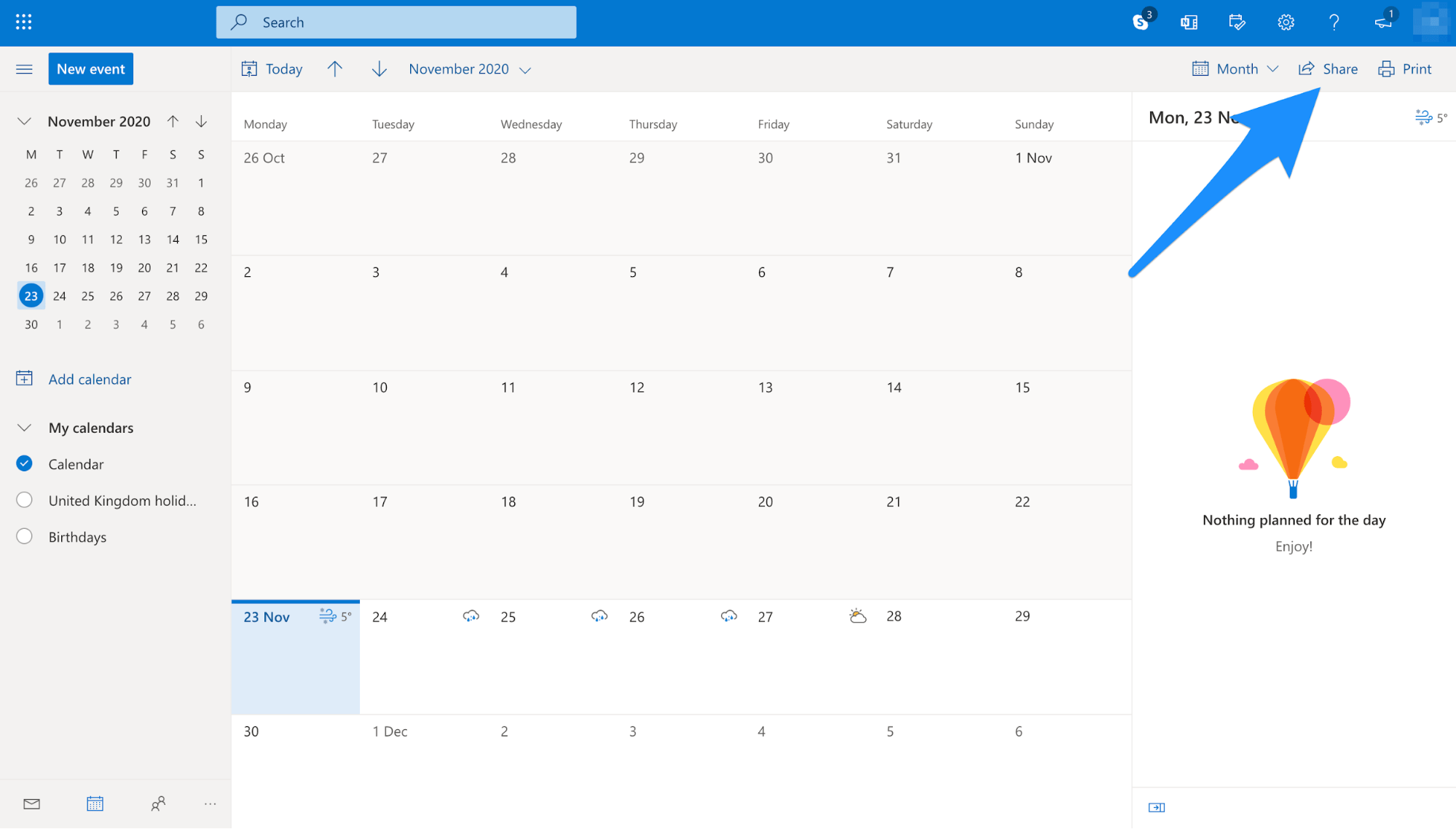
Share Outlook Calendar With Gmail Account Myrle Laverna
Strong encryption and privacy protections. To share your outlook calendar with google calendar, follow these steps: Sharing your outlook calendar with gmail is easy and straightforward. Our gmail migration tool is designed to handle complex migrations with ease. Here’s how you can sync outlook calendar to google calendar.

How To Share Your Outlook Calendar
Enter the email address of the person you want to share your calendar with. Sign in to google calendar: Launch the outlook application on your computer. Choose the type of sharing you want to use (e.g., editor, contributor, or. Here’s how you can sync outlook calendar to google calendar.
To Link Your Outlook Calendar With Google Calendar
Because we're going to show an outlook calendar in google calendar, we need to get the link from the outlook calendar first. When it comes to sharing the calendar from microsoft outlook to google gmail and viewing it in the gmail calendar, how could you get it done? These methods involve using the outlook and google calendar importing and exporting features, as well as sharing features. Strong encryption and privacy protections.
For This Problem
We’ll explore two methods to export your outlook calendar to google calendar. In this tutorial, we will show you. Sign in to google calendar: Choose the type of sharing you want to use (e.g., editor, contributor, or.
Sign In To Both Calendars
Choose to publish or share your calendar and select the option to create an internet calendar (ical) link. In previous iterations of outlook, it was possible to publish your calendar from the outlook client on your laptop, but since the introduction of office 365, microsoft only allows you to share. Thankfully, there’s a way to sync information between outlook and google calendar, like scheduled meetings, doctor appointments, and so on. Before you begin, make sure you have.
To Share Your Outlook Calendar With Google Calendar
Launch the outlook application on your computer. Here’s how you can sync outlook calendar to google calendar. Sign in to your google account and navigate to the. There are a few ways to sync these two calendar apps, but let me start with the default option — one i.