 National Holiday Calendar
Shared Calendar Iphone And Android - On your android device, go to settings > google > google calendar. Turn on public calendar, then tap share link to copy or send the url for your calendar. Its deep connection with icloud makes it a great. Looking back, it all makes sense. This guide will walk you through the process of transferring your iphone calendar to android,. In this article we will explain to you how to easily share your calendar between an iphone and an android smartphone.
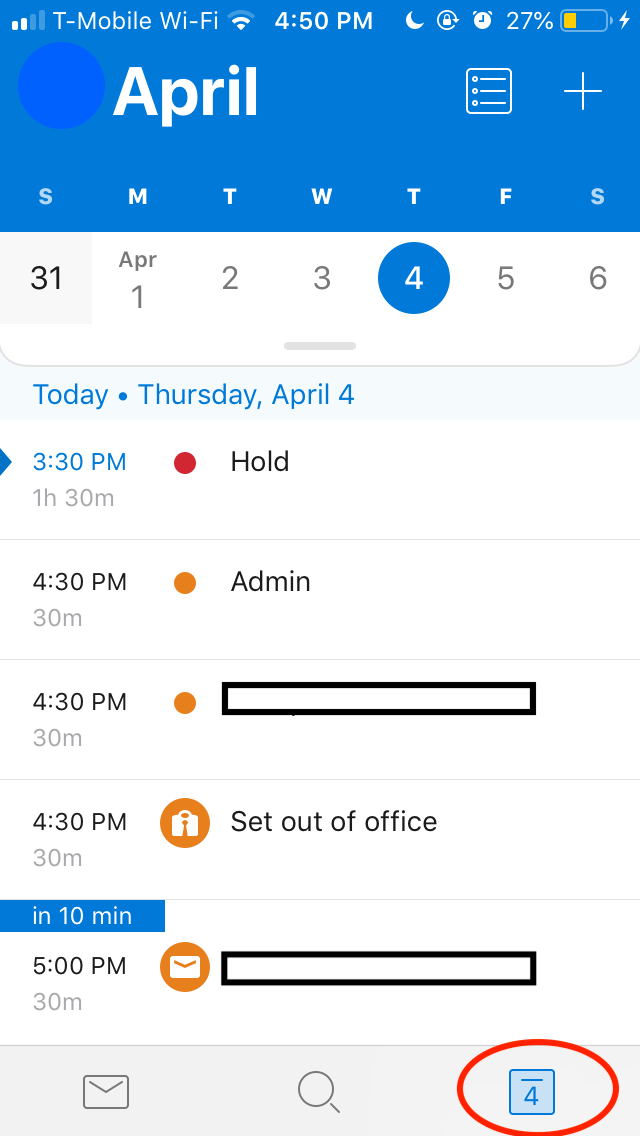
Add A Shared Calendar In Outlook
This guide will walk you through the process of transferring your iphone calendar to android,. If you only a very few calendar entries, you can go with this simple one by one. Just sync calendars from iphone/android phone to google account, and you can get these calendars on both devices. This wasn't an iphone se 4, and that product name and category wouldn't work here.

Add A Shared Calendar In Outlook
In addition, we have also included an easy wireless. Follow our easy steps to sync schedules seamlessly across both platforms. In this article, we will explore the ways to share a calendar between iphone and android devices. In this article, we will explore how to share iphone calendar with android devices. Here are a few ways that will help you sync iphone calendar with android devices:.

Add A Shared Calendar In Outlook
In this article, we will explore the ways to share a calendar between iphone and android devices. On your android device, go to settings > google > google calendar. Here we are discussing a solution to sync and share calendar between android and ios mobile using google calendar. Enable calendar sharing on iphone. Apple calendar comes built into every apple device and blends perfectly with families who use multiple apple products.

Shared Calendar App Qualads
How to share calendar between iphone and android. On your iphone, go to settings > calendar > calendar. Apple calendar comes built into every apple device and blends perfectly with families who use multiple apple products. I'm looking for ways to have a shared calendar between my iphone and my boyfriend's android for our joint events. How to share a calendar between an android and an iphone?

Best Shared Calendar Apps
Its deep connection with icloud makes it a great. In this article, we will explore the ways to share a calendar between iphone and android devices. Follow our easy steps to sync schedules seamlessly across both platforms. To make the most of shared calendars across iphone and android devices, prioritize some of these tips: Looking back, it all makes sense.
In This Article, We Will
Looking back, it all makes sense. I'm looking for ways to have a shared calendar between my iphone and my boyfriend's android for our joint events. Here are a few ways that will help you sync iphone calendar with android devices: In this article, we will explore the ways to share a calendar between iphone and android devices.
Follow Our Easy Steps To Sync Schedules Seamlessly Across
In addition, we have also included an easy wireless. This wasn't an iphone se 4, and that product name and category wouldn't work here. On your android device, go to settings > google > google calendar. Turn on public calendar, then tap share link to copy or send the url for your calendar.
Look For The Calendar Sharing Option And Toggle
From creating shared albums to curating collaborative apple music playlists, apple. Choose a method for sending the url—messages, mail, and so on. Create a new calendar and share it with your iphone device. Sharing calendars between iphone and android devices can be a convenient way to keep track of appointments and events across different platforms.
Any Calendar
Ical export and icloud sharing. Follow the steps below to configure google calendar. This guide will walk you through the process of transferring your iphone calendar to android,. In this article, we will explore how to share iphone calendar with android devices.