 National Holiday Calendar
Shared Calendar O365 - Notice how you see that new event synced instantly in outlook for windows, and you see the changes. Discover how to easily create a shared calendar in office 365. If you have microsoft 365 or another email service based on microsoft exchange online, use outlook on the web to share your calendar with people inside or outside your organization. How to set up a shared calendar or contacts list for your entire organization or large group of users. How to share calendar or contacts with specific users. You can assign delegate permissions to just your calendar, all the folders in your inbox or specific folders only, or your entire mailbox including calendars.
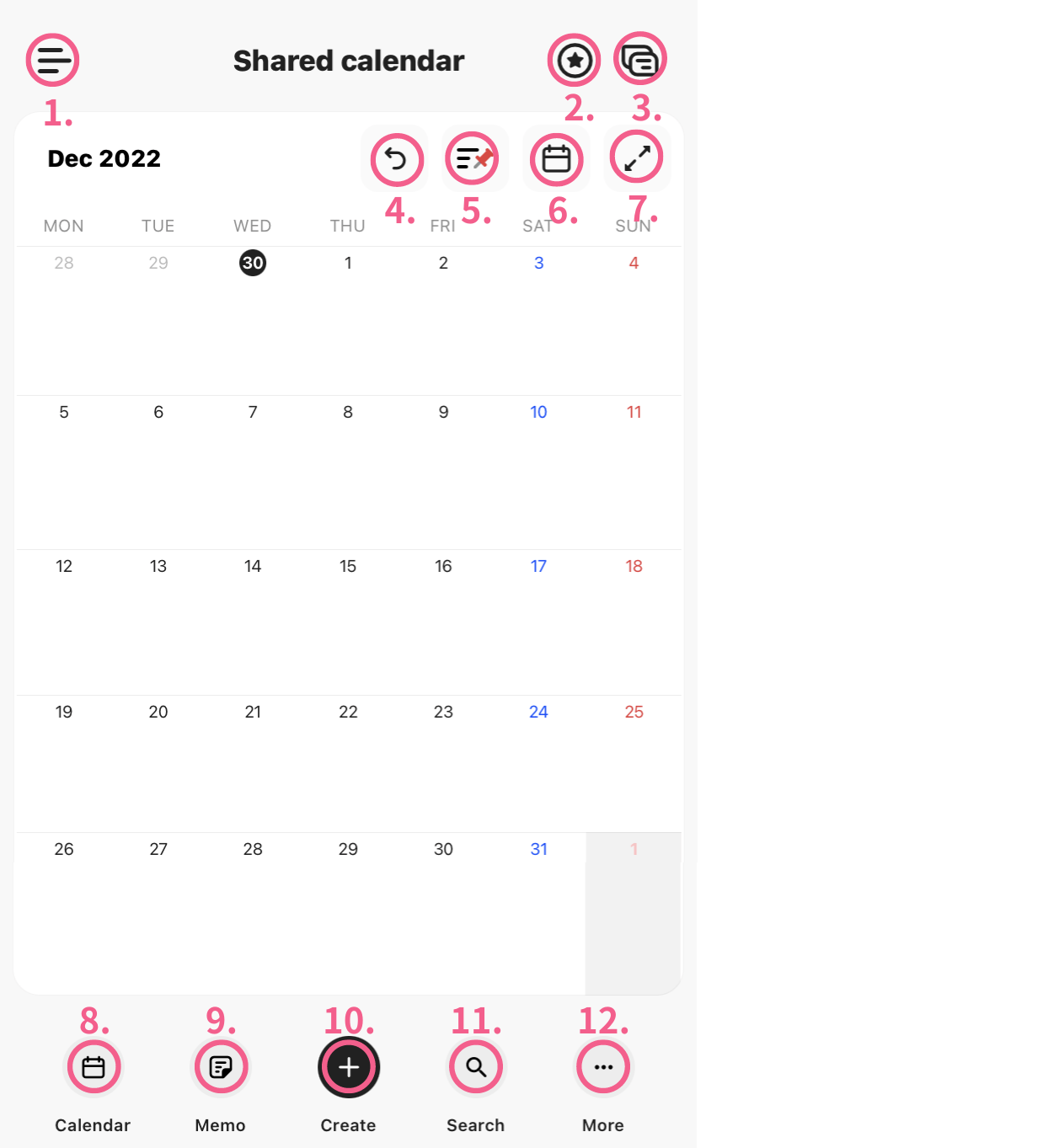
How To Use Shared Calendar (App) Timetree Help
But creating a shared calendar is not a. Users can create and share calendars using outlook, sharepoint, and within microsoft (office) 365 groups. Discover how to easily create a shared calendar in office 365. Enable calendar sharing in the microsoft 365 admin center so users can share their calendars with anyone inside or outside the organization. Best for team projectsagile & mobile boardsonly trusted top brandscollaborate better.

3 Best Shared Calendar Apps
You can assign delegate permissions to just your calendar, all the folders in your inbox or specific folders only, or your entire mailbox including calendars. Discover how to easily create a shared calendar in office 365. A team site calendar helps keep your team in sync by sharing everyone’s meetings, project milestones, and vacation time. To create a shared calendar in microsoft 365, you can follow these steps: Find out how to add and remove members, change ownership,.

Outlook Group Calendar
How to share calendar or contacts with specific users. You can assign delegate permissions to just your calendar, all the folders in your inbox or specific folders only, or your entire mailbox including calendars. Shared calendars help provide visibility and overview over your team’s tasks, schedules, meetings, and other important details which help in sustaining collaboration. For more help with the type of.

Create Shared Calendar In Outlook
If you have microsoft 365 or another email service based on microsoft exchange online, use outlook on the web to share your calendar with people inside or outside your organization. Select “add calendar” and choose. In outlook, select calendar > shared calendars to view a shared calendar. Simplify scheduling, foster collaboration, and improve team coordination. How to share calendar or contacts with specific users.

Shared Team Calendar
Watch this short video to learn more. How to set up a shared calendar or contacts list for your entire organization or large group of users. Find out how to add and remove members, change ownership,. Sharing calendars in office 365 helps companies to make sure no tasks are being forgotten or overlooked and deadlines are met. For more help with the type of.
Enable Calendar Sharing In The Microsoft 365 Admin Center
But creating a shared calendar is not a. Find out how to add and remove members, change ownership,. You can assign delegate permissions to just your calendar, all the folders in your inbox or specific folders only, or your entire mailbox including calendars. Right click on the calendar's name and select overlay to layer the shared calendar over.
Select Calendar > Share Calendar
Ask the calendar owner to create an event on the shared calendar. If you have microsoft 365 or another email service based on microsoft exchange online, use outlook on the web to share your calendar with people inside or outside your organization. Watch this short video to learn more. Choose a calendar to open.
Select “Add Calendar” And Choose
To create a shared calendar in microsoft 365, you can follow these steps: These calendars can be shared with specific individuals,. Discover how to easily create a shared calendar in office 365. How to set up a shared calendar or contacts list for your entire organization or large group of users.
A Team Site Calendar Helps Keep Your Team
Users can create and share calendars using outlook, sharepoint, and within microsoft (office) 365 groups. Shared calendars help provide visibility and overview over your team’s tasks, schedules, meetings, and other important details which help in sustaining collaboration. When you assign edit permissions, the person you're sharing has the ability to view and make changes to your calendar. Learn how to create a shared group calendar in outlook or via the web interface using microsoft office 365.