 National Holiday Calendar
Shared Calendar Settings Apple Calendar Reddit - To set up the shared calendar on your iphone, follow these steps: Are shared calendars gone or is my ios not up to date? But if you take the google calendar. Tap on add to iphone. How to share your iphone calendar. Manage calendar sharing settings on apple devices.

How To Seamlessly Sync Your Google Calendar
Manage calendar sharing settings on apple devices. In the calendar app, you can share an icloud calendar with other icloud users. Perhaps the type of calendar doesn’t support sharing? But if you take the google calendar. We share an icloud calendar right now as a family.

How To Open Shared Calendar On Mac Calendar Plannergarry
Open you calendar > click calendars at the botoom > click the i next to the shared calendar you don't want to receive notifications for any longer > toggle the event. A shared calendar that auto syncs to your phone and any other apple devices! In the calendar app, you can share an icloud calendar with other icloud users. You can set up a shared calendar that you and your wife can use from any device you own.

Calendar Feed Sync Your Splose Calendar With Outlook
Open you calendar > click calendars at the botoom > click the i next to the shared calendar you don't want to receive notifications for any longer > toggle the event. I can share an icloud calendar between my phone, my wife's phone, and our ipad without any trouble. Share your calendar publicly, either through a calendar link or by publishing it on your website or social media. Manage calendar sharing settings on apple devices.
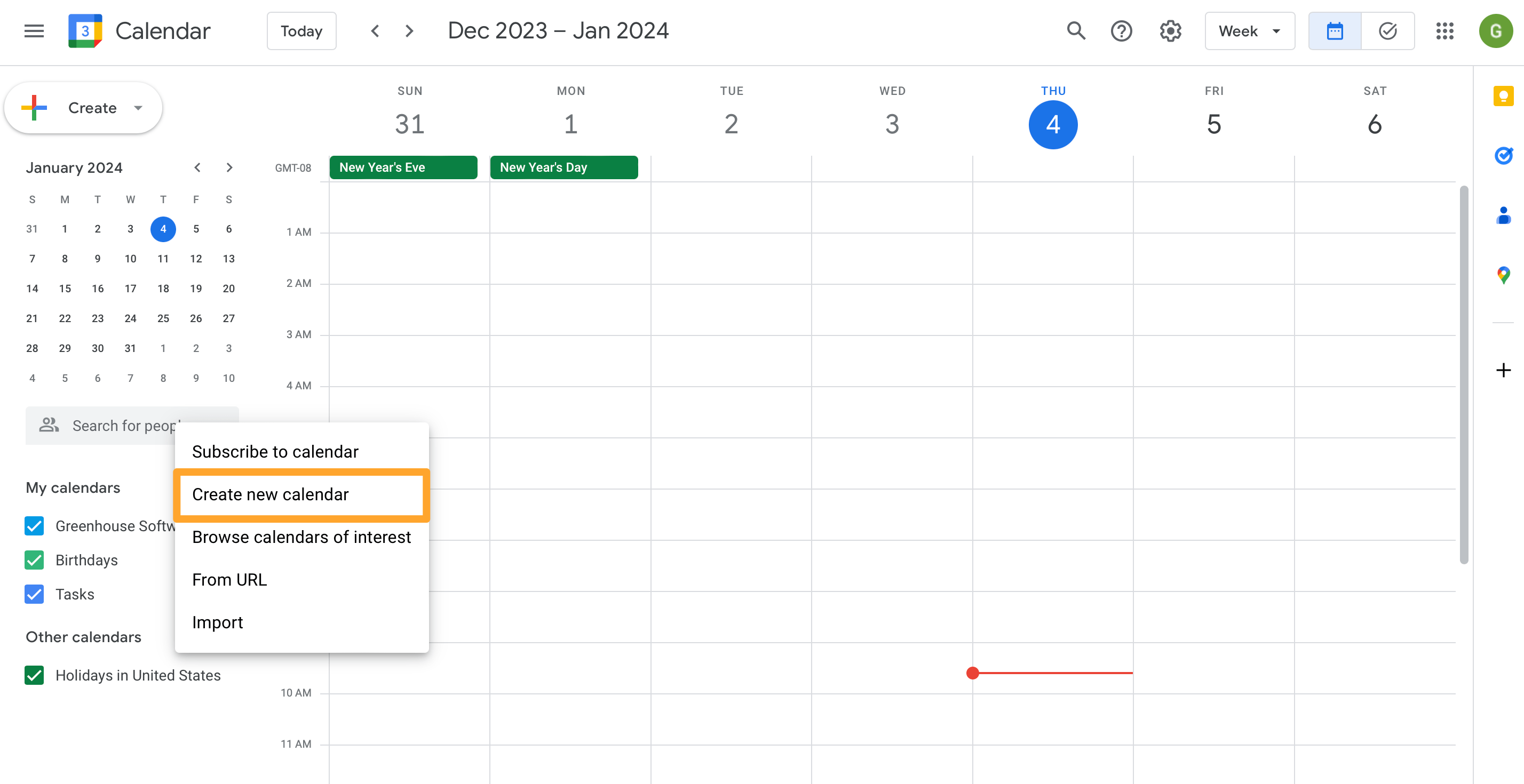
Create A Shared Calendar With Google Calendar Greenhouse Support
How to share your iphone calendar. I am looking for an app that my husband and i can put our joint activities and we can sync with apple calendar. When you're in your calendar app and go to calendar > settings > alerts, are you able to. In the calendar app, you can share an icloud calendar with other icloud users.

Connect Notion To Apple Calendar
In the calendar app, you can share an icloud calendar with other icloud users. Share your calendar publicly, either through a calendar link or by publishing it on your website or social media. How to share your iphone calendar. Open you calendar > click calendars at the botoom > click the i next to the shared calendar you don't want to receive notifications for any longer > toggle the event.
Create A Shared Calendar
You can set up a shared calendar that you and your wife can use from any device you own. A shared calendar that auto syncs to your phone and any other apple devices! We see that you're having trouble sharing an icloud calendar with someone else. In the calendar app, you can share an icloud calendar with other icloud users.
If You Previously Invited A Person To Share
But if you take the google calendar. We use google for our family because it’s easily shared. To set up the shared calendar on your iphone, follow these steps: Are shared calendars gone or is my ios not up to date?
Icloud Calendar
I have a pretty recent one if i remember right. Set up shared calendar on iphone. Open the apple calendar app and tap on the calendars tab at the bottom. The good news is that you can create a personal calendar in a.
A Calendar
When you share a calendar, the alerts do not get shared as well. How to share your iphone calendar. When you're in your calendar app and go to calendar > settings > alerts, are you able to. That would be separate from the other calendars you have for yourself.