 National Holiday Calendar
Sync Google Calendar - If you turn off sync, you can still find your bookmarks, history, passwords, and other settings on your computer. Google sync uses microsoft exchange activesync 12.1 to let users synchronize their work or school mail, contacts, and calendars to their mobile devices. On your android phone or tablet, open the contacts app. If automatic sync is turned off and you want to update your contacts, you can manually sync google contacts: If you use the gmail app for iphone and ipad, your outlook account continues to sync with your gmail account. All of your drive files appear here.

How To Sync Calendar With Google Calendar
Google sync uses microsoft exchange activesync 12.1 to let users synchronize their work or school mail, contacts, and calendars to their mobile devices. Fix sync issues with outlook in the gmail app if the sync fails, follow these steps to remove. A comprehensive list of all recent sync activity. On your android phone or tablet, open the settings app. If you make any changes, they aren't saved to your google account and synced to your.

How To Sync Google Calendar With Android Calendar
If you make any changes, they aren't saved to your google account and synced to your. With google workspace sync for microsoft outlook (gwsmo), you can manage your google workspace calendars from outlook, including your primary calendar, calendars you create, and. All of your drive files appear here. On your android phone or tablet, open the contacts app. Fix sync issues with outlook in the gmail app if the sync fails, follow these steps to remove.
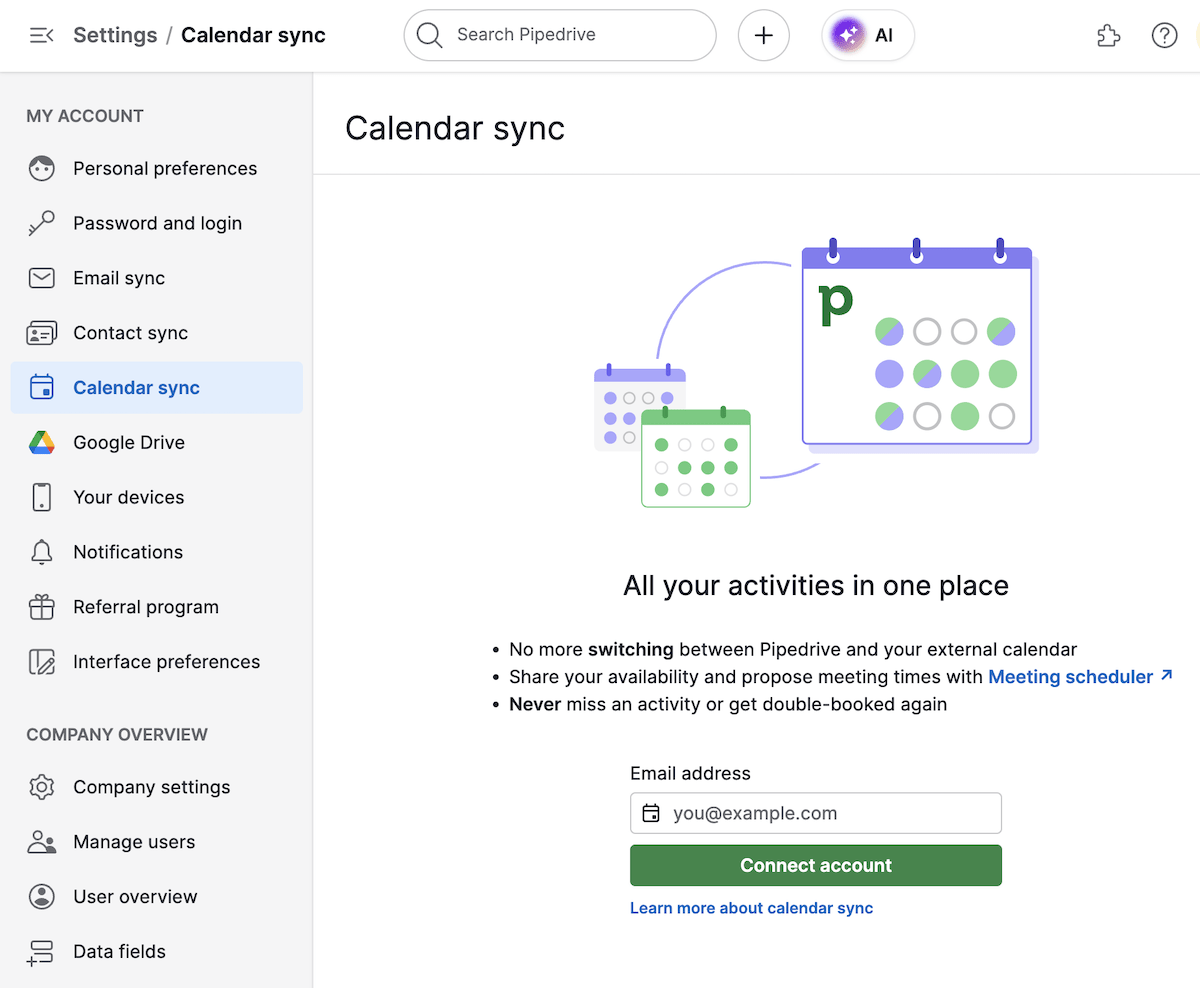
Syncing With Google Calendar Knowledge Base Pipedrive
If you use the gmail app for iphone and ipad, your outlook account continues to sync with your gmail account. Open files on your desktop when you install drive for desktop on your computer, it creates a drive in my computer or a location in finder named google drive. In some countries, you may need to manage your linked google services to use chrome history for personalization and other services.

Two Way Sync Between Google Calendar And Appointy
A comprehensive list of all recent sync activity. Google sync uses microsoft exchange activesync 12.1 to let users synchronize their work or school mail, contacts, and calendars to their mobile devices. Fix sync issues with outlook in the gmail app if the sync fails, follow these steps to remove. Open files on your desktop when you install drive for desktop on your computer, it creates a drive in my computer or a location in finder named google drive.

Getting Started With The 2Way Google Calendar Sync
All of your drive files appear here. If you use the gmail app for iphone and ipad, your outlook account continues to sync with your gmail account. On your android phone or tablet, open the settings app. In some countries, you may need to manage your linked google services to use chrome history for personalization and other services. If you make any changes, they aren't saved to your google account and synced to your.
With Google Workspace Sync For Microsoft Outlook (Gwsmo)
If automatic sync is turned off and you want to update your contacts, you can manually sync google contacts: If you make any changes, they aren't saved to your google account and synced to your. All of your drive files appear here. Google sync uses microsoft exchange activesync 12.1 to let users synchronize their work or school mail, contacts, and calendars to their mobile devices.
In Some Countries
Fix sync issues with outlook in the gmail app if the sync fails, follow these steps to remove. On your android phone or tablet, open the contacts app. A comprehensive list of all recent sync activity. If you turn off sync, you can still find your bookmarks, history, passwords, and other settings on your computer.
On Your Android Phone Or Tablet
Back up & sync device & sim contacts to back up and sync your device and sim contacts, save them as google contacts: Open files on your desktop when you install drive for desktop on your computer, it creates a drive in my computer or a location in finder named google drive. If you use the gmail app for iphone and ipad, your outlook account continues to sync with your gmail account.