 National Holiday Calendar
Sync Outlook Calendar With Apple Calendar - To sync your apple calendar with your outlook calendar, follow these steps: Open the calendar app on your iphone or ipad. To sync your outlook calendar with your iphone, you can use itunes or icloud. Scroll down to apps, then tap calendar. There are two main ways to sync apple calendar with outlook calendar: Go to system preferences > icloud and sign in with your.
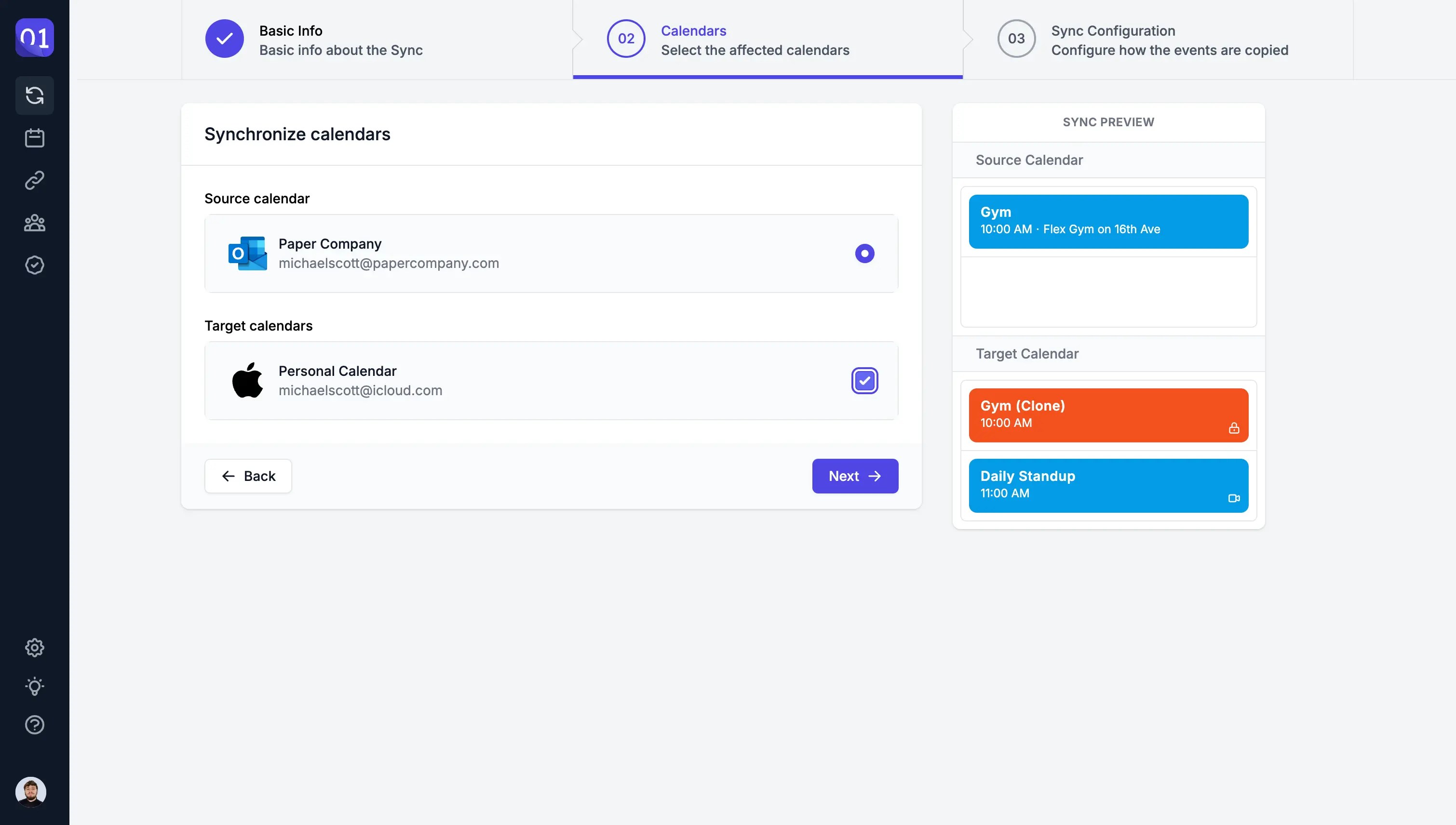
How To Sync Outlook Calendar With Apple Calendar
To sync your outlook calendar with your iphone, you can use itunes or icloud. Follow the steps below to sync your outlook calendar with your iphone: In this article, we’ll teach you how to easily sync your. Click ok to sync your outlook calendar with icalendar.. While we have no instructions on how to do this from an iphone, you can export the.

How To Sync Outlook Calendar With Macbook Calendar?
To start syncing apple calendar with outlook, you need to enable syncing in apple calendar. Go to file > options > calendar.. Consider using a separate calendar app, such as google calendar or microsoft outlook, to sync with your apple calendar. Syncing your iphone calendar with outlook can seem like a daunting task, but it’s actually quite simple. Imports google, apple icloud, outlook (hotmail), yahoo, cozi, teamsnap, and any calendar with a public sharing link.

How To Sync Outlook Calendar With Google Calendar
I have already looked at the use icloud for windows to synchronize calendar and contacts. While we have no instructions on how to do this from an iphone, you can export the. Scroll down to apps, then tap calendar. Tap calendar accounts, then either select an existing account or tap add account. In this article, we’ll teach you how to easily sync your.

How To Sync Outlook Calendar With Google Calendar Clickup
I have already looked at the use icloud for windows to synchronize calendar and contacts. Click ok to sync your outlook calendar with icalendar.. To start syncing apple calendar with outlook, you need to enable syncing in apple calendar. To sync outlook with apple calendar, you’ll need to enable caldav and exchange activesync on your outlook account. Linking outlook calendar to apple calendar is a straightforward process that requires minimal effort.
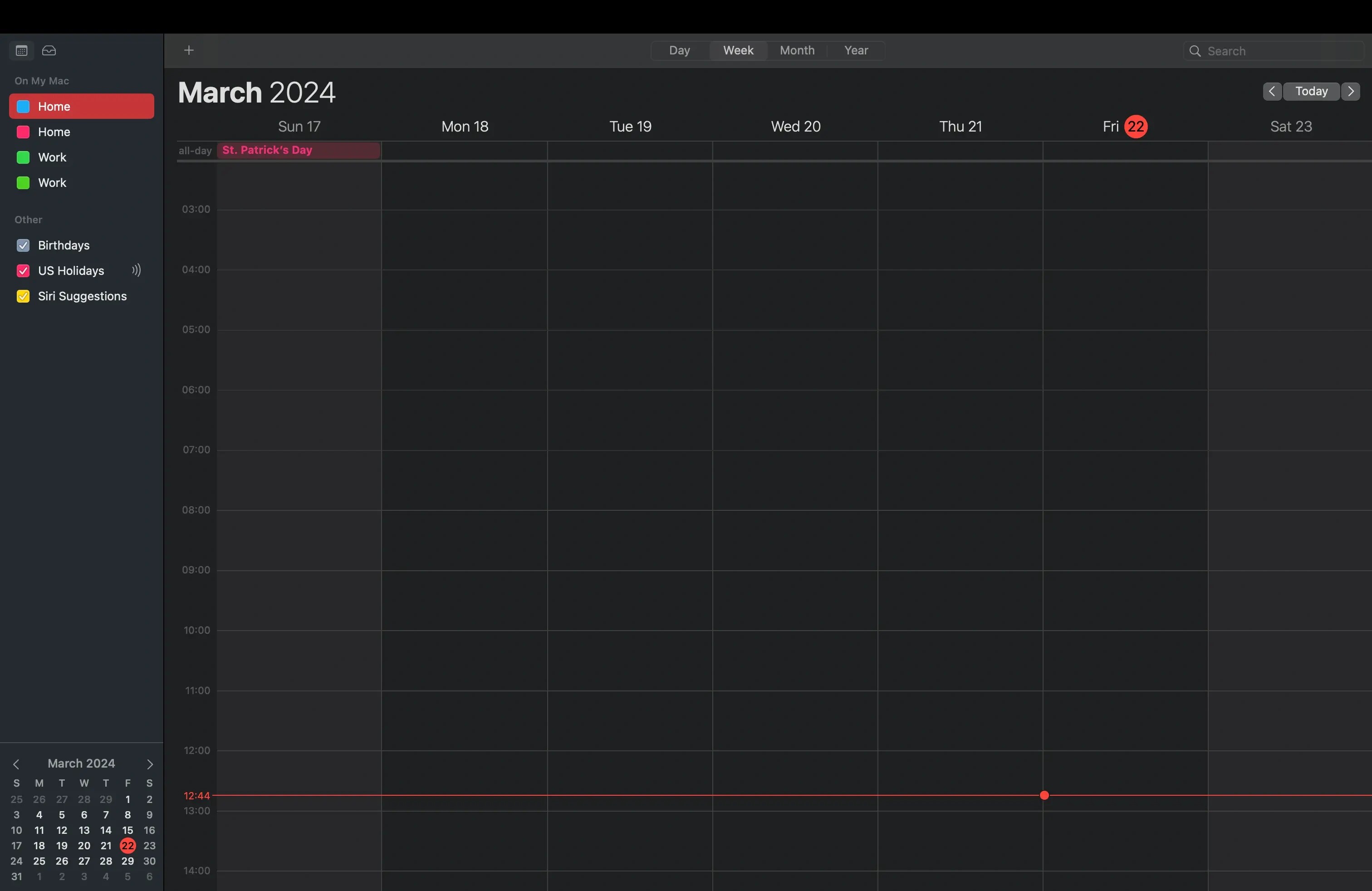
How To Sync Outlook Calendar With Apple Calendar
By following a few easy steps, you can have all your important dates and. Syncing your iphone calendar with outlook can seem like a daunting task, but it’s actually quite simple. To sync outlook with apple calendar, you’ll need to enable caldav and exchange activesync on your outlook account. To start syncing apple calendar with outlook, you need to enable syncing in apple calendar.
Here Are The Steps To Sync Your Outlook Calendar
While we have no instructions on how to do this from an iphone, you can export the. To start syncing apple calendar with outlook, you need to enable syncing in apple calendar. Tap calendar accounts, then either select an existing account or tap add account. To sync outlook with apple calendar using icloud, follow these steps:
Set Up Icloud On Your Mac Or Pc
By following the steps outlined in this article, you can easily sync your. Click ok to sync your outlook calendar with icalendar.. Go to system preferences > icloud and sign in with your. Open the calendar app on your iphone or ipad.
To Sync Your Outlook Calendar With Iphone Calendar
There are two methods to sync your outlook calendar with your apple calendar: To connect your outlook calendar to your iphone, you can add an outlook account to your iphone's calendar app. To export your outlook calendar in csv format, you’ll start by going to the ‘file’ menu in outlook and selecting ‘export’. We’ll cover both methods in this article.
By Following The Steps Outlined In
This article explains how to connect your outlook calendar with your iphone so that your appointments and events are always in sync, no matter where you access them. Consider using a separate calendar app, such as google calendar or microsoft outlook, to sync with your apple calendar. To sync your apple calendar with your outlook calendar, follow these steps: I have already looked at the use icloud for windows to synchronize calendar and contacts.