 National Holiday Calendar
Syncing Iphone To Outlook Calendar - In this article, we’ll guide you through the process of syncing your outlook calendar with your iphone calendar, ensuring you stay on top of your appointments and. I have long used desktop outlook and samsung galaxy s phones of many generations. To connect your outlook calendar to your iphone, you can add an outlook account to your iphone's calendar app. This allows you to access and manage your calendar events, contacts, and. Check the circular boxes for calendars you want to use on this pc. Follow the steps below to sync your outlook calendar with your iphone:

Outlook Calendar Is Not Syncing With Iphone (5 Solutions)
To sync your outlook calendar with your iphone, you need to enable calendar syncing on your iphone. There are primarily three ways by which you can sync outlook calendar with iphone calendar. If you prefer to not install the app, you can sync. You may use the icloud storage from apple to sync the content from your. Open the settings app on your iphone.

Fix Iphone Calendar Not Syncing Leawo Tutorial Center
By following the steps outlined in this. In this article, we’ll guide you through the process of syncing your outlook calendar with your iphone calendar, ensuring you stay on top of your appointments and. Syncing your outlook calendar with your iphone is a straightforward process that can be completed in a few steps. Syncing your outlook calendar with your iphone or ipad is easier than you think.

Why Isn't My Outlook Calendar Syncing Farah Chrystal
Here are the steps to sync your outlook calendar with your iphone using itunes: Follow the steps below to sync your outlook calendar with your iphone: In this article, we’ll walk you through the process of syncing your iphone calendar with outlook, making it easier to manage your schedule and stay on top of your tasks. I recall a samsung pc app that allowed me to sync my desktop outlook contacts.

Iphone Calendar Not Syncing With Outlook? 12 Fixes Igeeksblog
In this article, we’ll walk you through the process of syncing your iphone calendar with outlook, making it easier to manage your schedule and stay on top of your tasks. If you prefer to not install the app, you can sync. While the source of iphone outlook syncing problems can be difficult to determine, it can start by establishing what.
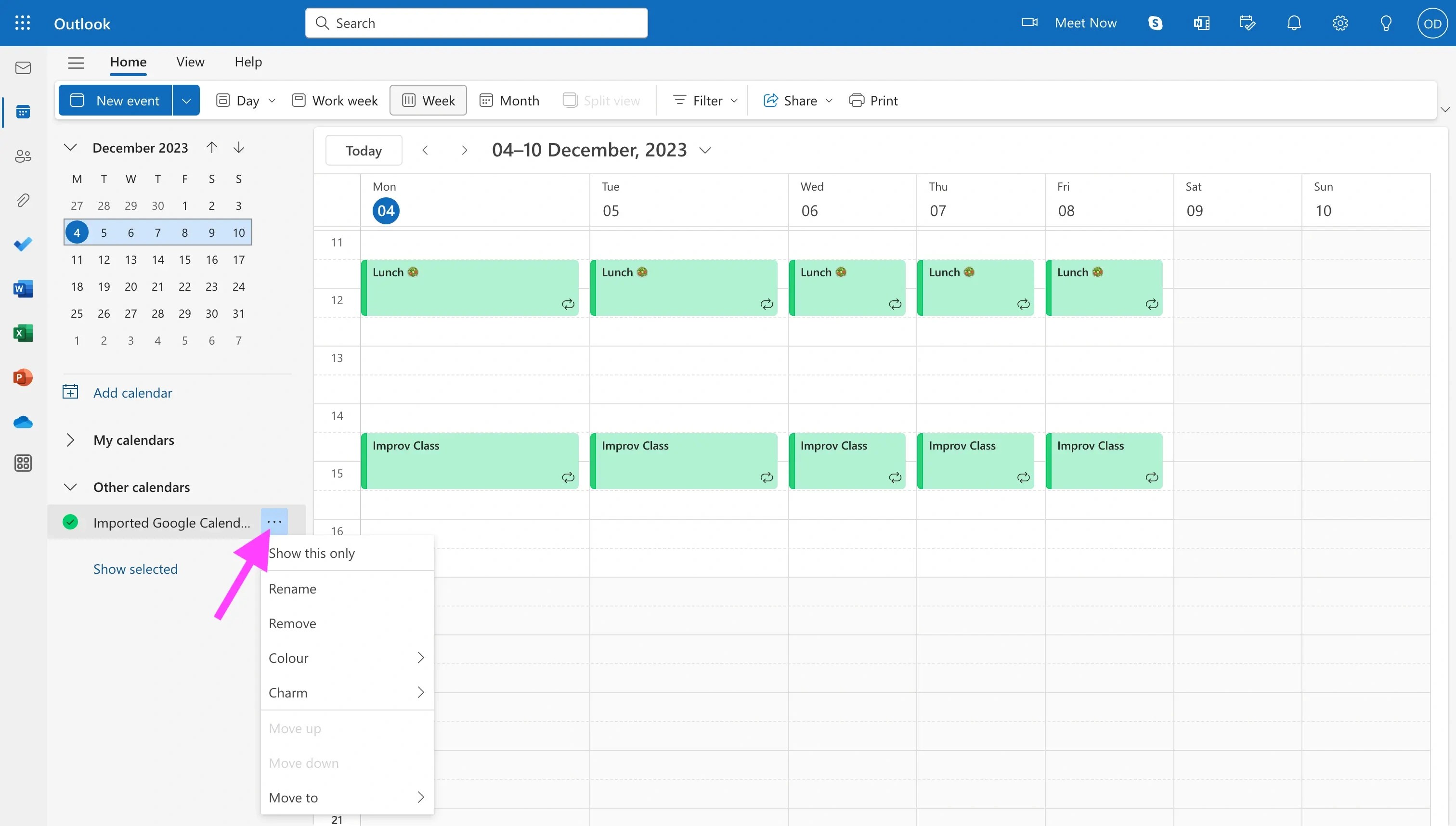
Outlook Calendar App
You may use the icloud storage from apple to sync the content from your. One of the most effective ways to do so is by synchronizing your iphone with your outlook calendar. I have long used desktop outlook and samsung galaxy s phones of many generations. Troubleshooting issues with iphone outlook not syncing. I recall a samsung pc app that allowed me to sync my desktop outlook contacts.
Open The Settings App On Your Iphone
Syncing your outlook calendar with your iphone is a straightforward process that can be completed in a few steps. This article explains how to connect your outlook calendar with your iphone so that your appointments and events are always in sync, no matter where you access them. This is particularly useful for those. Scroll down to apps, then tap calendar.
Sync Outlook Calendar
Syncing your outlook calendar with your iphone is a great way to stay organized and ensure that you never miss an important event or appointment. Luckily, it's a relatively straightforward. One of the most effective ways to do so is by synchronizing your iphone with your outlook calendar. Syncing your outlook calendar with your iphone or ipad is easier than you think.
On Your Iphone, Go To The Calendar App
By following the steps outlined in this. To sync your outlook calendar with your iphone, you need to enable calendar syncing on your iphone. You may use the icloud storage from apple to sync the content from your. This allows you to access and manage your calendar events, contacts, and.
Syncing Your Iphone Calendar With Outlook Will Allow You
Once you’ve enabled calendarsync on your iphone and outlook account, you can sync your iphone calendar to outlook. Go to calendar → accounts. Follow the steps below to sync your outlook calendar with your iphone: To connect your outlook calendar to your iphone, you can add an outlook account to your iphone's calendar app.