 National Holiday Calendar
Undelete Google Calendar - Here’s how you can do this: To restore an event, just click the backward arrow on its entry. Instead of setting up a new entry, you can now recover your deleted ones. Restore past events in just a few simple steps and never miss important dates again! Click on it to undo the deletion. It could be due to a misconfiguration in your calendar settings, a syncing issue with your google account, accidental deletion, or even a glitch in the google calendar app.

Google Calendar Is Finally Playing Nice With Outlook
Once google calendar is open, click on the cogwheel at the top right and go to trash/bin. Just follow the steps below, and. You find the events deleted from this calendar. In the top right, click settings settings and then trash. Restore past events in just a few simple steps and never miss important dates again!

Google Calendar Now Allows Muting Chat Notifications
To restore google calendar deleted events on your computer, follow the steps below: Click on it to undo the deletion. To restore an individual event, next to the event, click restore. When you first delete a google calendar event, you can immediately reverse the decision. To restore an event, just click the backward arrow on its entry.

Google Calendar Figma
Learn how to recover accidentally deleted google calendar events and never miss important appointments again. This post will show you how to view and retrieve deleted events in google calendar. Restore past events in just a few simple steps and never miss important dates again! To restore an event, just click the backward arrow on its entry. If you have backed up your g suite data with cloudally’s g suite backup, recovery is a few clicks away.
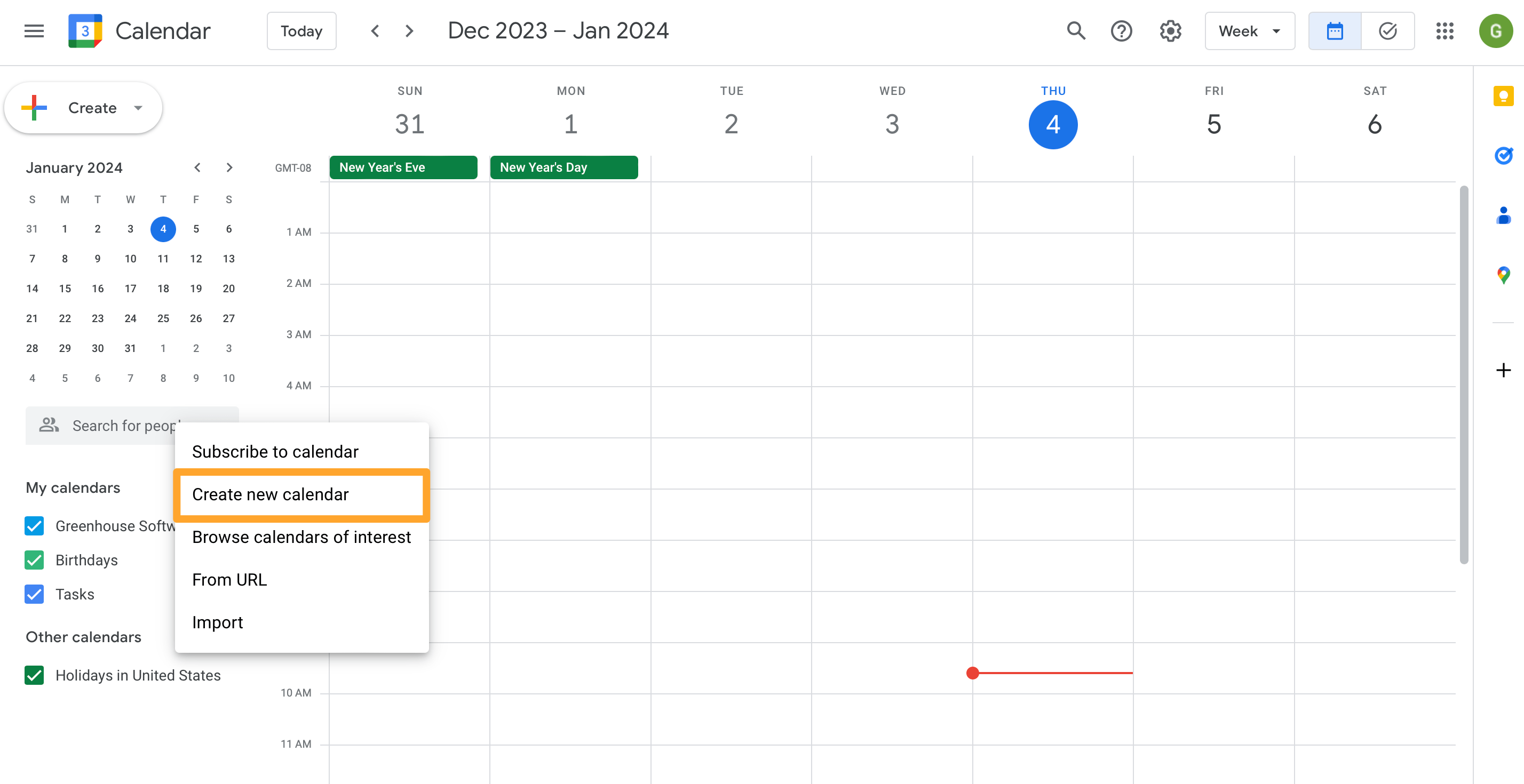
Create A Shared Calendar With Google Calendar Greenhouse Support
Whether you create an event you no longer need or accidentally delete an event you want back, it's easy to restore these in google calendar on the web. One of the simplest ways to recover a deleted event on google calendar is to use the undo option immediately after deleting it. Google understands that you may need to add an event back to your calendar that you previously deleted.

Connect Google Calendar Minical
If you have backed up your g suite data with cloudally’s g suite backup, recovery is a few clicks away. You can recover google calendar events only via the web. Once google calendar is open, click on the cogwheel at the top right and go to trash/bin. One of the simplest ways to recover a deleted event on google calendar is to use the undo option immediately after deleting it.
Click On It To Undo The Deletion
After deleting the event, look for the undo button that appears at the bottom of the screen. You find the events deleted from this calendar. To delete an event for good, click the corresponding trash can. Whether you create an event you no longer need or accidentally delete an event you want back, it's easy to restore these in google calendar on the web.
Events In Google Calendar
Restore past events in just a few simple steps and never miss important dates again! If you have backed up your g suite data with cloudally’s g suite backup, recovery is a few clicks away. Go to “trash” from within google calendar itself. Just follow the steps below, and.
Here’s How You Can Do This
Remember, if you receive an event invitation and have a scheduling conflict, you can always propose a new time for the event in google calendar. Accidentally deleted a google calendar event and now you’re scrambling to remember the details? You can recover google calendar events only via the web. In the top right, click settings trash.
Restore Deleted Google Calendar
One of the simplest ways to recover a deleted event on google calendar is to use the undo option immediately after deleting it. Whatever the reason, the good news is that there are solutions available to help you recover and restore your google calendar. Except as otherwise noted, the content of this page is licensed under the creative commons. How can you restore a deleted shared calendar (not events)?