 National Holiday Calendar
Unshare Calendar In Outlook - You can unshare an outlook calendar on outlook’s desktop, web, and mobile app. In the office outlook 2007 navigation pane, click calendar. How to unshare a calendar in outlook. Let’s look at how this is done. Find the calendar you want. Click the name of calendar that you want to.

Unshare Calendar In Outlook Stepbystep Guide
Unsharing a calendar in outlook is a simple process that can be completed in the following steps: To stop sharing your calendar follow the steps mentioned below: Log in to your outlook account. Follow the steps below to delete a calendar and check if this helps: In the office outlook 2007 navigation pane, click calendar.

Outlook 2025 Remove Calendar From Calendar Olivia Hart
Business insider is met meer dan 2 miljoen unieke bezoekers per maand het grootste zakelijke nieuwsplatform van nederland. In the calendar sharing section, click on the calendar. To stop sharing your outlook calendar, follow these steps: Click on the open calendar button and select from directory or from address book. Open outlook and go to the calendar view.

Unshare A Calendar In Outlook Wynne Madelon
Find the calendar you want. Click the gear icon and select options. To stop sharing your calendar follow the steps mentioned below: In the calendar sharing section, click on the calendar. To unshare a calendar in outlook, you can follow these simple steps:
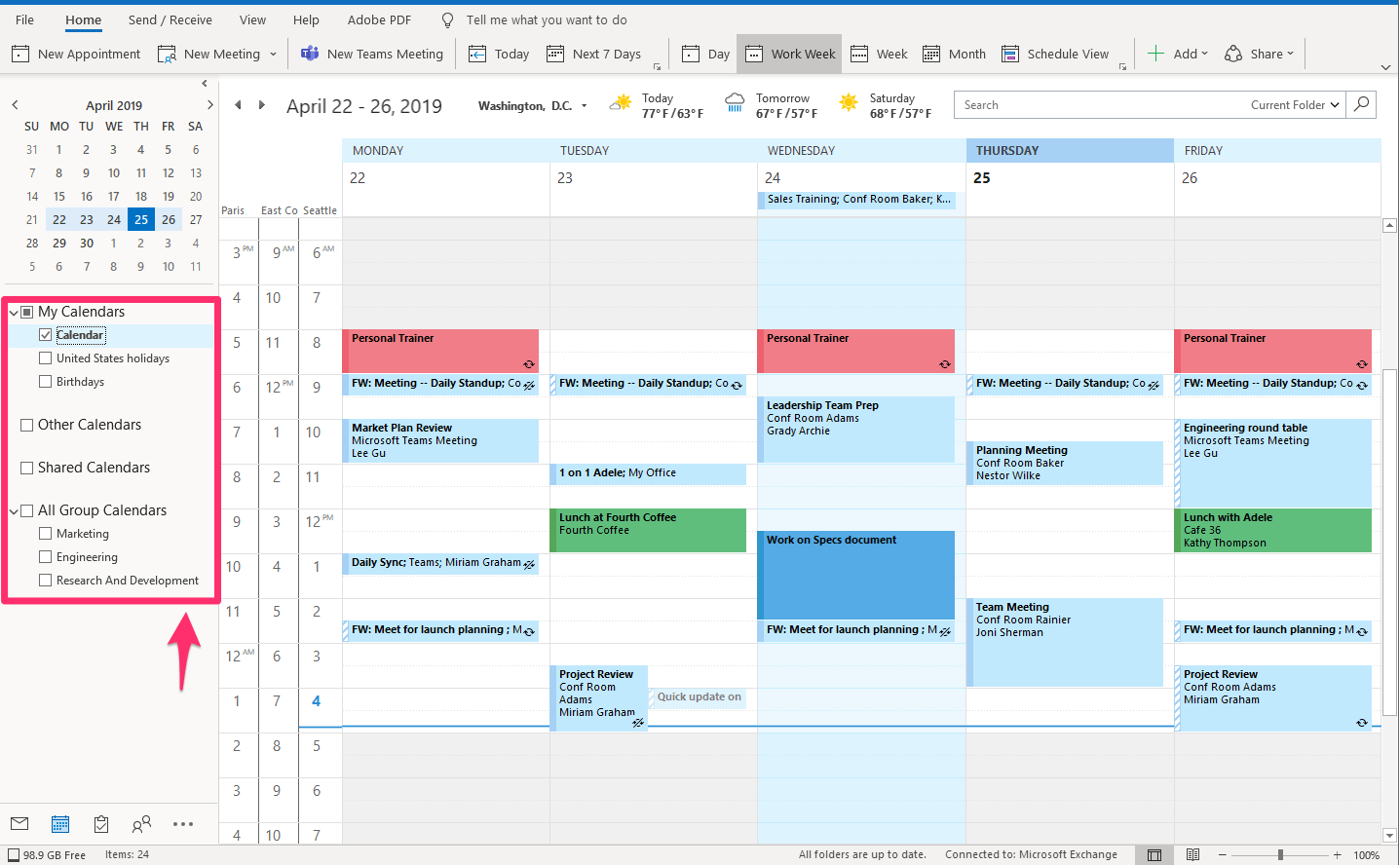
Outlook Unshare Calendar Jonis Mahalia
Log in to your outlook account. You can unshare an outlook calendar on outlook’s desktop, web, and mobile app. To unshare an outlook calendar, follow these steps: Here’s how to do it: Let’s look at how this is done.

Share Outlook Calendar Outside Organization 2024 Calendar 2024
Click the name of calendar that you want to. Removing a shared calendar in outlook is a straightforward process, and by following the steps outlined in this article, you can successfully unshare a calendar and regain. You can unshare an outlook calendar on outlook’s desktop, web, and mobile app. Follow the steps below to delete a calendar and check if this helps: Focus on your own schedule and commitments;.
Free Up Shared Calendar Space
To stop sharing a calendar in outlook, you need to disable calendar sharing. Log in to your outlook account. Let’s look at how this is done. Follow the steps below to delete a calendar and check if this helps:
To Stop Sharing Your Outlook Calendar, Follow These Steps
To stop sharing your calendar follow the steps mentioned below: Unsharing a calendar in outlook is a straightforward process. Here’s how to do it: It’s a straightforward process and allows you.
Focus On Your Own Schedule And Commitments
First, open outlook and navigate to the calendar view. In the office outlook 2007 navigation pane, click calendar. Unsharing a calendar from the calendar. Here is how you can remove a shared calendar from the outlook desktop.
Unshare A Calendar From The Calendar
In the calendar sharing section, click on the calendar. To unshare a calendar in outlook, you can follow these simple steps: You can unshare an outlook calendar on outlook’s desktop, web, and mobile app. Click the gear icon and select options.