 National Holiday Calendar
Why Isnt My Google Calendar Syncing With My Iphone - Google calendar is disabled on the iphone. Check your iphone settings to ensure that google calendar is allowed to sync with your iphone. Check the event’s settings and ensure. Make sure you have enabled calendar on your iphone. If you’re experiencing issues with your gmail calendar not syncing with your iphone, there could be a few potential reasons behind this problem. Tap on your gmail account in the list.

My Google Calendar
Outdated google calendar app : Use this page if events you created or updated aren't showing on your computer or in the google calendar app. Check the event’s settings and ensure. Make sure you have enabled calendar on your iphone. If you’re experiencing issues with your gmail calendar not syncing with your iphone, there could be a few potential reasons behind this problem.
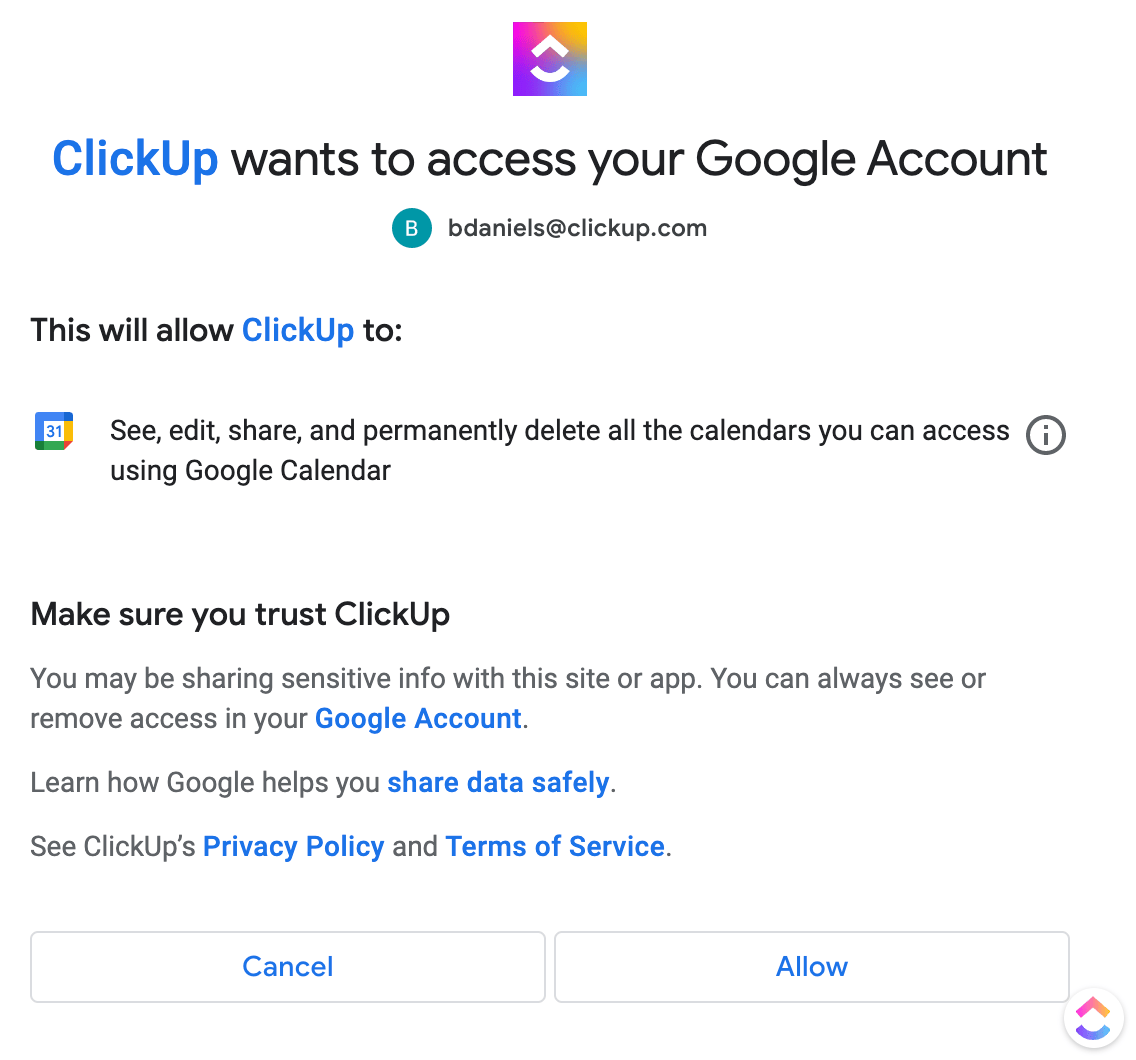
Google Calendar Syncing Clickup Help
Go to the home screen. Go to google calendar > select your profile (the coloured circle with your initial in the upper right corner) > manage accounts on this device > icloud will appear in. Ensure your calendar is enabled, and try restarting your iphone or google calendar app. Go to settings > calendars > select your google account. Launch the settings app on your iphone.

Why Isn't My Calendar Syncing On My Iphone Luise
Choose an option, in this case,. Check the event’s settings and ensure. Verify that you’ve enabled calendar sync (settings > [your name] > icloud > calendar). Use this page if events you created or updated aren't showing on your computer or in the google calendar app. Outdated google calendar app :

Calendar Not Syncing With Google Calendar
Google calendar is disabled on the iphone. Open the google calendar app on your iphone. Then enable the calendar switch and save the. Check the event’s settings and ensure. If you’re experiencing issues with your gmail calendar not syncing with your iphone, there could be a few potential reasons behind this problem.

Calendar Not Syncing With Google Calendar
Google calendar is disabled on the iphone. Here are some common reasons why your google calendar might not be syncing with your iphone: Launch the settings app on your iphone. Choose an option, in this case,. There is an issue with the internet connection.
Looking For Help Syncing Calendly With Google Calendar?
Here's how to fix sync problems with the google calendar app on iphones, ipads, and android devices. Tap on passwords & accounts. Confirm that you’re using the correct google account (settings > mail, contacts,. Remove your account and put it back in.
If You’re Trying To Bring Up Google Calendar
Open the google calendar app on your iphone. Make sure you have the latest version of. Go to google calendar > select your profile (the coloured circle with your initial in the upper right corner) > manage accounts on this device > icloud will appear in. Launch the settings app on your iphone.
There Is An Issue With The Internet Connection
Go to settings > calendar. Here are some simple, yet 4 common reasons as to why google calendar is not syncing. Outdated google calendar app : Make sure that the calendars option is enabled.
Google Calendar App
Here are some common reasons why your google calendar might not be syncing with your iphone: Go to the home screen. Tap on your gmail account in the list. Choose an option, in this case,.