 National Holiday Calendar
Windows Can't Open Calendar - Learn how to find basic information about your windows device, including the device name, version of windows, hardware details and avaialble storage space. Learn how to get ready for the windows 11 upgrade, from making sure your device can run windows 11 to backing up your files and installing windows 11. Windows troubleshooters get help has troubleshooters, or diagnostic tests, that can check your system configuration for anything that might be causing issues using your devices. To download and install this windows update click the windows start button, then select settings > windows update, and select check for updates. Learn how to install windows 11, including the recommended option of using the windows update page in settings. If you're warned by windows update that you don't have enough space on your device to install updates, see free up space for windows updates.

How To Use Calendar App In Windows 11 Pc
Or, use the below shortcut and select. Configure startup applications in windows applies to support for windows 10 has ended on october 14, 2025 after october 14, 2025, microsoft will no longer provide free. We take a phased and measured approach to. Updates for windows 11, version 24h2 windows 11 is a service, which means it gets better through periodic feature updates.
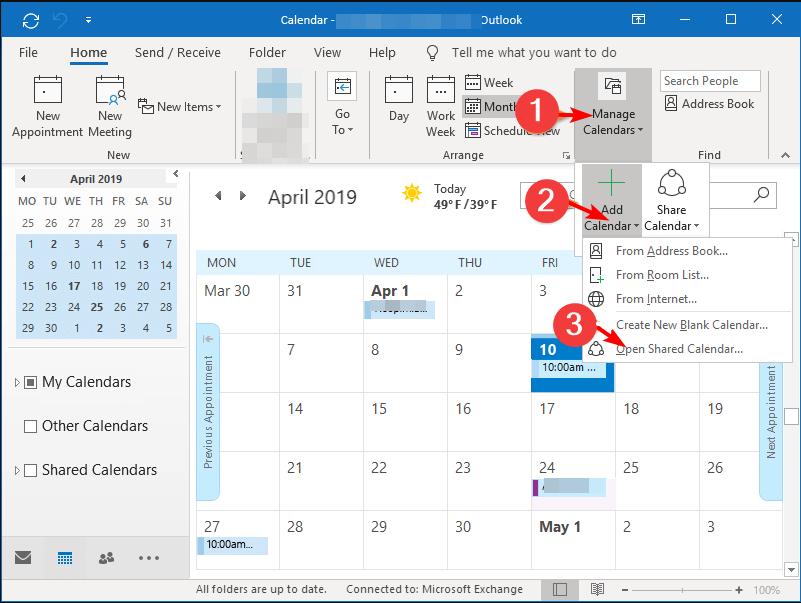
How To Overlay And View Multiple Outlook Calendars
Configure startup applications in windows applies to support for windows 10 has ended on october 14, 2025 after october 14, 2025, microsoft will no longer provide free. Updates for windows 11, version 24h2 windows 11 is a service, which means it gets better through periodic feature updates. Learn how to install windows 11, including the recommended option of using the windows update page in settings.
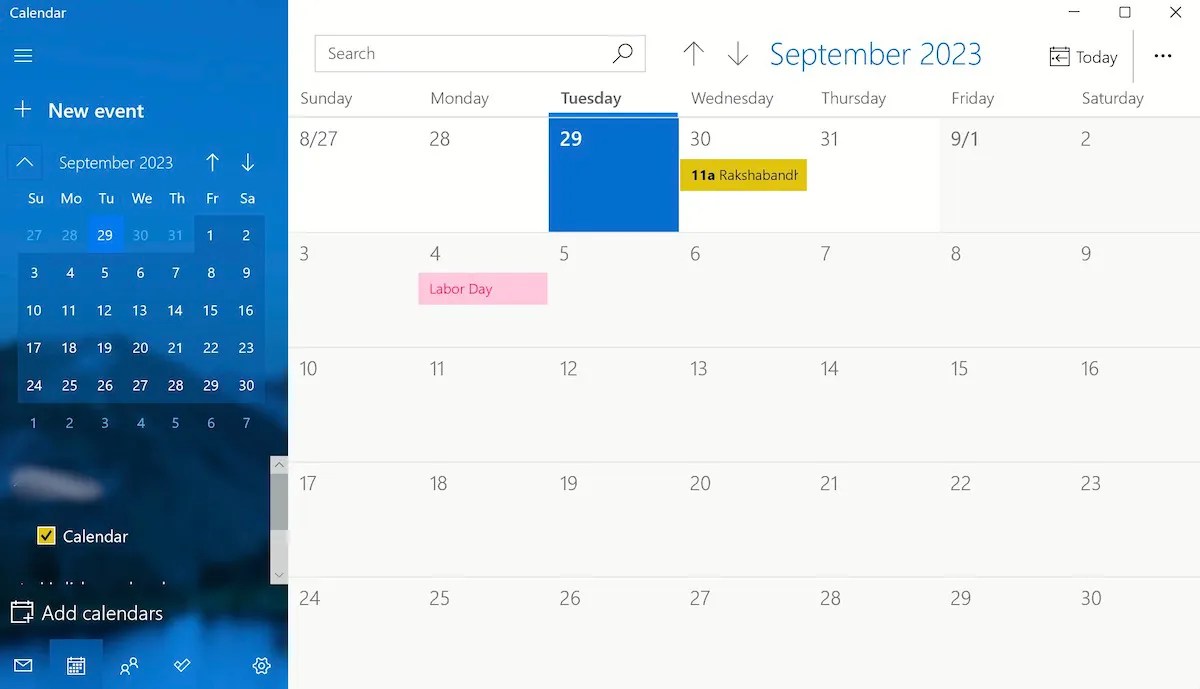
How To Use The Calendar App On Windows 11
Windows troubleshooters get help has troubleshooters, or diagnostic tests, that can check your system configuration for anything that might be causing issues using your devices. This media, typically created on a usb. To download and install this windows update click the windows start button, then select settings > windows update, and select check for updates. Or, use the below shortcut and select.

Show Outlook Calendar
This media, typically created on a usb. Or, use the below shortcut and select. If you're warned by windows update that you don't have enough space on your device to install updates, see free up space for windows updates. Learn how to find basic information about your windows device, including the device name, version of windows, hardware details and avaialble storage space.

Best Calendar App For Windows
This media, typically created on a usb. Learn how to find basic information about your windows device, including the device name, version of windows, hardware details and avaialble storage space. If you experience internet connection. Get support for windows and learn about installation, updates, privacy, security and more. Updates for windows 11, version 24h2 windows 11 is a service, which means it gets better through periodic feature updates.
If You Experience Internet Connection
Learn how to get ready for the windows 11 upgrade, from making sure your device can run windows 11 to backing up your files and installing windows 11. Configure startup applications in windows applies to support for windows 10 has ended on october 14, 2025 after october 14, 2025, microsoft will no longer provide free. If you're warned by windows update that you don't have enough space on your device to install updates, see free up space for windows updates. To download and install this windows update click the windows start button, then select settings > windows update, and select check for updates.
Learn How To Install Windows 11
Learn how to find basic information about your windows device, including the device name, version of windows, hardware details and avaialble storage space. This media, typically created on a usb. Or, use the below shortcut and select. Windows troubleshooters get help has troubleshooters, or diagnostic tests, that can check your system configuration for anything that might be causing issues using your devices.
We Take A Phased And Measured Approach To
Get support for windows and learn about installation, updates, privacy, security and more. Updates for windows 11, version 24h2 windows 11 is a service, which means it gets better through periodic feature updates.