 Photo Release Forms
Form Builder With Signature - Access irs forms, instructions and publications in electronic and print media. See results in real time Use google forms to easily create forms and surveys to gather data and gain insights from anywhere, with google workspace. Zoho forms is a powerful online form builder for businesses. Try our free online form builder! Gain confidence and muscle with form’s signature strength workouts.

Jotform + Signature Integration Form Builder For Signature
Access irs forms, instructions and publications in electronic and print media. Use google forms to easily create forms and surveys to gather data and gain insights from anywhere, with google workspace. You pick question types (like text, multiple choice, or video), then drag them into your form and. Create your first form and see why more than 35 million users around the world trust jotform.
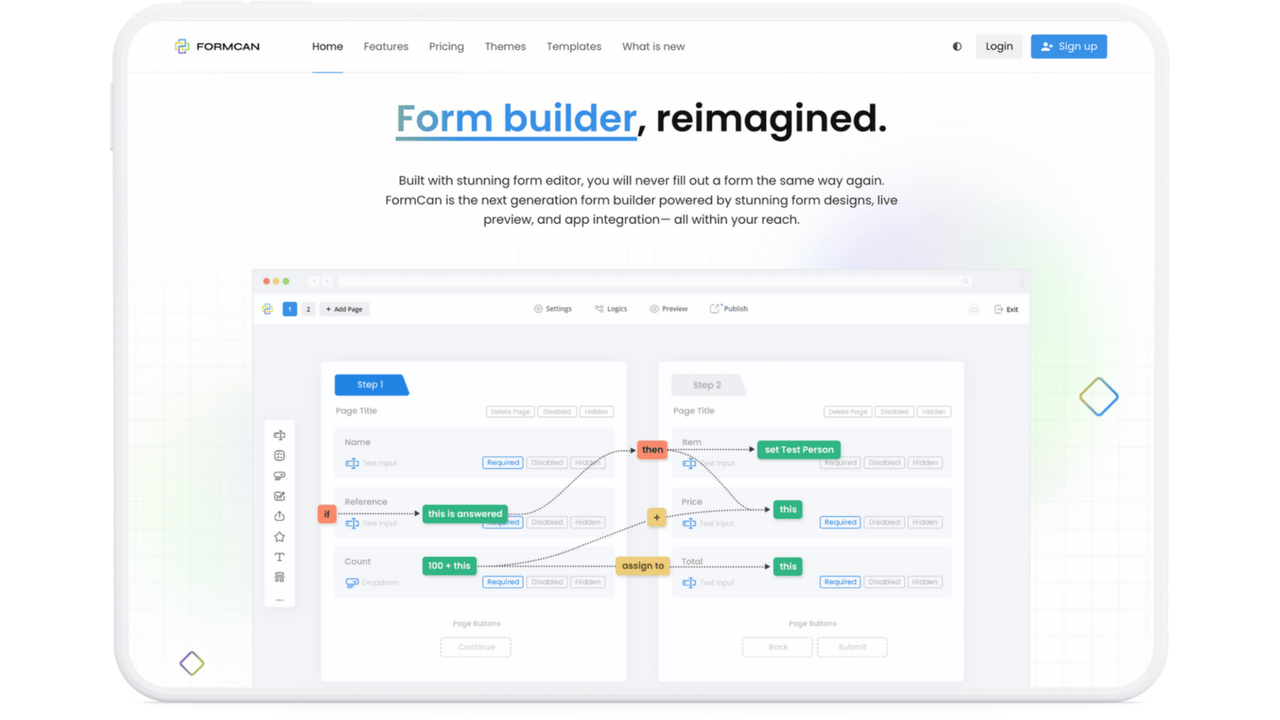
Free Online Web Form Builders 2026 Create Custom Forms
Zoho forms is a powerful online form builder for businesses. Gain confidence and muscle with form’s signature strength workouts. See results in real time Access irs forms, instructions and publications in electronic and print media. Create your first form and see why more than 35 million users around the world trust jotform.
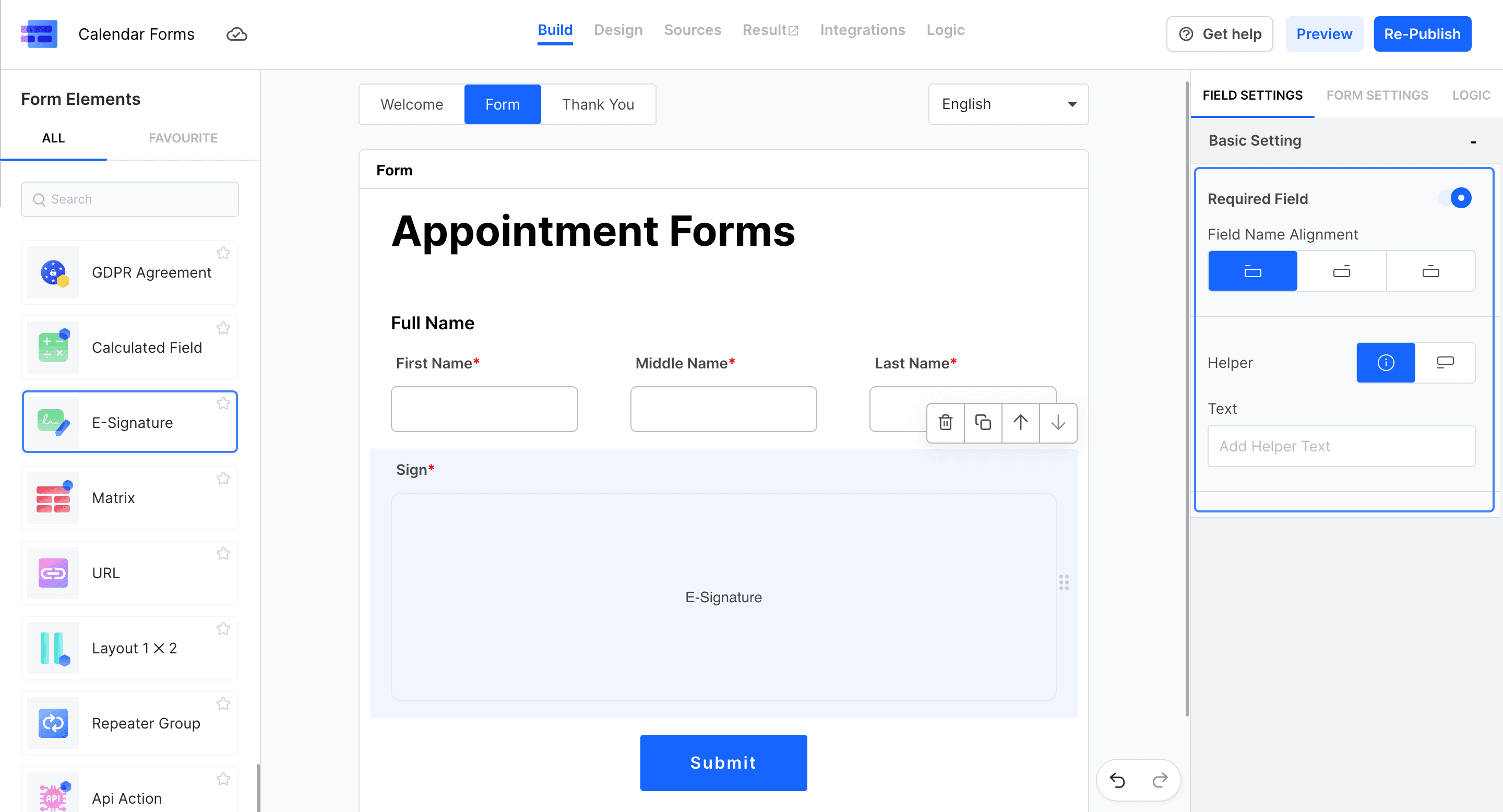
Best 15Minute Guide To Hipaa Release Forms Makeforms
Form is a mobile digital assistant for frontline teams. Access google forms with a personal google account or google workspace account (for business use). Build and share forms online, and easily collaborate with your team. Use google forms to easily create forms and surveys to gather data and gain insights from anywhere, with google workspace. Zoho forms is a powerful online form builder for businesses.
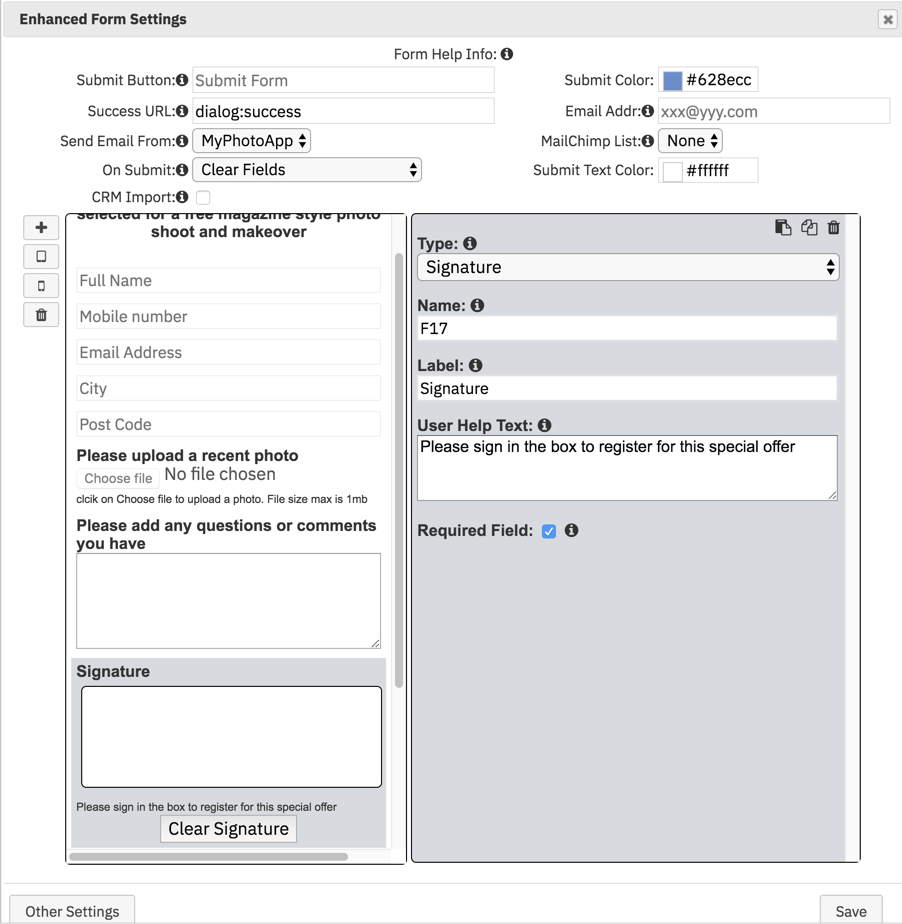
Form In Word
Form is a mobile digital assistant for frontline teams. Use google forms to create online forms and surveys with multiple question types. Create your first form and see why more than 35 million users around the world trust jotform. From body weight to basic equipment, beginner to advanced, our various movements are designed to be done anytime, anywhere. You pick question types (like text, multiple choice, or video), then drag them into your form and.

Signature Sheet Template
Gain confidence and muscle with form’s signature strength workouts. Try our free online form builder! From body weight to basic equipment, beginner to advanced, our various movements are designed to be done anytime, anywhere. Form is a mobile digital assistant for frontline teams. Access irs forms, instructions and publications in electronic and print media.
Create Your First Form And See Why More
Build and share forms online, and easily collaborate with your team. Use google forms to easily create forms and surveys to gather data and gain insights from anywhere, with google workspace. Form is a mobile digital assistant for frontline teams. See results in real time
Zoho Forms Is A Powerful Online Form Builder
You pick question types (like text, multiple choice, or video), then drag them into your form and. Access irs forms, instructions and publications in electronic and print media. Access google forms with a personal google account or google workspace account (for business use). Try our free online form builder!
From Body Weight To Basic Equipment
Use google forms to create online forms and surveys with multiple question types. Gain confidence and muscle with form’s signature strength workouts.