 Sewing Pattern Resource
Fleece Blanket Pattern - Click the disk cleanup button in the disk properties window. You can use disk cleanup on a regular basis to reduce the number of unnecessary files on your. This tutorial will show you how to free up drive space with disk cleanup in windows 11. Disk cleanup is a versatile utility included in multiple windows versions, enabling users to effectively manage and optimize their disk space. Learn how to use disk cleanup in windows to free up space and boost performance. Learn how you can free up drive space in windows.

Macbook Pro 16 M5 Max(18+40) 48Gb/2Tb Srebrny Sklep
Learn how you can free up drive space in windows. This tutorial will show you how to free up drive space with disk cleanup in windows 11. Click the disk cleanup button in the disk properties window. Select the types of files you want to delete and click ok. Disk cleanup is a versatile utility included in multiple windows versions, enabling users to effectively manage and optimize their disk space.

Macbook Pro M5 Pro & Max 2026 Complete Guide
Click the disk cleanup button in the disk properties window. Learn how you can free up drive space in windows. Then click on ‘free up disk space by cleaning unnecessary files’ or ‘disk cleanup desktop app’ as the case may be. Go to settings and type disk cleanup in the search box. Here's a practical guide to reclaiming disk space — from storage sense and disk cleanup.

Macbook Pro M5 Release Date
Windows accumulates gigabytes of update caches, temp files, and old installation data over time. Click the disk cleanup button in the disk properties window. This tutorial will show you how to free up drive space with disk cleanup in windows 11. Here's a practical guide to reclaiming disk space — from storage sense and disk cleanup. Select the types of files you want to delete and click ok.
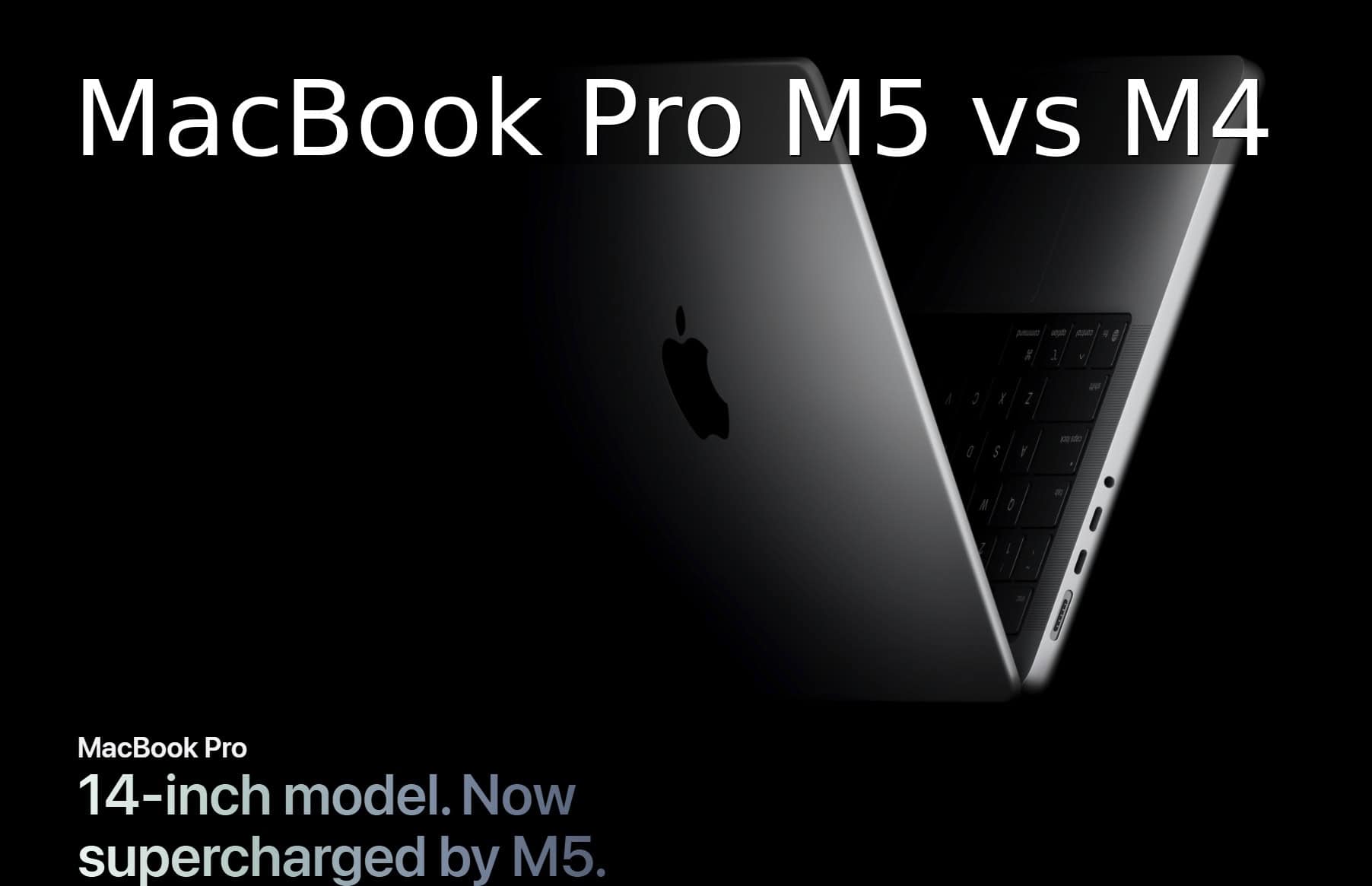
Macbook Pro M5 Vs M4 Is The Upgrade Worth
This tutorial will show you how to free up drive space with disk cleanup in windows 11. Disk cleanup is a versatile utility included in multiple windows versions, enabling users to effectively manage and optimize their disk space. You can use disk cleanup on a regular basis to reduce the number of unnecessary files on your. Here's a practical guide to reclaiming disk space — from storage sense and disk cleanup.

Dell Xps 14 (2026) Vs. Macbook Pro 14 M5
Learn how to use disk cleanup in windows to free up space and boost performance. Click the disk cleanup button in the disk properties window. Keep your pc running smoothly and up to date by increasing the disk space. Disk cleanup is a versatile utility included in multiple windows versions, enabling users to effectively manage and optimize their disk space.
This Tutorial Will Show You How To Free Up
Select the types of files you want to delete and click ok. Windows accumulates gigabytes of update caches, temp files, and old installation data over time. You can use disk cleanup on a regular basis to reduce the number of unnecessary files on your. Disk cleanup is a versatile utility included in multiple windows versions, enabling users to effectively manage and optimize their disk space.
Then Click On ‘Free Up Disk Space By Cleaning
Learn how to use disk cleanup in windows to free up space and boost performance. Go to settings and type disk cleanup in the search box. Keep your pc running smoothly and up to date by increasing the disk space. Here's a practical guide to reclaiming disk space — from storage sense and disk cleanup.
Click The Disk Cleanup Button In The Disk Properties
Learn how you can free up drive space in windows. This includes temporary files, log files, files in your recycle bin, and.