 Printable Yoga Resources
P1S Printable Area - There are various g code editors to scale, rotate and generally alter g code files. For me, i found using magnets and attaching the bubble wrap to the frame of my p1p was good enough. I thought that is the size of the largest part i can print (give or take a mm). The svg or png can be used as a background image or just a sanity check that a print will fit into the actual printable area of the p1 x1 build plate. You get the most space with a rectangular model/arrangement using 256mm depth (front to back), and 238mm width. Clear the excluded bed area in printer settings, and change the printable height from the default 250mm to 256mm.

Bambu Lab P1P / P1S Heavy Duty Side Spool
It prints near close to the edge of the bed sheet. I keep this little note to remind me: There is a way to print full volume. Find all p1 series articles by clicking. Is the max limit towards the front and right of the bed sheet?…

Bambu Lab P1P Full Printable Enclosure Mod (P1X)
Be careful if you do use this piece as it'll try and cut the filament when you hit the 'unload' button on the machine. To appease any sense of buyer’s remorse, bambu lab is offering a p1p to p1s upgrade kit for $150. The bambu lab x1 is advertised as having a build volume of 256x256x256. You are misunderstanding what the exclusion area is.
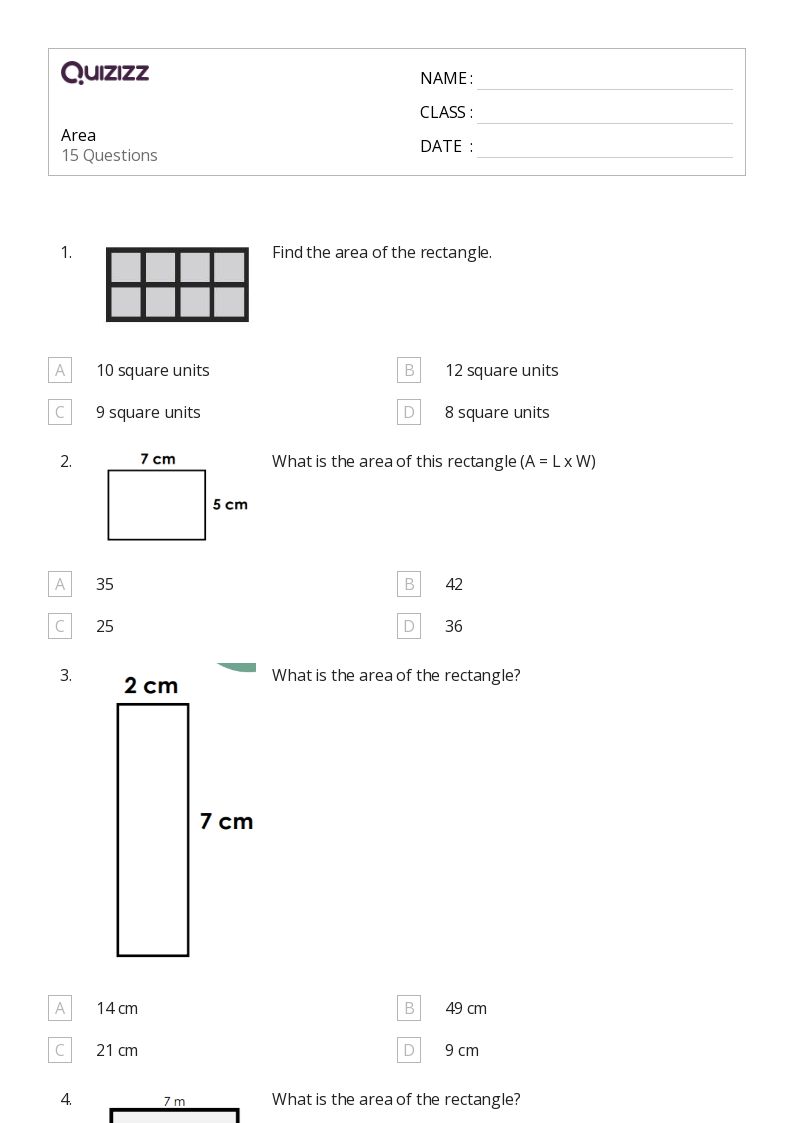
Printable Area Worksheets
Does anyone know what the actual print area is? The only bl printer that can print a square of 250x250 without a cut out in the corner is the a1 (not mini). Clear the excluded bed area in printer settings, and change the printable height from the default 250mm to 256mm. You are misunderstanding what the exclusion area is. The stl is a to scale model of the bbl p1s build plate.
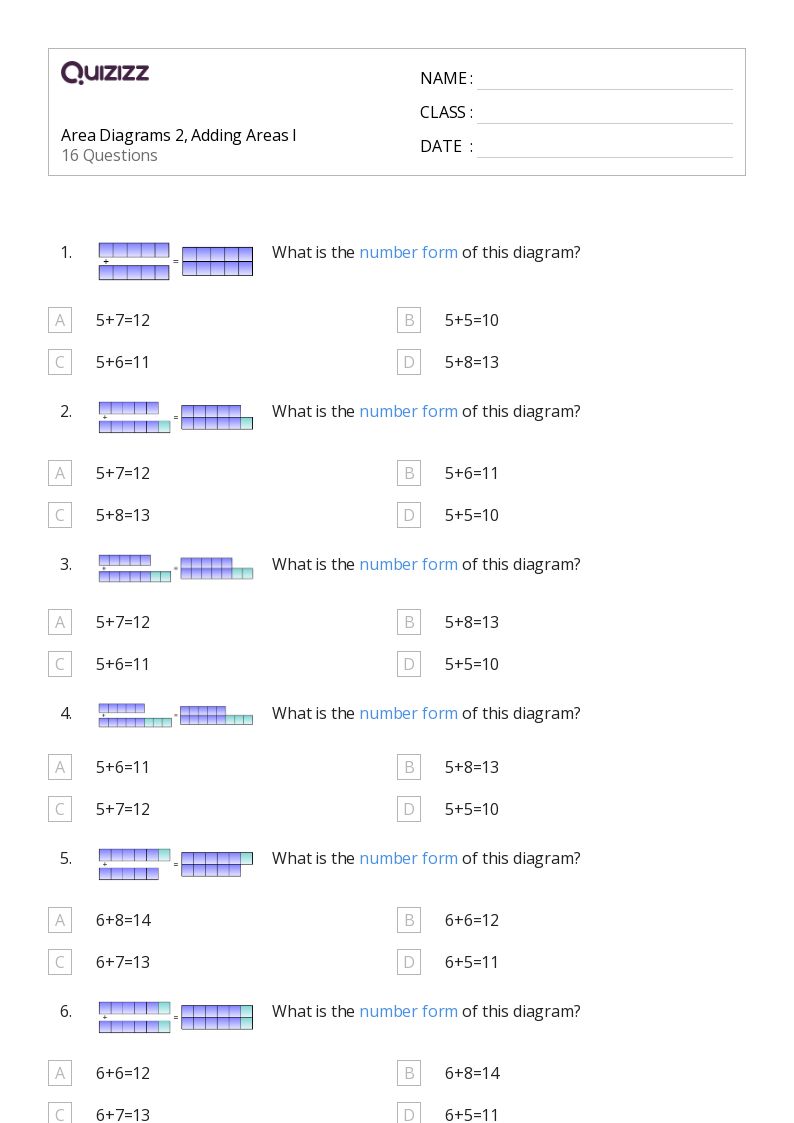
50+ Area Worksheets For 1St Grade On Quizizz Free
To appease any sense of buyer’s remorse, bambu lab is offering a p1p to p1s upgrade kit for $150. You get the most space with a rectangular model/arrangement using 256mm depth (front to back), and 238mm width. We describe why the printer has partial volume limitations, and how you can go around that. Specs and major features of the bambu lab p1s 3d printer, including build volume, maximum print speed, and supported filament types.

Bambu Lab P1P "Vision" Enclosure By Humebeam Download Free
You will want to insulate your chamber and try to keep the temps at the minimums stated in the filament cross reference. The svg or png can be used as a background image or just a sanity check that a print will fit into the actual printable area of the p1 x1 build plate. You get the most space with a rectangular model/arrangement using 256mm depth (front to back), and 238mm width.
You'll Need To Print A Small Part
Find all p1 series articles by clicking. I thought that is the size of the largest part i can print (give or take a mm). Build volume with z hop. For me, i found using magnets and attaching the bubble wrap to the frame of my p1p was good enough.
Get Colorful Prints With Easy Plug
Clear the excluded bed area in printer settings, and change the printable height from the default 250mm to 256mm. This page provides information about the p1 series printers related to quick start, print settings, troubleshooting, maintenance, firmware upgrading, etc. The bed moves in z and the head moves in x and y. You are misunderstanding what the exclusion area is.
We Describe Why The Printer Has Partial Volume Limitations
Specs and major features of the bambu lab p1s 3d printer, including build volume, maximum print speed, and supported filament types. It prints near close to the edge of the bed sheet. But i'm trying to slice an object that is 247.6x201.9x39.8 and getting an error. Does anyone know what the actual print area is?
You Will Want To Insulate Your Chamber And Try
This step is to disable filament cutter protection. There are various g code editors to scale, rotate and generally alter g code files. Is the max limit towards the front and right of the bed sheet?… Be careful if you do use this piece as it'll try and cut the filament when you hit the 'unload' button on the machine.