 Printable Yoga Resources
Printable View - It would be great to have the ability to customize reports printable view layout. You can now customize the list of fields that’s shown in the printable view for action plans. Use the printable view button on record details and record lists in lightning communities to generate a condensed, minimalist view for printing. You can customize detail pages for printing by. Tailor the information about tasks and document checklist items for users who are working in a print. To go back to your file and make changes before you print it, click the file tab again.
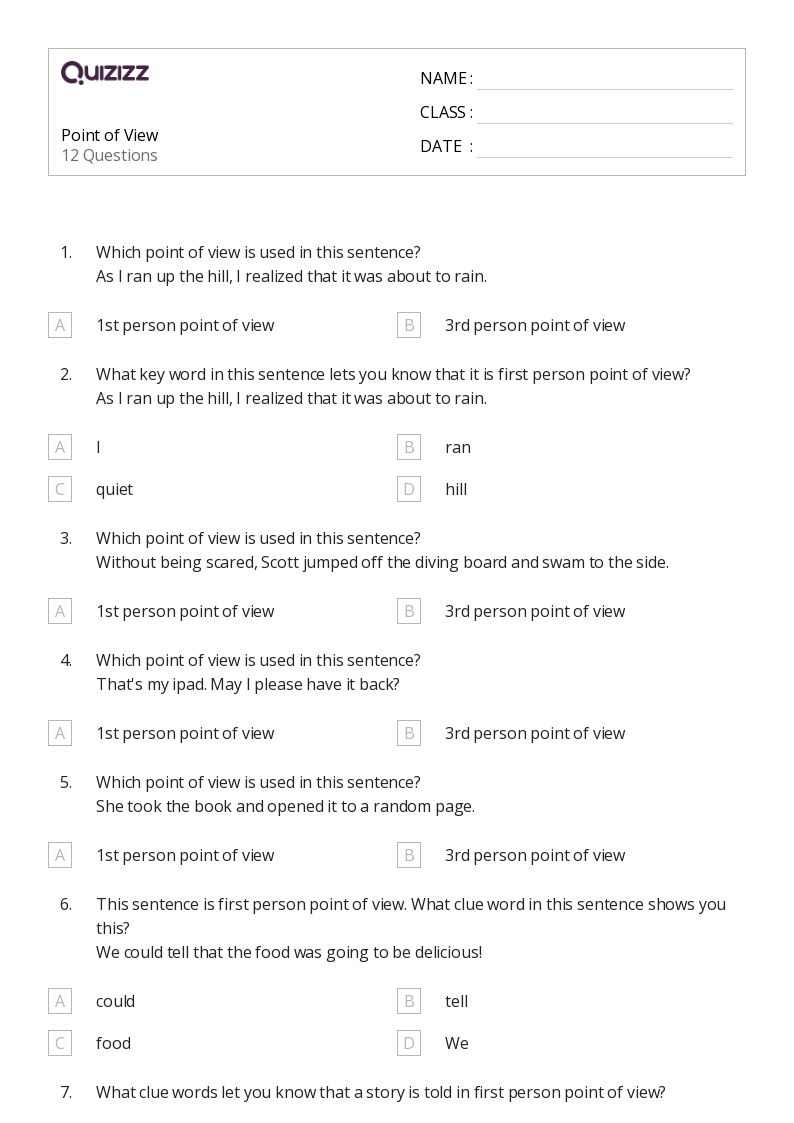
Printable Point Of View Worksheets
When you want to print a portrait pdf in landscape mode, it’s all about the settings. This includes custom summary formula fields. In salesforce classic, click the print icon. In console apps for salesforce classic, click the print icon to open a record's printable view. Can someone suggest me the feasbility.

Large Printable Block Alphabet Letters
The 'printable view' of a report retains the format and summary information of a report. The printable view of a report retains the format and summary information of the report. To print the page, click print this page. Besides being able to customize the ‘print view’ layout, this app also provides a feature to change the logo of the. Because the printable view produces.

The Printable Planner Stickers Are Shown
You can now customize the list of fields that’s shown in the printable view for action plans. Yes, as per summer '17 release, salesforce lightning does not have printable view function yet. The 'printable view' of a report retains the format and summary information of a report. Considering you only want it available for 2 record. I'd like to make this visible as a button on the list view for a custom object, but i cannot find where to configure it.

Coloring Page Printable
You don’t have to print your entire screen just to make a hard copy of your list. I'd like to make this visible as a button on the list view for a custom object, but i cannot find where to configure it. In console apps for salesforce classic, click the print icon to open a record's printable view. This is the modern magic url for exporting. In salesforce classic, click the print icon.

Salesforce Printable View
Can someone suggest me the feasbility. Supports a standard set of. To print your file and. What is the difference between “printable view” and “export details” button on a report? Because the printable view produces.
You Can Customize Detail Pages For Printing By
Yes, as per summer '17 release, salesforce lightning does not have printable view function yet. Use the printable view button on record details and record lists in lightning communities to generate a condensed, minimalist view for printing. You don’t have to print your entire screen just to make a hard copy of your list. For all list views, printable view button is enabled in configuration.
When You Want To Print A Portrait Pdf
You can now customize the list of fields that’s shown in the printable view for action plans. Before you can print a list view, ask your salesforce administrator to enable list view printing. To print the page, click print this page. Ensure you have added the 'printable view' action in the 'mobile and lightning experience actions' of the object's page layout.
In Salesforce Classic, Click The Print Icon
In console apps for salesforce classic, click the print icon to open a record's printable view. Do one of the following: In lightning experience, click printable view from a list. It would be great to have the ability to customize reports printable view layout.
A Printable Page View Displays
This includes custom summary formula fields. It produces a formatted report that is nearly identical to classic's printable view. this url produces the report format generated. The printable view button can be added on individual page layouts, in the salesforce mobile and lightning experience actions section. I'd like to make this visible as a button on the list view for a custom object, but i cannot find where to configure it.