 Loan Agreement Templates
Ableton Template - Ableton triggers 4 midi notes that are mapped to 4 jpeg images, could use 1.2.3.4 or just 4 different looking colored backgrounds or whatever. Ableton live won´t recognize my audio interface after i updated bluetooth driver for my mouse. When i connect the included usb into my laptop. How do i go about connecting my moxf8 (via usb) to my ableton live to use it as a midi controller? Regarding the software and all that, i know ableton doesn't have any yamaha keyboards. Everything was working fine before that, but, at some point my bluetooth mouse stop working.

When i connect the included usb into my laptop. Here is an example of what my midi settings look like in ableton. Everything was working fine before that, but, at some point my bluetooth mouse stop working. The utility tool in ableton can widen any sound, but it does it to the whole sound all at once. 3 posts • page 1 of 1 return to “ableton live” jump to.

How do i go about connecting my moxf8 (via usb) to my ableton live to use it as a midi controller? Ableton live won´t recognize my audio interface after i updated bluetooth driver for my mouse. Everything was working fine before that, but, at some point my bluetooth mouse stop working. Fri jan 12, 2007 11:48 am I'll give that a try and see if i can find the modulation data that the novation guys think live might be sending out.

The Perfect Ableton Template Ian Mcintosh
The utility tool in ableton can widen any sound, but it does it to the whole sound all at once. 3 posts • page 1 of 1 return to “ableton live” jump to Ableton live won´t recognize my audio interface after i updated bluetooth driver for my mouse. By philo » fri apr 28, 2006 4:43 am When i connect the included usb into my laptop.

How do i go about connecting my moxf8 (via usb) to my ableton live to use it as a midi controller? There are multiple listed push in the device settings. I'll give that a try and see if i can find the modulation data that the novation guys think live might be sending out. Fri jan 12, 2007 11:48 am Ableton & korg nanopad by u4419368 » thu aug 06, 2009 6:58 am i recently purchased the korg nanopad to use with ableton live 7.
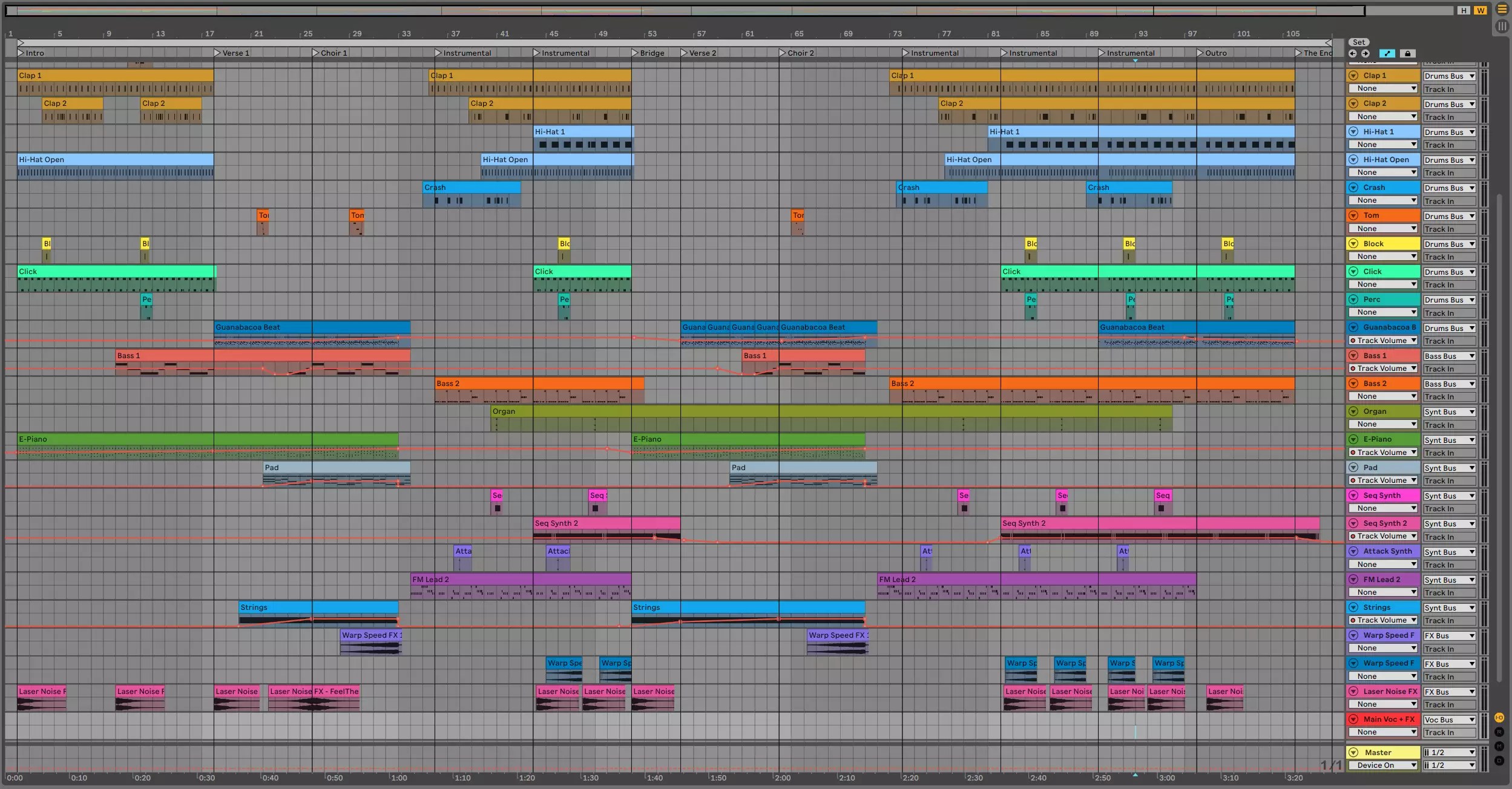
Feeltheheat Tech House Ableton Template Öwnboss Sevek
There are multiple listed push in the device settings. When i connect the included usb into my laptop. I'll give that a try and see if i can find the modulation data that the novation guys think live might be sending out. Ableton & korg nanopad by u4419368 » thu aug 06, 2009 6:58 am i recently purchased the korg nanopad to use with ableton live 7.
Ableton Triggers 4 Midi Notes That Are Mapped
Ableton & korg nanopad by u4419368 » thu aug 06, 2009 6:58 am i recently purchased the korg nanopad to use with ableton live 7. By philo » fri apr 28, 2006 4:43 am I am still having exactly the same issue now in ableton 11 suite with vsl also, trying to use the piano just completely ruins the entire project. 3 posts • page 1 of 1 return to “ableton live” jump to
How Do I Go About Connecting My Moxf8 (Via
Everything was working fine before that, but, at some point my bluetooth mouse stop working. Ableton live won´t recognize my audio interface after i updated bluetooth driver for my mouse. Here is an example of what my midi settings look like in ableton. The utility tool in ableton can widen any sound, but it does it to the whole sound all at once.
Regarding The Software And All That
I recommend looking at something like izotope's stereo imager, because you can select bands. I'll give that a try and see if i can find the modulation data that the novation guys think live might be sending out. There are multiple listed push in the device settings. Fri jan 12, 2007 11:48 am
Launch Your Scene And Your Visual Metronome
When i connect the included usb into my laptop.