 Loan Agreement Templates
Avery 5195 Template - (the text completely misses the target label.). Format > labels > select avery 5167 > click ''create'' button > give it a name, and edit accordingly. I noticed on avery's website that they show a picture of the template as landscape but the downloaded template is portrait. From my wpx9, here's a screen shot of the avery 5144 label dimensions. Gartner 3x2.5 then check your labels margins etc. Avery 5167 labels are very close to 5195, so i recommend you start with that.

Gartner 3x2.5 then check your labels margins etc. The template on the avery web site is available only for word. For example, my hp laserjet 1012 will not print avery 5160 labels correctly. Wp11 certain avery labels will not print correctly. From my wpx9, here's a screen shot of the avery 5144 label dimensions.
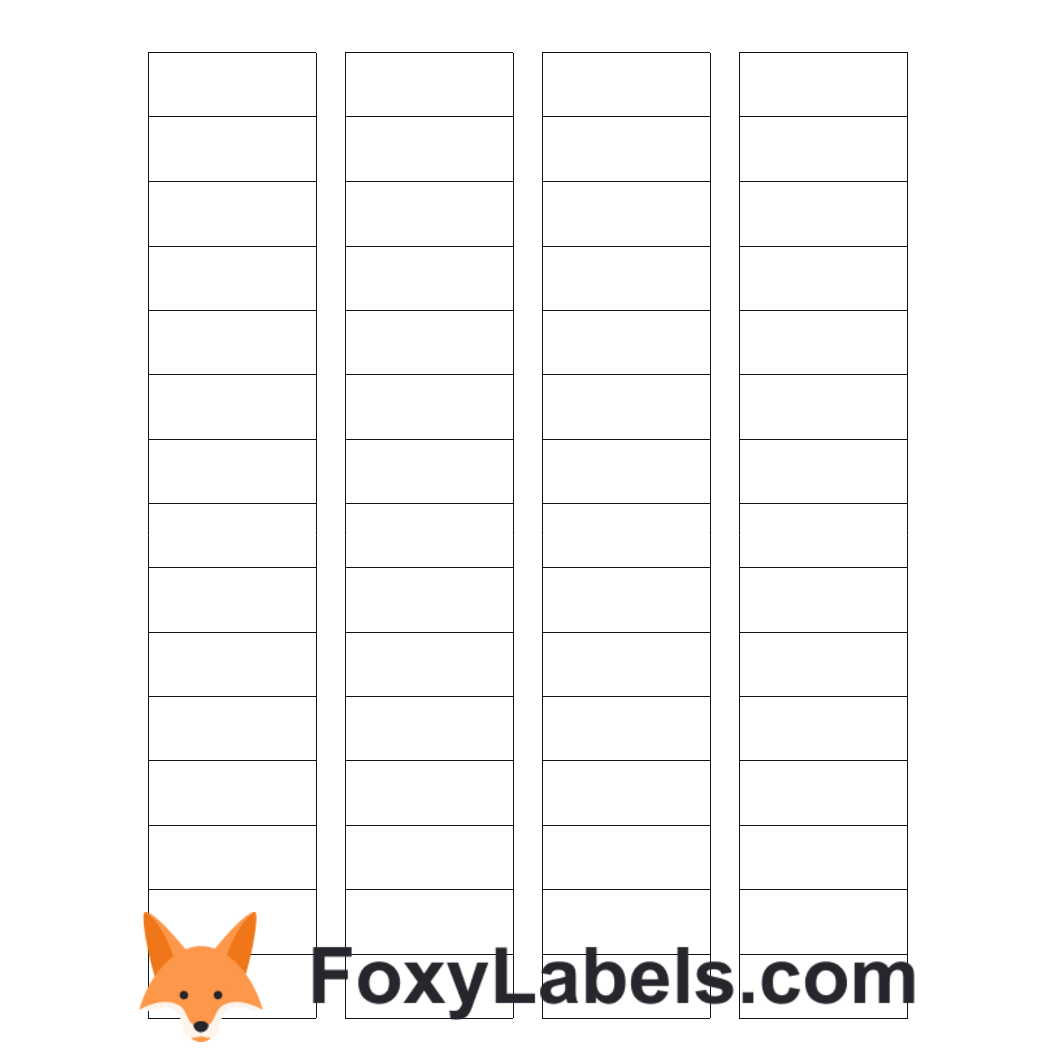
Avery 5195 Template
This message is in response to an earlier discussion about avery 16281 printable tabs. Avery 5167 labels are very close to 5195, so i recommend you start with that. Go to format|labels search for the avery 5371 business card (a sheet of 3x2.5 labels) click the create button give your file a name, eg. I noticed on avery's website that they show a picture of the template as landscape but the downloaded template is portrait.

Easy Peel® Return Address Labels With Sure Feed 5195
The template on the avery web site is available only for word. I tried to find a picture of the actual 16281 tabs but so far. I bought a package of avery labels 6591 but the template is not built into wordperfect 17.0.0.337. Avery 5167 labels are very close to 5195, so i recommend you start with that. I noticed on avery's website that they show a picture of the template as landscape but the downloaded template is portrait.

Format > labels > select avery 5167 > click ''create'' button > give it a name, and edit accordingly. The template on the avery web site is available only for word. Go to format|labels search for the avery 5371 business card (a sheet of 3x2.5 labels) click the create button give your file a name, eg. An online search gives the following specs for the rolodex 67620 card: From my wpx9, here's a screen shot of the avery 5144 label dimensions.

Avery 5195 Template Printable At A Glance
Wp11 certain avery labels will not print correctly. Gartner 3x2.5 then check your labels margins etc. An online search gives the following specs for the rolodex 67620 card: This message is in response to an earlier discussion about avery 16281 printable tabs. Avery 5167 labels are very close to 5195, so i recommend you start with that.
I Bought A Package Of Avery Labels 6591
Wp11 certain avery labels will not print correctly. The template on the avery web site is available only for word. An online search gives the following specs for the rolodex 67620 card: For example, my hp laserjet 1012 will not print avery 5160 labels correctly.
Go To Format|Labels Search For The Avery 5371 Business
This message is in response to an earlier discussion about avery 16281 printable tabs. Avery 5167 labels are very close to 5195, so i recommend you start with that. Gartner 3x2.5 then check your labels margins etc. From my wpx9, here's a screen shot of the avery 5144 label dimensions.
Avery 8385 Rotary Cards Not An
I tried to find a picture of the actual 16281 tabs but so far. The server is too busy at the moment. Format > labels > select avery 5167 > click ''create'' button > give it a name, and edit accordingly. (the text completely misses the target label.).
The Op Requested An Avery 5144 Label
I noticed on avery's website that they show a picture of the template as landscape but the downloaded template is portrait.