 Loan Agreement Templates
Avery Template 5195 - Word opens a new document. You can create and print a full page of address labels or nametags. Options for changing the template colors, fonts, text,. Go to mailings > labels. If you don’t see your product number, select new label and configure a custom label. The simplest is to use the label wizard in access to create and print a report that is.

Template For Avery 5195 Content Calendar Template
The simplest is to use the label wizard in access to create and print a report that is. Check a template description to see whether it's designed to work with avery paper and card stock and if so, with which stock numbers. If you don’t see your product number, select new label and configure a custom label. You can create and print a full page of address labels or nametags.
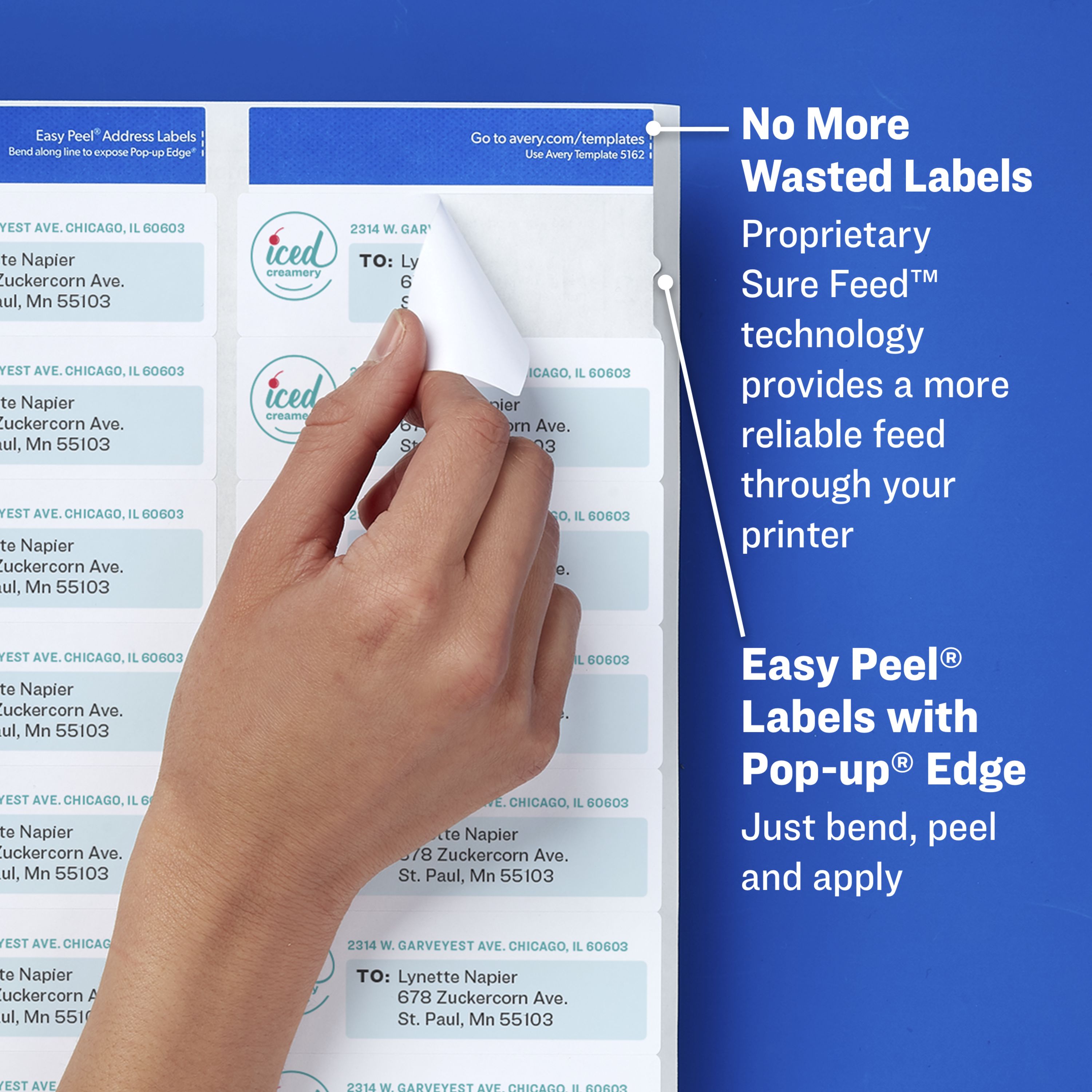
Easy Peel® Return Address Labels With Sure Feed 5195
Click create to begin your publication. Go to mailings > labels. You can configure word to print to many avery products by selecting the specific product from a list. Check a template description to see whether it's designed to work with avery paper and card stock and if so, with which stock numbers. If you don’t see your product number, select new label and configure a custom label.

Easy Peel® Return Address Labels With Sure Feed 5195
Go to mailings > labels. Find and download free templates to create documents like calendars, business cards, letters, greeting cards, brochures, newsletters, or resumes. You can configure word to print to many avery products by selecting the specific product from a list. When you have set up your envelope the way you want, you can print it, as well as save it so that you can reuse it.
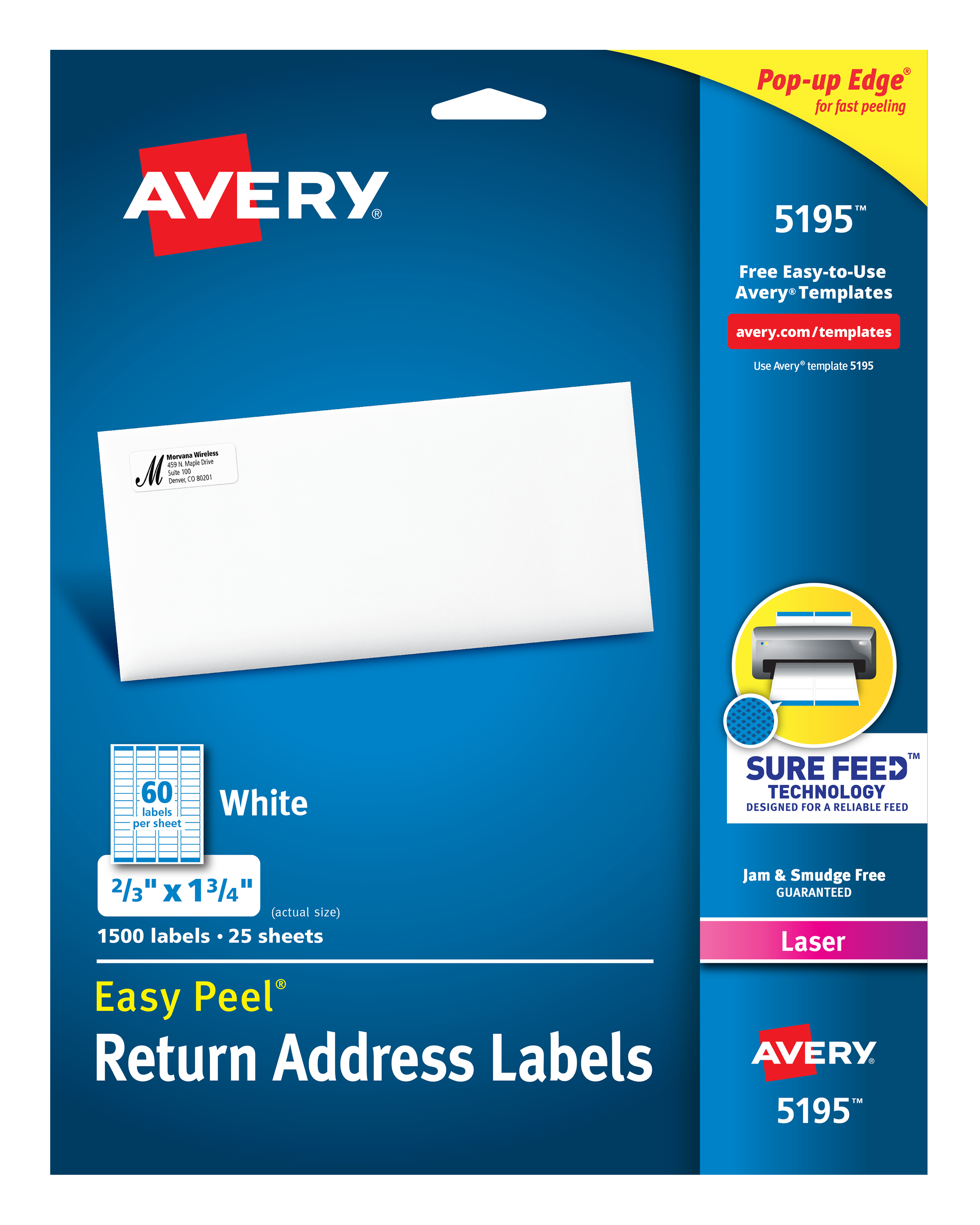
Avery Easy Peel Return Address Labels 2/3" X 13/4"1,500
Select the label type and size in options. Get started on how to print labels from word. This topic shows you how to do that and print the text. Avery stock or other perforated blank label sheets. Your best bet for printing different labels onto one sheet in publisher is to start with the right labels template and use mail merge to create the labels.

The simplest is to use the label wizard in access to create and print a report that is. Find and download free templates to create documents like calendars, business cards, letters, greeting cards, brochures, newsletters, or resumes. Options for changing the template colors, fonts, text,. Your best bet for printing different labels onto one sheet in publisher is to start with the right labels template and use mail merge to create the labels.
Microsoft Access Gives You Several Different Options For Creating
Your best bet for printing different labels onto one sheet in publisher is to start with the right labels template and use mail merge to create the labels. The simplest is to use the label wizard in access to create and print a report that is. It's easy to use avery label products with word. Check a template description to see whether it's designed to work with avery paper and card stock and if so, with which stock numbers.
Go To Mailings > Labels
Get started on how to print labels from word. Word opens a new document. What do you want to do? You can configure word to print to many avery products by selecting the specific product from a list.
Options For Changing The Template Colors, Fonts, Text
If you don’t see your product number, select new label and configure a custom label. Learn how to make labels in word. Find and download free templates to create documents like calendars, business cards, letters, greeting cards, brochures, newsletters, or resumes. You can create and print a full page of address labels or nametags.
This Topic Shows You How To Do
If you have a package of labels with a specific product number, you can quickly open a matching label template to create your labels. Avery stock or other perforated blank label sheets. Click a template, and view the description to determine whether the template is designed for your avery number. Select the label type and size in options.