 Loan Agreement Templates
Brochure Template Google Docs - Making multiple copies of one page in a google doc i want to copy one page multiple times within the file. Changing document templates color scheme? Use a template or change the theme, background, or layout in google slides visit the learning center using google products, like google docs, at work or school? I tried to set the page to landscape and made two columns, but of course, when printing, this wouldn't work at all. How to create a booklet with about 15 pages, with a folded binding. Click the template you want to use.

Tri Fold Brochure Template Google Docs
I was wondering if it's possible to change colors in a google drive document template and if so, how can i? Alternatively, you might want to make your brochure in google slides following the steps outlined at the bottom of this page: Help center community gemini in docs editors google docs editors privacy policy terms of service community policy community overview this help content & information general help center.

Hi, sebastian, if you are using a personal account, it isn't difficult to locate the brochure templates. How to make a brochure in google docs. How to make a brochure in google docs. I was wondering if it's possible to change colors in a google drive document template and if so, how can i? When you go to the docs homes screen (docs.google.com), at the top right of the page you'll see the words.

Tri Fold Brochure Template Google Docs
I tried to set the page to landscape and made two columns, but of course, when printing, this wouldn't work at all. At the top right , click template gallery. You might find this video helpful: A copy of the template opens. Use a google template on your computer, go to google docs, sheets, slides, or forms.

007 Tri Fold Template Google Docs Brochure Templates Luxury
How to make a brochure in google docs. How to make a brochure in google docs. You might find this video helpful: Click the template you want to use. Hi, misty, you might find this video helpful:
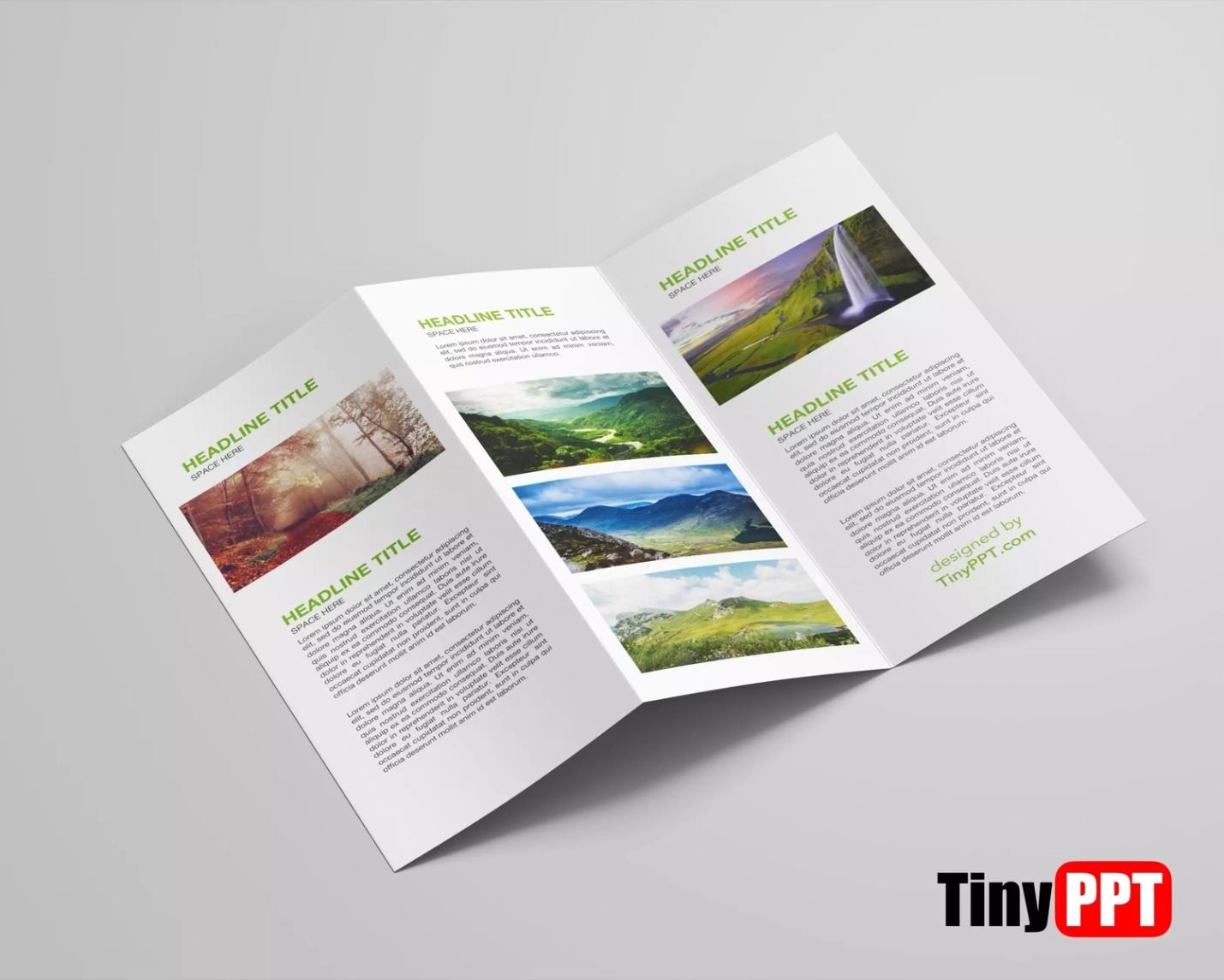
Tri Fold Brochure Template Google Docs
This article refers to google workspace labs, which is a trusted tester program for users to try new ai features. Changing document templates color scheme? Use a template or change the theme, background, or layout in google slides visit the learning center using google products, like google docs, at work or school? I was wondering if it's possible to change colors in a google drive document template and if so, how can i?
Create Documents With Gemini In Google Docs (Workspace Labs)
How to create a booklet with about 15 pages, with a folded binding. Try powerful tips, tutorials, and. I tried to set the page to landscape and made two columns, but of course, when printing, this wouldn't work at all. Click the template you want to use.
When You Go To The Docs Homes Screen (Docs.google.com)
A copy of the template opens. At the top right , click template gallery. Help center community gemini in docs editors google docs editors privacy policy terms of service community policy community overview this help content & information general help center. This article refers to google workspace labs, which is a trusted tester program for users to try new ai features.
You Might Find This Video Helpful
Changing document templates color scheme? How to make a brochure in google docs. Making multiple copies of one page in a google doc i want to copy one page multiple times within the file. Alternatively, you might want to make your brochure in google slides following the steps outlined at the bottom of this page:
Alternatively, You Might Want To Make Your Brochure
Hi, sebastian, if you are using a personal account, it isn't difficult to locate the brochure templates. Use a template or change the theme, background, or layout in google slides visit the learning center using google products, like google docs, at work or school? Hi, misty, you might find this video helpful: How to make a brochure in google docs.