 Loan Agreement Templates
How To Create A Powerpoint Template - Find a standard theme color that you like and then modify and save it in. In powerpoint, you can create your own theme to use in your presentations using the fonts, colors, effects, and layouts that you prefer. Following these guidelines will help agent mode in. (the name varies, depending on circumstance.) tip: Learn how to edit, save, and create a template in office. To create a template, you'll need to modify a slide master.

How To Create A Template In Powerpoint Vernot
Get started with powerpoint on desktop or powerpoint on the web. Find a standard theme color that you like and then modify and save it in. You can create and save a template from a new or existing document or template. On the file tab, click new. Even if you have existing slides, we recommend that you apply a template to it by starting fresh with the template and then importing the existing slides into the new, fresh template.

How To Create A Template
(the name varies, depending on circumstance.) tip: To create a template, you'll need to modify a slide master. Create presentations from scratch or start with a professionally designed, fully customizable template from microsoft create. Get started with powerpoint on desktop or powerpoint on the web. Following these guidelines will help agent mode in.
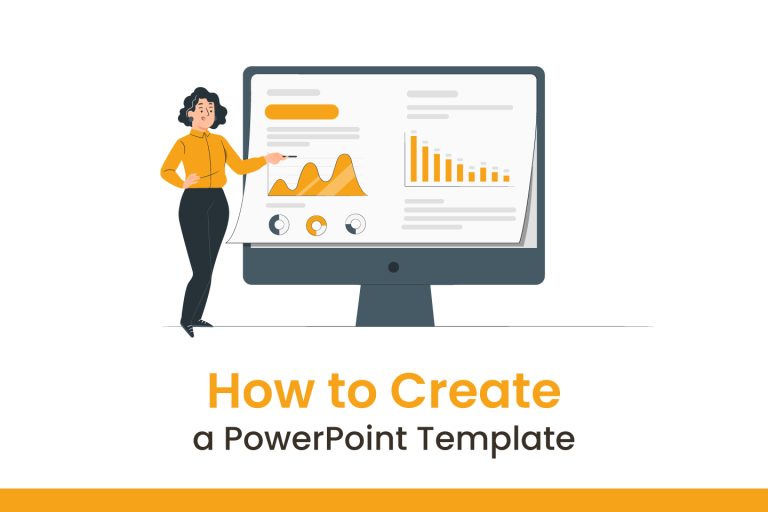
How To Create A Powerpoint Template
You can create and save a template from a new or existing document or template. (the name varies, depending on circumstance.) tip: In powerpoint, you can create your own theme to use in your presentations using the fonts, colors, effects, and layouts that you prefer. You’ll see branded templates within or folders containing branded templates. Following these guidelines will help agent mode in.

How To Create A Powerpoint Template
(the name varies, depending on circumstance.) tip: In powerpoint, you can create your own theme to use in your presentations using the fonts, colors, effects, and layouts that you prefer. Get started with powerpoint on desktop or powerpoint on the web. Even if you have existing slides, we recommend that you apply a template to it by starting fresh with the template and then importing the existing slides into the new, fresh template.
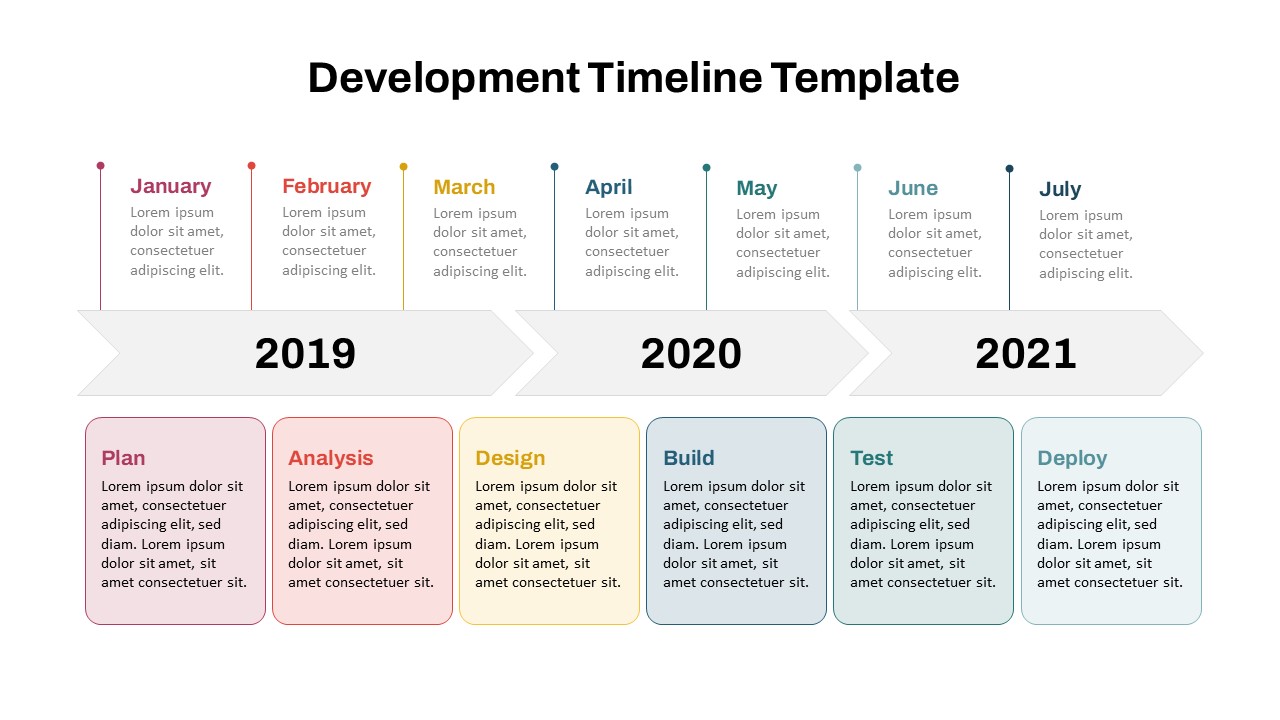
Get started with powerpoint on desktop or powerpoint on the web. You’ll see branded templates within or folders containing branded templates. If you want to use a template you've saved for your next presentation, here's how. To create a template, you'll need to modify a slide master. Create presentations from scratch or start with a professionally designed, fully customizable template from microsoft create.
When You Create A Presentation And Then Save
Create presentations from scratch or start with a professionally designed, fully customizable template from microsoft create. If you want to use a template you've saved for your next presentation, here's how. Even if you have existing slides, we recommend that you apply a template to it by starting fresh with the template and then importing the existing slides into the new, fresh template. To create a template, you'll need to modify a slide master.
(The Name Varies, Depending On Circumstance.) Tip
You’ll see branded templates within or folders containing branded templates. You can create and save a template from a new or existing document or template. Save a presentation with a theme (slide design) applied, and save it as a template (.potx file). Following these guidelines will help agent mode in.
You Can Create A Customized Color Scheme
Get started with powerpoint on desktop or powerpoint on the web. On the file tab, click new. Find a standard theme color that you like and then modify and save it in. Learn how to edit, save, and create a template in office.