 Loan Agreement Templates
How To Create A Template - You can also include your signature. Use a template or change the theme, background, or layout in google slides visit the learning center using google products, like google docs, at work or school? Try powerful tips, tutorials, and templates. Compose your reply once and save the email as a template. In gmail, select a template, and then customize the template with. Try powerful tips, tutorials, and.

How To Create A Template In Microsoft Word Clickup
Try powerful tips, tutorials, and. Compose your reply once and save the email as a template. Create or import a document create and name your document on your computer, open a google docs, sheets, slides, forms or vids home screen. Try powerful tips, tutorials, and. Create a file from template.

How To Create A Template In Word Customguide
Later, you can open the template and send it again with just a few clicks. Try powerful tips, tutorials, and. Try powerful tips, tutorials, and. Manually create a json template in your cloud file system and use it, as described in use an existing template. Try powerful tips, tutorials, and.
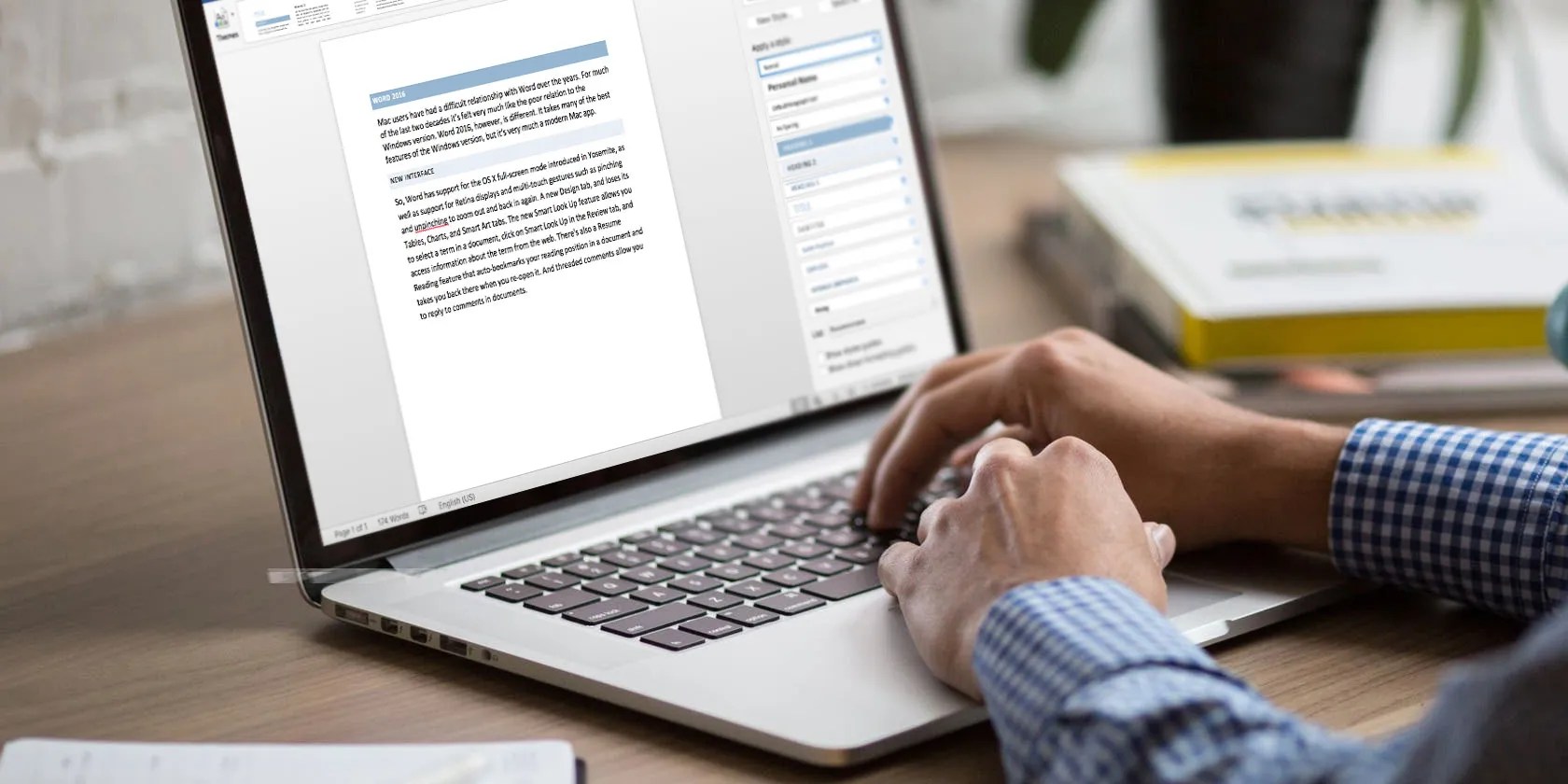
How To Create A Custom Template In Microsoft Word
Compose your reply once and save the email as a template. Use a template or change the theme, background, or layout in google slides visit the learning center using google products, like google docs, at work or school? Create or import a document create and name your document on your computer, open a google docs, sheets, slides, forms or vids home screen.

How To Create Custom Microsoft Word Templates In Office
Create a template in gmail if you have a message that includes information that doesn’t change frequently, you can save the message as a template in gmail and reuse it. For information about customizing the template, see customize content using templates. Use a template or change the theme, background, or layout in google slides visit the learning center using google products, like google docs, at work or school?

How To Create Template
In gmail, select a template, and then customize the template with. Use a template or change the theme, background, or layout in google slides visit the learning center using google products, like google docs, at work or school? Try powerful tips, tutorials, and. For information about customizing the template, see customize content using templates. Try powerful tips, tutorials, and.
Compose Your Reply Once And Save The Email
Manually create a json template in your cloud file system and use it, as described in use an existing template. Create or import a document create and name your document on your computer, open a google docs, sheets, slides, forms or vids home screen. Try powerful tips, tutorials, and. Use a template or change the theme, background, or layout in google slides visit the learning center using google products, like google docs, at work or school?
Create A Template In Gmail
Create a file from template. Try powerful tips, tutorials, and. Show questions based on answers share your form with collaborators visit the learning center using google products, like google docs, at work or school? You can also include your signature.
For Information About Customizing The Template
Use a template or change the theme, background, or layout in google slides visit the learning center using google products, like google docs, at work or school? Try powerful tips, tutorials, and. Later, you can open the template and send it again with just a few clicks. Try powerful tips, tutorials, and templates.
Use A Template Or Change The Theme
In gmail, select a template, and then customize the template with.