 Loan Agreement Templates
How To Create A Word Template - Learn how to format text, add graphics, and more in word documents. Learn how to edit, save, and create a template in office. You'll find several options from templates.office.com. You can create and print a full page of address labels or nametags. Learn how to make labels in word. To update your template, open the file, make the changes you want, and then save the template.
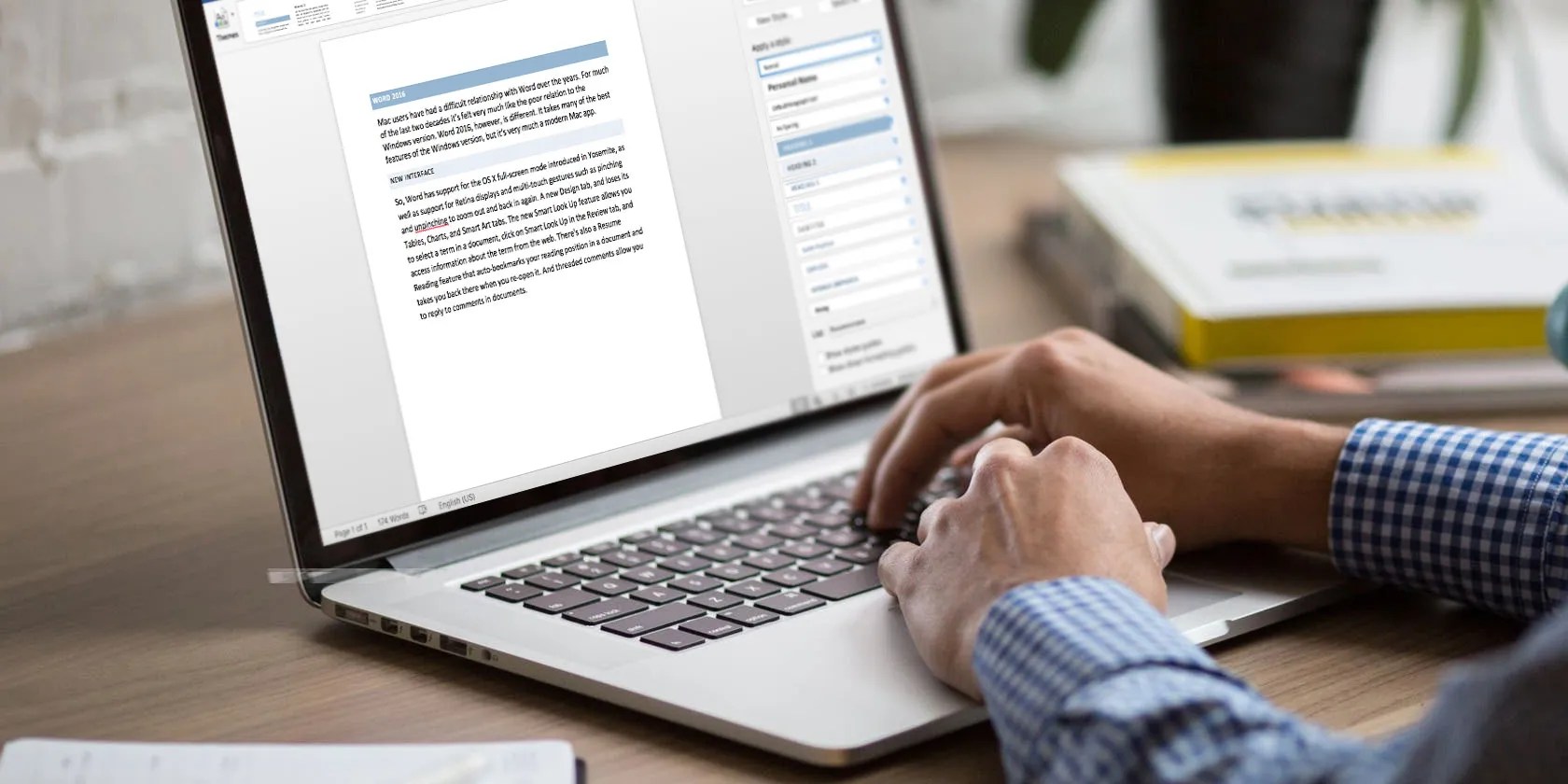
How To Create A Custom Template In Microsoft Word
To do this, you will start with baseline content in a document, potentially via a form template. To update your template, open the file, make the changes you want, and then save the template. Get started on how to print labels from word. In microsoft word, you can create a template by saving a document as a.dotx file,.dot file, or a.dotm.

Simple Word Template In Word Download
In word, you can create a form that others can fill out and save or print. To update your template, open the file, make the changes you want, and then save the template. You can create and print a full page of address labels or nametags. Get started on how to print labels from word. You'll find several options from templates.office.com.

How To Create Custom Microsoft Word Templates In Office
Create a template for email messages that you frequently send with similar contents. You'll find several options from templates.office.com. In word, you can create a form that others can fill out and save or print. Learn how to format text, add graphics, and more in word documents. Learn how to make labels in word.

How To Create Custom Microsoft Word Templates In Office
Then you can add content controls. Create a template for email messages that you frequently send with similar contents. To update your template, open the file, make the changes you want, and then save the template. The template is downloaded to word, and you are ready. To do this, you will start with baseline content in a document, potentially via a form template.

Free Editable Design Templates In Word To Download
You can create and print a full page of address labels or nametags. To use that document as a template, you open it in editing view in word for the web, then go to file > save as, and create a document that's a copy of your template. Create a template for email messages that you frequently send with similar contents.
In Word, You Can Create A Form
In microsoft word, you can create a template by saving a document as a.dotx file,.dot file, or a.dotm. Learn how to make labels in word. Learn how to edit, save, and create a template in office. Learn how to format text, add graphics, and more in word documents.
The Template Is Downloaded To Word
To use that document as a template, you open it in editing view in word for the web, then go to file > save as, and create a document that's a copy of your template. You can create and print a full page of address labels or nametags. To update your template, open the file, make the changes you want, and then save the template. Create a template for email messages that you frequently send with similar contents.
Create A Template
Then you can add content controls. Get started on how to print labels from word. You can create and save a template from a new or existing document or template. You'll find several options from templates.office.com.
Form Template
To update your template, open the file, make the changes you want, and then save the template. For example, you might create a template that includes a.