 Loan Agreement Templates
Power Of Attorney Template Texas - You are confusing power automate with power automate desktop. I am using get emails (v3) and want to retrieve emails received on a particular date. However, i'm facing an issue where certain columns (including person/group fields) are not. I'm working on a power automate flow that updates items in a sharepoint online list. 0 creating a flow in power automate: This can only return one table at a time with max of 1,000 rows.
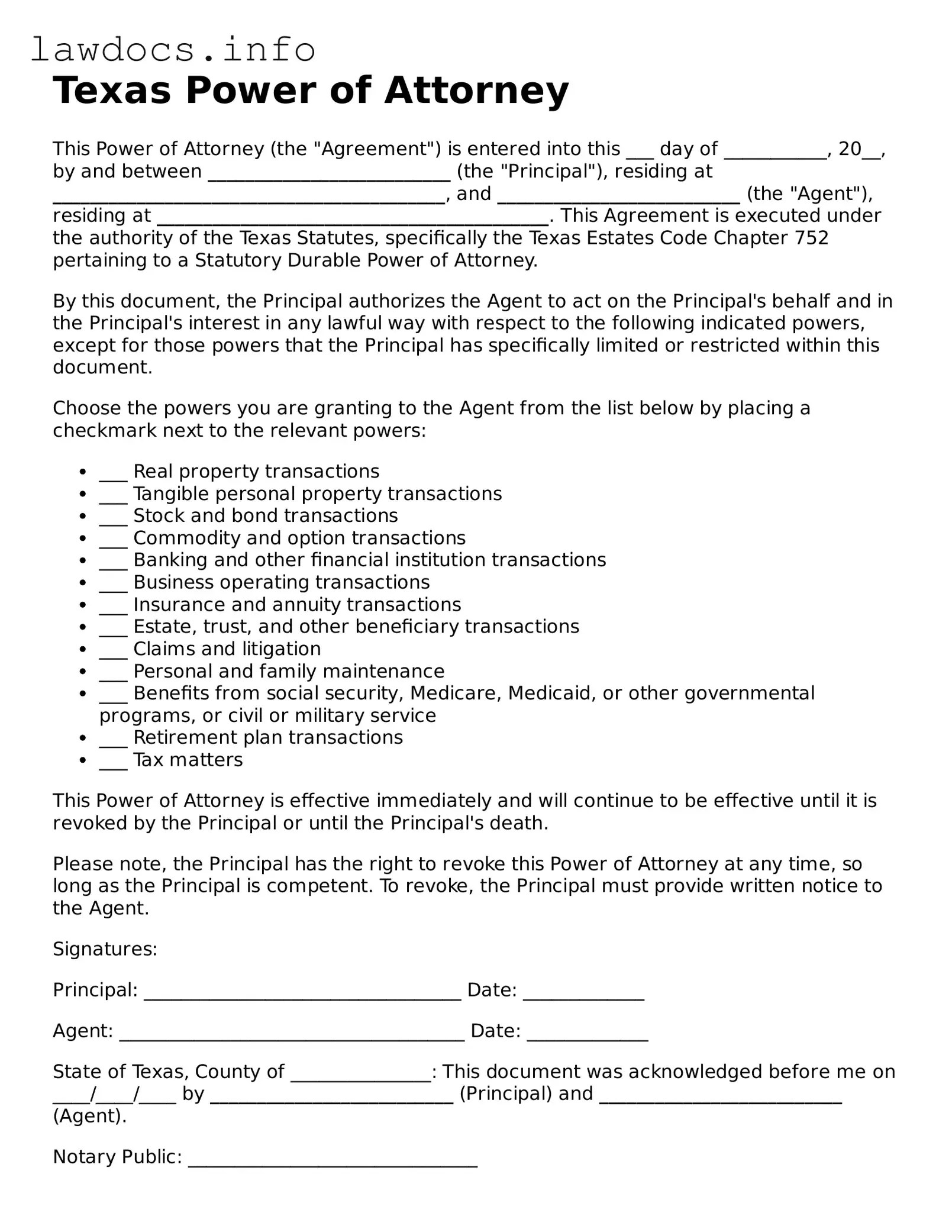
Free Texas Power Of Attorney Forms ≡ Printable Template
You are confusing power automate with power automate desktop. There is an action named. I'm working on a power automate flow that updates items in a sharepoint online list. But as i was not able to find any option to. However, i'm facing an issue where certain columns (including person/group fields) are not.

Free Texas Power Of Attorney Forms Pdf Templates
Power query code to refer to another query (and how buffering works) ask question asked 1 year, 4 months ago modified 1 year, 4 months ago I'm working on a power automate flow that updates items in a sharepoint online list. New step choose the onedrive get file content action file = /documents/folder/file.json infer content type = yes new step choose the data.

Texas Power Of Attorney Forms Free Printable Printable Forms
There is an action named. However, i'm facing an issue where certain columns (including person/group fields) are not. 0 creating a flow in power automate: The link you provide is for power automate, so those functions won't work in the padesktop. I have an access token with id and secret.

Free Texas Power Of Attorney Forms Pdf Templates
I use power automate to collect responses from a form and send emails based on the responses. In power automate, within the power bi connector, you'll find the run a query against a dataset action. I have an access token with id and secret. This can only return one table at a time with max of 1,000 rows. I am writing a power automate to copy emails from an outlook mailbox to sharepoint.

Power Attorney Template Texas General Form
But as i was not able to find any option to. This can only return one table at a time with max of 1,000 rows. I am writing a power automate to copy emails from an outlook mailbox to sharepoint. I'm working on a power automate flow that updates items in a sharepoint online list. New step choose the onedrive get file content action file = /documents/folder/file.json infer content type = yes new step choose the data.
Follow Below Microsoft Official Documentations For Sharepoint Rest Api
In power automate, within the power bi connector, you'll find the run a query against a dataset action. I am using get emails (v3) and want to retrieve emails received on a particular date. Power query code to refer to another query (and how buffering works) ask question asked 1 year, 4 months ago modified 1 year, 4 months ago I have an access token with id and secret.
I'm Working On A Power Automate Flow
Yes, according to the video refered i did an app registration in entra using an admin account. This can only return one table at a time with max of 1,000 rows. There is an action named. I am writing a power automate to copy emails from an outlook mailbox to sharepoint.
Extract Value From Array In Power Automate Ask Question
However, i'm facing an issue where certain columns (including person/group fields) are not. The link you provide is for power automate, so those functions won't work in the padesktop. New step choose the onedrive get file content action file = /documents/folder/file.json infer content type = yes new step choose the data. I use power automate to collect responses from a form and send emails based on the responses.
0 Creating A Flow In Power Automate
But as i was not able to find any option to. You are confusing power automate with power automate desktop.