 Loan Agreement Templates
Power Point Org Chart Template - In the choose a smartart graphic gallery, click hierarchy. Your organization must have an microsoft 365 e3 or e5 plan to use this feature. Find powerpoint help and training from microsoft. Learn how to use a template to create an org chart in powerpoint. Each bullet item represents a separate person in the org chart. To change the hierarchy in the chart, select an item, and on the smartart tab, select the promote or demote option.

Multilevel Circular Organizational Chart Power Point Template And
With smartart on the insert tab, in the illustrations group, click smartart. There haven’t been any significant updates to this add. Following these guidelines will help agent mode in. In the choose a smartart graphic gallery, click hierarchy. Generate an organization chart from employee data in excel, an exchange server directory, a text file, or other sources.

Multilevel Circular Organizational Chart Power Point Template And
Learn how to use a template to create an org chart in powerpoint. With smartart on the insert tab, in the illustrations group, click smartart. To change the hierarchy in the chart, select an item, and on the smartart tab, select the promote or demote option. Find powerpoint help and training from microsoft. Shapes, labels, and connectors are added to the diagram automatically.

To change the hierarchy in the chart, select an item, and on the smartart tab, select the promote or demote option. Generate an organization chart from employee data in excel, an exchange server directory, a text file, or other sources. Find powerpoint help and training from microsoft. There haven’t been any significant updates to this add. Each bullet item represents a separate person in the org chart.
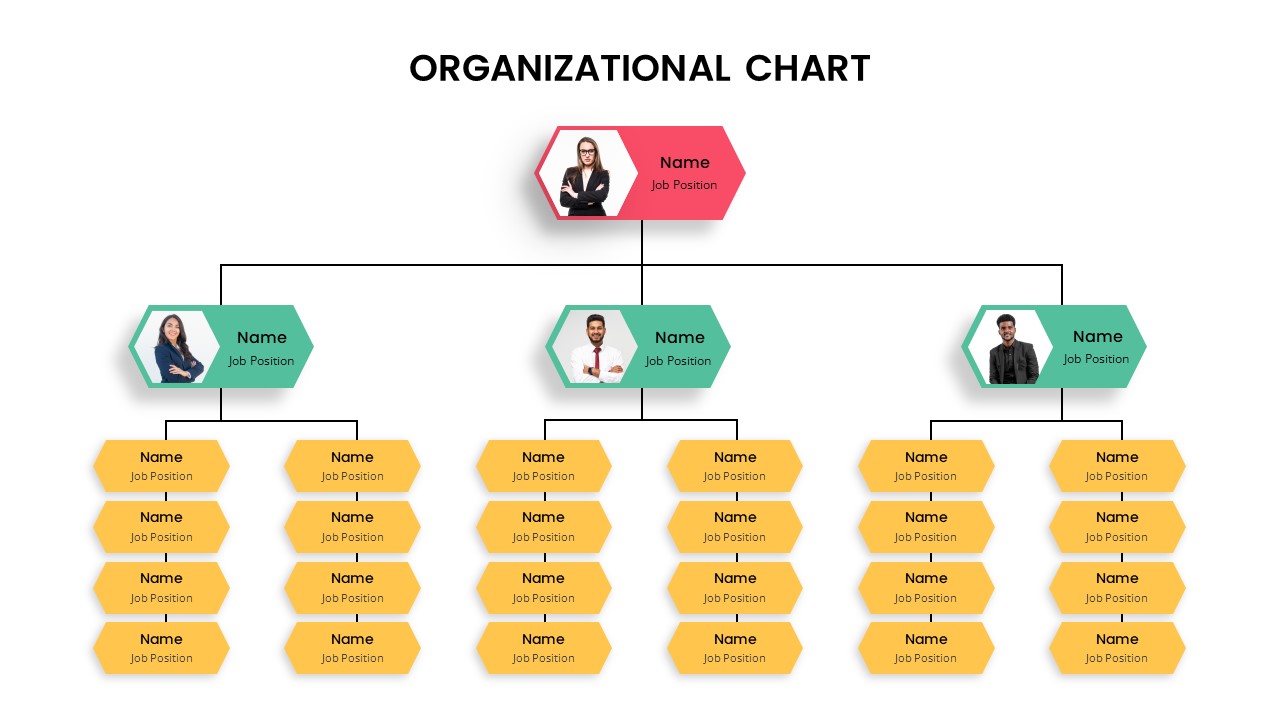
Just go to your organization's templates folder on powerpoint for windows, mac, or web and select the template you want. Your organization must have an microsoft 365 e3 or e5 plan to use this feature. Learn how to use a template to create an org chart in powerpoint. In the choose a smartart graphic gallery, click hierarchy. Find powerpoint help and training from microsoft.

With smartart on the insert tab, in the illustrations group, click smartart. In the choose a smartart graphic gallery, click hierarchy. Generate an organization chart from employee data in excel, an exchange server directory, a text file, or other sources. Each bullet item represents a separate person in the org chart. Shapes, labels, and connectors are added to the diagram automatically.
To Change The Hierarchy In The Chart
Choose an org chart from the search results. Just go to your organization's templates folder on powerpoint for windows, mac, or web and select the template you want. There haven’t been any significant updates to this add. In the choose a smartart graphic gallery, click hierarchy.
Powerpoint Org Chart Template
Shapes, labels, and connectors are added to the diagram automatically. Your organization must have an microsoft 365 e3 or e5 plan to use this feature. Learn how to use a template to create an org chart in powerpoint. Each bullet item represents a separate person in the org chart.
Following These Guidelines Will Help Agent Mode In
Find powerpoint help and training from microsoft. With smartart on the insert tab, in the illustrations group, click smartart. Generate an organization chart from employee data in excel, an exchange server directory, a text file, or other sources.