 Loan Agreement Templates
Powerpoint Table Of Contents Template - Create a new slide and copy headings. Free + easy to edit + professional + lots backgrounds. This blank template offers flexibility to tailor content according to your. Then use the two procedures below to (1) copy all the slide titles you want to include in your table of contents, and (2). Effortlessly organize your slides and enhance your presentation's flow with this fully editable and customizable tool. Access a wide range of table of contents powerpoint templates to structure your presentations.

Download table of contents powerpoint templates (ppt) and google slides themes to create awesome presentations. Enhance clarity and engagement with our designs. Introducing our powerpoint ppt table of contents free template, designed to streamline your presentation organization. Then use the two procedures below to (1) copy all the slide titles you want to include in your table of contents, and (2).

Table Of Contents Template
Discover our free table of contents template designed for powerpoint presentations. Here’s the best way to create a table of contents easily in microsoft powerpoint: This blank template offers flexibility to tailor content according to your. Create a new slide and copy headings. Download the perfect google slides and powerpoint template with the table of contents feature, element, or design.

First, select home > new slide to create a new slide for your table of contents. Download our free table of contents or agenda slide templates for powerpoint and google slides to highlight the key talking points for your presentation. Template for your table of contents or main menu. Create a structured and navigable presentation with our table of contents template.

Table Of Contents Powerpoint Template Slidebazaar
Perfect for ensuring clarity and accessibility in your slides. Download our free table of contents or agenda slide templates for powerpoint and google slides to highlight the key talking points for your presentation. Create a new slide and copy headings. This blank template offers flexibility to tailor content according to your. Here’s the best way to create a table of contents easily in microsoft powerpoint:.
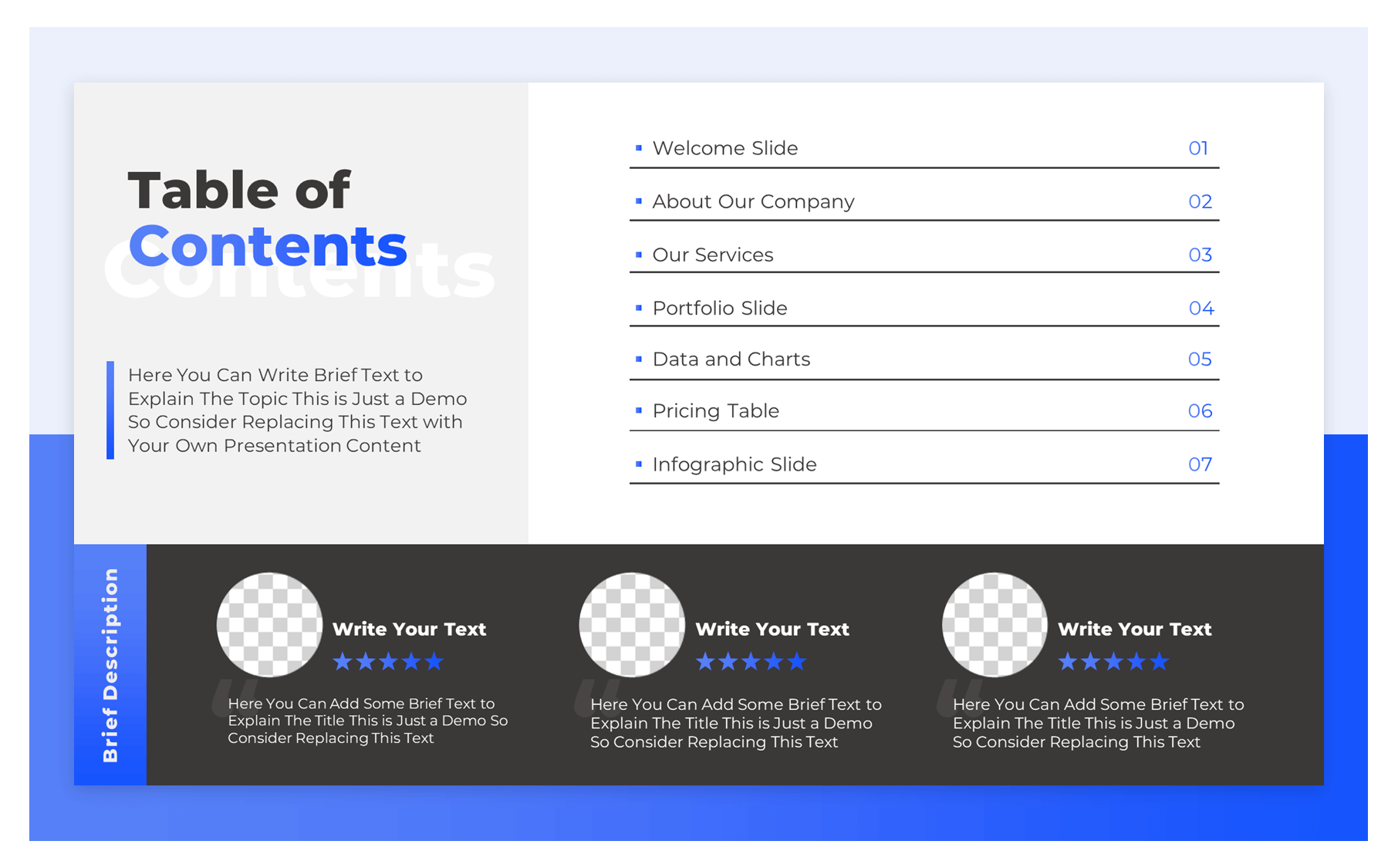
Powerpoint Table Of Contents Slide Template With Animation
Download table of contents powerpoint templates (ppt) and google slides themes to create awesome presentations. Create a new slide and copy headings. Access a wide range of table of contents powerpoint templates to structure your presentations. Discover our free table of contents template designed for powerpoint presentations. Enhance clarity and engagement with our designs.
Download The Perfect Google Slides And Powerpoint Template
Here’s the best way to create a table of contents easily in microsoft powerpoint: Create a new slide and copy headings. This blank template offers flexibility to tailor content according to your. Discover our free table of contents template designed for powerpoint presentations.
Download Our Free Table Of Contents Or Agenda Slide
Free + easy to edit + professional + lots backgrounds. Enhance clarity and engagement with our designs. Then use the two procedures below to (1) copy all the slide titles you want to include in your table of contents, and (2). First, select home > new slide to create a new slide for your table of contents.
Download Table Of Contents Powerpoint Templates (Ppt) And Google
Perfect for ensuring clarity and accessibility in your slides. Access a wide range of table of contents powerpoint templates to structure your presentations. Introducing our powerpoint ppt table of contents free template, designed to streamline your presentation organization. Template for your table of contents or main menu.
Table Of Contents Template
Effortlessly organize your slides and enhance your presentation's flow with this fully editable and customizable tool.