 Loan Agreement Templates
Powerpoint Template For Timeline Project - I can copy from outside powerpoint and paste inside powerpoint, but i can't copy from inside powerpoint and paste inside powerpoint. The easiest way to do this is to create a. Discussion forum on microsoft office software such as word, excel, outlook, powerpoint and project. These are tricky because of versioning and licensing. I suspect the reason is that i set animations in my master. And the text in the notes pane is small.
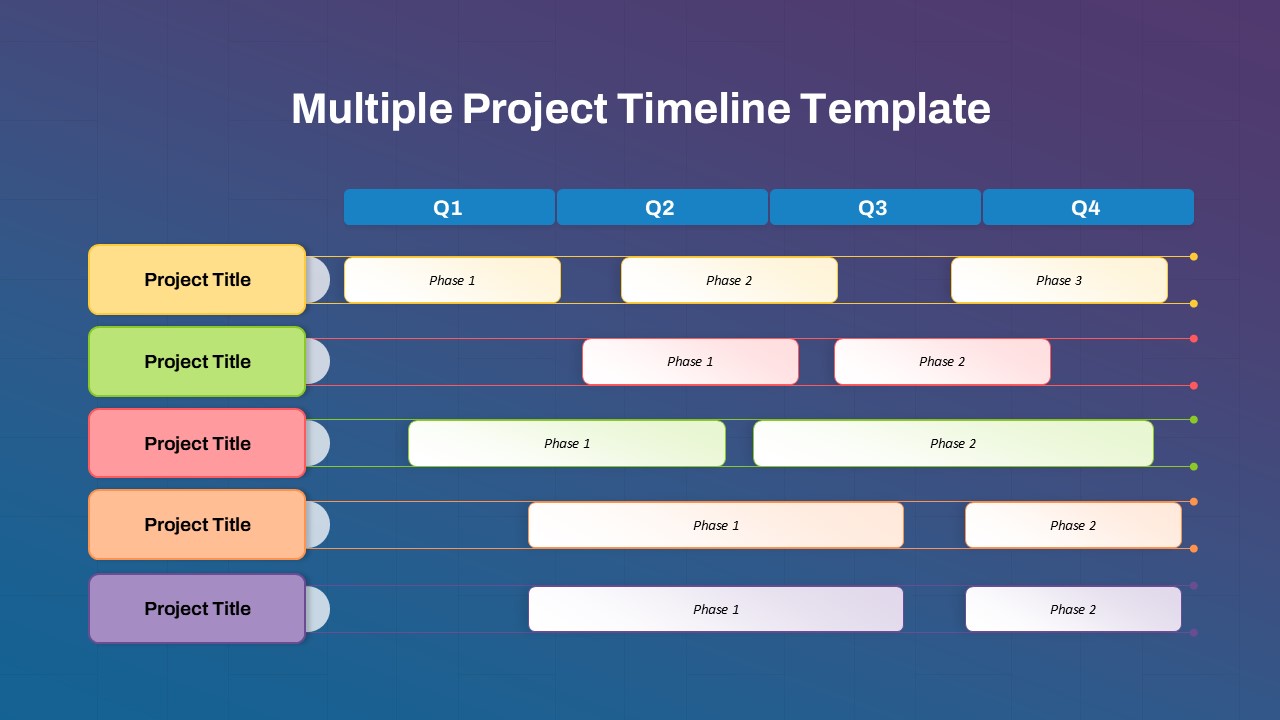
Swimlane Timeline Powerpoint Template Slidekit
I usually have the notes pane open when in normal view. Since it's currently a long website i'd rather make a single long slide to put it on (20 instead of 7.5). Is there a way to duplicate the text input in a text box on one slide and get that same text appearing across other text boxes within the same powerpoint while editing?
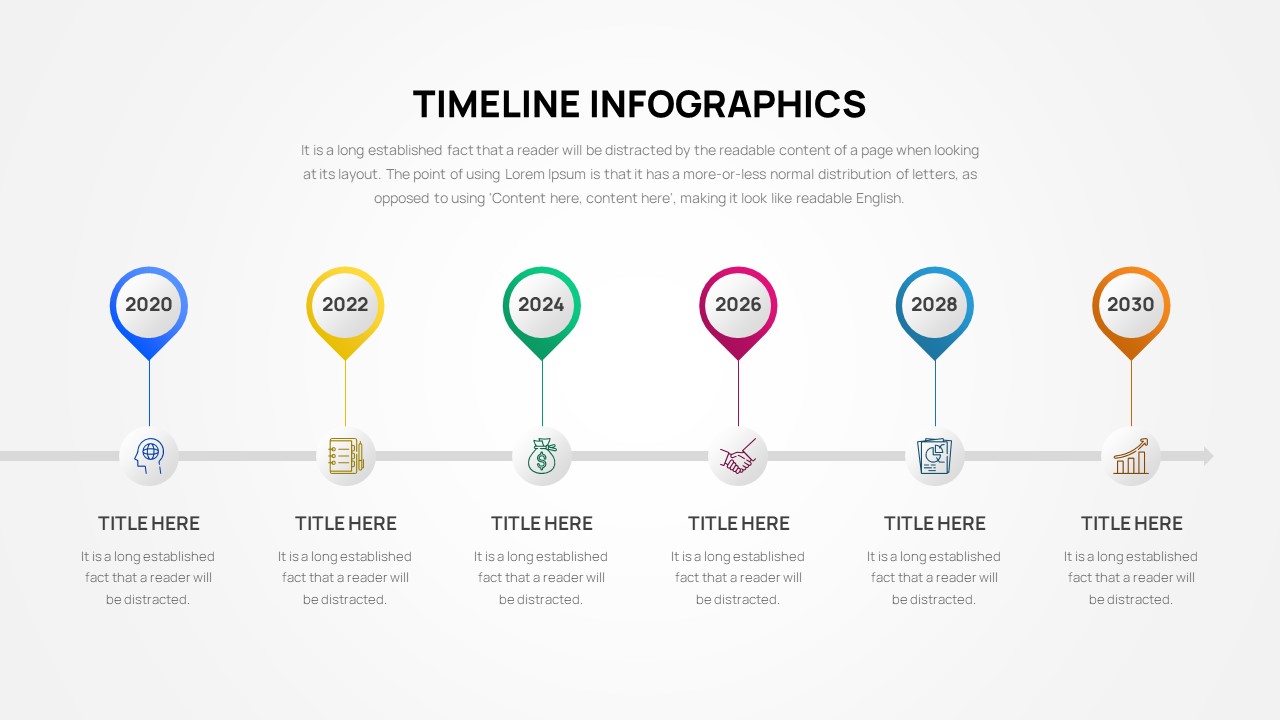
Powerpoint Project Timeline Templates Slidekit
Start powerpoint from command line and use the /m switch to have powerpoint run a specified macro when it starts a named presentation file. And the text in the notes pane is small. The easiest way to do this is to create a. Can't remove animation effects from a slide powerpoint i'm finding it impossible to remove animations from powerpoint slides.
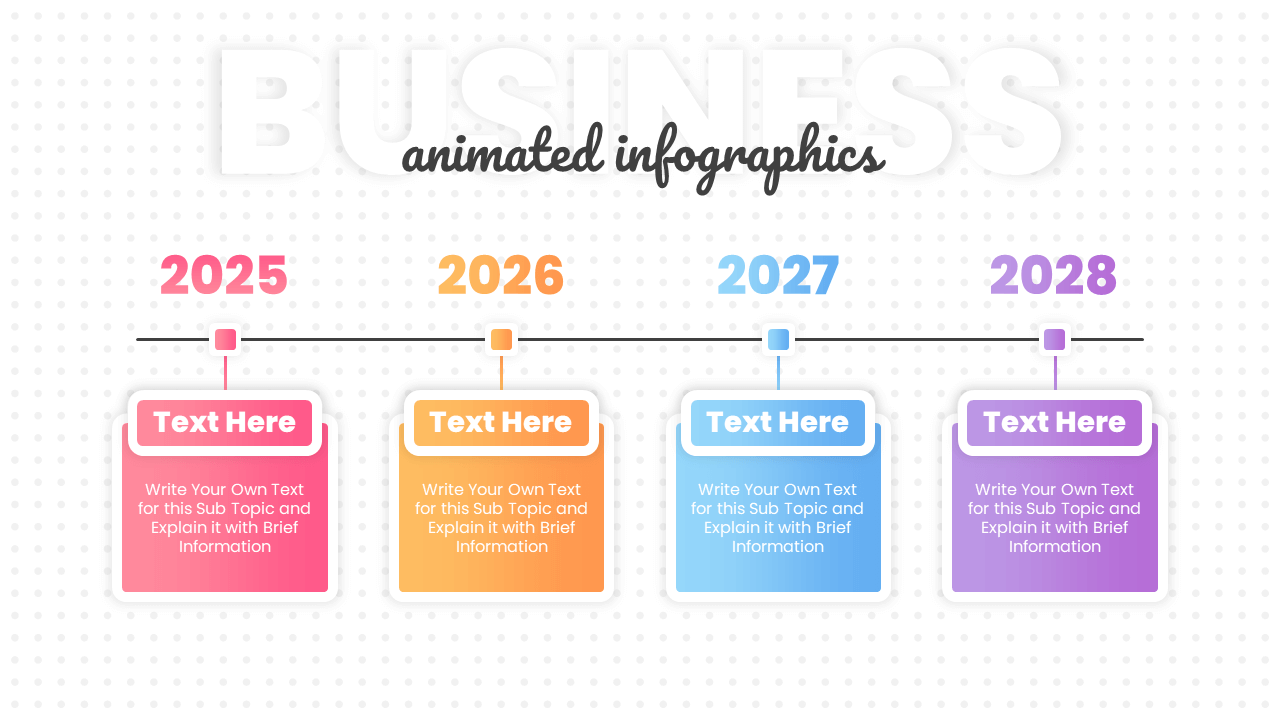
Powerpoint Project Timeline Template For Infographic Presentation
Pom vba powerpoint edited jul 2, 2020 at 14:35 martijn pieters 1.1m 327 4.2k 3.5k It is copying the range as an image rather than keeping source formatting. I'm trying to copy and paste a range from an excel document into a powerpoint slide. I suspect the reason is that i set animations in my master. Discussion forum on microsoft office software such as word, excel, outlook, powerpoint and project.

Project Proposal Timeline Powerpoint Template Slidekit
Can't remove animation effects from a slide powerpoint i'm finding it impossible to remove animations from powerpoint slides. And the text in the notes pane is small. I can copy from outside powerpoint and paste inside powerpoint, but i can't copy from inside powerpoint and paste inside powerpoint. I usually have the notes pane open when in normal view. Pom vba powerpoint edited jul 2, 2020 at 14:35 martijn pieters 1.1m 327 4.2k 3.5k.
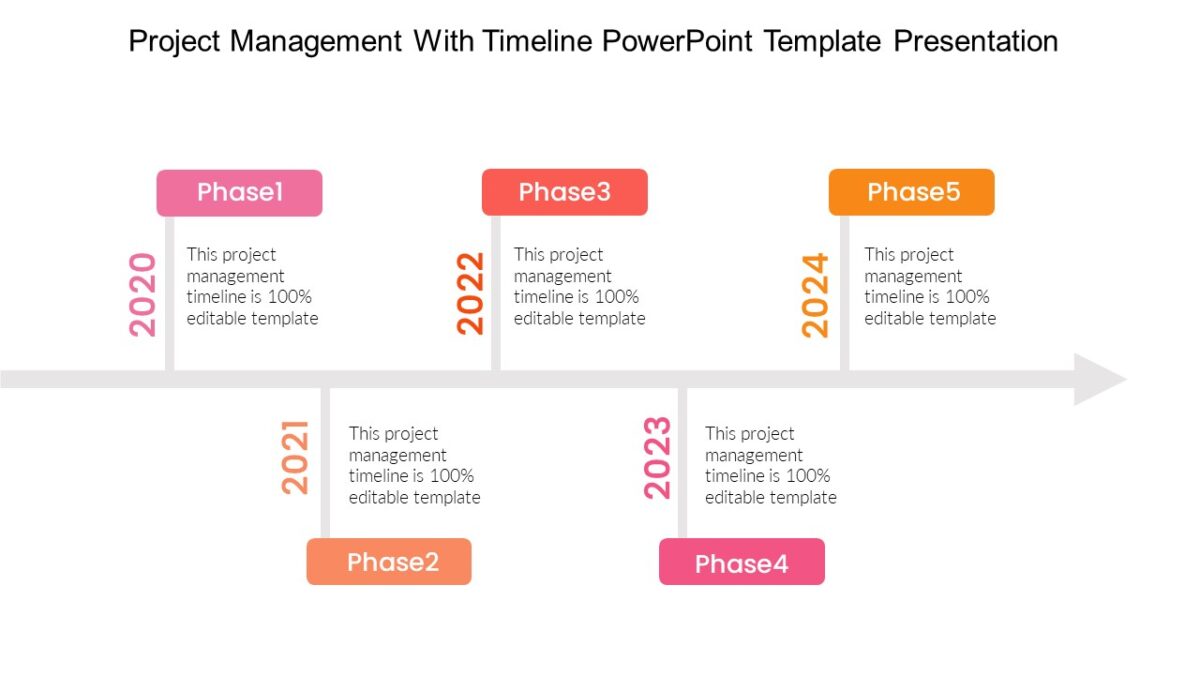
Project Management With Timeline Powerpoint Template Presentation 100
Is there a way to duplicate the text input in a text box on one slide and get that same text appearing across other text boxes within the same powerpoint while editing? 29 making a powerpoint that's supposed to show a before and after of a website. 1 is it possible to trigger a shape animation from vba code? And the text in the notes pane is small.
Can't Remove Animation Effects From A Slide Powerpoint I'm
Is there a way to duplicate the text input in a text box on one slide and get that same text appearing across other text boxes within the same powerpoint while editing? I usually have the notes pane open when in normal view. These are tricky because of versioning and licensing. I can copy from outside powerpoint and paste inside powerpoint, but i can't copy from inside powerpoint and paste inside powerpoint.
Just Bear In Mind That The
I'm trying to copy and paste a range from an excel document into a powerpoint slide. Since it's currently a long website i'd rather make a single long slide to put it on (20 instead of 7.5). 29 making a powerpoint that's supposed to show a before and after of a website. 1 is it possible to trigger a shape animation from vba code?
Pom Vba Powerpoint Edited Jul 2
Start powerpoint from command line and use the /m switch to have powerpoint run a specified macro when it starts a named presentation file. The easiest way to do this is to create a. I suspect the reason is that i set animations in my master. It is copying the range as an image rather than keeping source formatting.
Discussion Forum On Microsoft Office Software Such As Word
And the text in the notes pane is small.