 Loan Agreement Templates
Recording Contract Template - Always record calls from unknown numbers. Use the phone app to record calls you can use your phone app to: Turn meet recording on or off for your organization supported editions for this feature: Record a meeting is only available on a computer. If you do not, it will continue to record for a certain time after the last user leaves. Enterprise standard and enterprise plus.
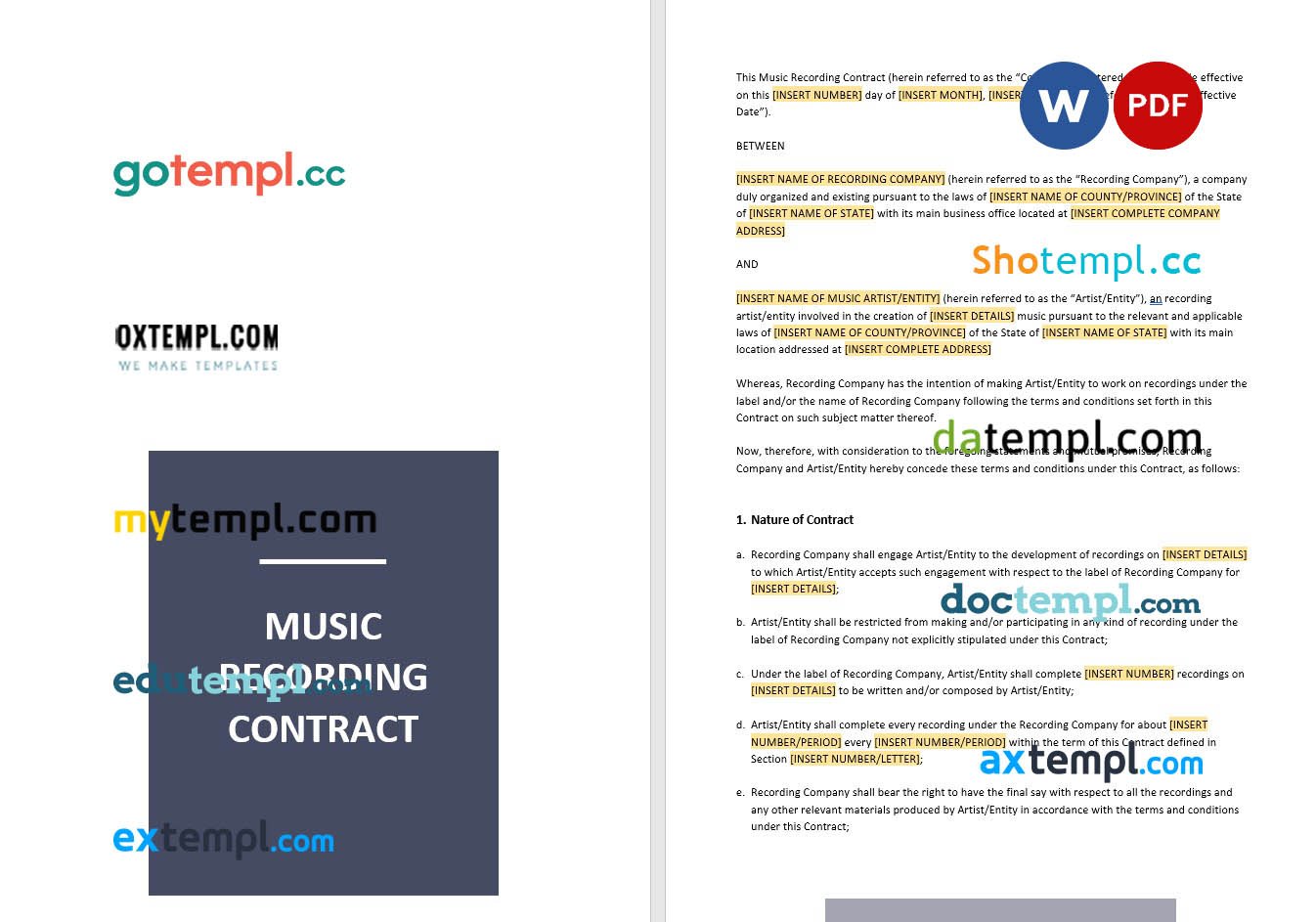
Music Recording Contract Template
Record a meeting is only available on a computer. Lengthy recordings can take 24 hours or more to. To record your call, on the ongoing call screen, tap record to stop recording, tap stop recording. You can add as many programs to your library—youtube tv includes dvr without. Use the phone app to record calls you can use your phone app to:.

Music Recording Contract Template In Google Docs, Pages, Word
Record a meeting is only available on a computer. Business standard and business plus. This particular user is concerned about hipaa violations when she's meeting with a patient. If you do not, it will continue to record for a certain time after the last user leaves. Use the phone app to record calls you can use your phone app to:

Recording Studio Contract Template
Is there a way to restrict a particular user from automatic recording of a google meet session? Managed google workspace accounts if you have a google workspace account managed by your. To record your call, on the ongoing call screen, tap record to stop recording, tap stop recording. You can add as many programs to your library—youtube tv includes dvr without.

Free 11+ Recording Contract Templates In Pdf Ms Word
Business standard and business plus. Record a meeting is only available on a computer. Recording calls without the consent of all call participants may not be legal in some jurisdictions. If you are still in the meet, you need to stop the recording. To start recording, go to the lower left corner in the media player and click record/stop.

Exclusive Recording Contract Template
You can add as many programs to your library—youtube tv includes dvr without. Always record calls from selected contacts. Managed google workspace accounts if you have a google workspace account managed by your. If you are still in the meet, you need to stop the recording. Turn meet recording on or off for your organization supported editions for this feature:
Make Or Receive A Call
If you do not, it will continue to record for a certain time after the last user leaves. Is there a way to restrict a particular user from automatic recording of a google meet session? Business standard and business plus. Never miss a show, sports, event, or movie by recording your favorite programs to your personal library on youtube tv.
Always Record Calls From Unknown Numbers
Managed google workspace accounts if you have a google workspace account managed by your. Record a meeting is only available on a computer. Turn meet recording on or off for your organization supported editions for this feature: If you are still in the meet, you need to stop the recording.
To Record Your Call
You can add as many programs to your library—youtube tv includes dvr without. Recording calls without the consent of all call participants may not be legal in some jurisdictions. To start recording, go to the lower left corner in the media player and click record/stop. Lengthy recordings can take 24 hours or more to.
To Record Audio, Click Microphone
Always record calls from selected contacts. Use the phone app to record calls you can use your phone app to: If you’ve recently updated to macos sequoia, make sure to select “allow” for google chrome permissions when prompted. This particular user is concerned about hipaa violations when she's meeting with a patient.