 Loan Agreement Templates
Signature Page Template - A digital signature is an electronic, encrypted, stamp of authentication on digital information such as email messages, macros, or electronic documents. On the message tab, select signature, and then select signatures. When you create a form template, you can enable digital signatures so that users can add them either to the entire form or to specific parts of the form. You can modify your email signature or create a new one to include links to your facebook or x (formerly twitter) profiles. How to create or edit your outlook signature for email messages. From the template you can copy the signature you like into your email message and personalize it to.

Signature Page Template
You can get a head start on creating a branded signature by starting with an email signature template. Include your signature, text, images, electronic business card, and logo. Create an email signature in outlook open a new email message. A digital signature is an electronic, encrypted, stamp of authentication on digital information such as email messages, macros, or electronic documents.

Free Email Signature In Google Docs Templates To Download
Insert a graphic of your signature, save it as autotext, or add a blank signature line to an online or printed document. You can modify your email signature or create a new one to include links to your facebook or x (formerly twitter) profiles. How to create or edit your outlook signature for email messages. Use a ready signature template from a gallery to create your email signature in outlook.

Signature Page Template
You can modify your email signature or create a new one to include links to your facebook or x (formerly twitter) profiles. A digital signature is an electronic, encrypted, stamp of authentication on digital information such as email messages, macros, or electronic documents. Include your signature, text, images, electronic business card, and logo. In microsoft office infopath 2007, you can also choose.
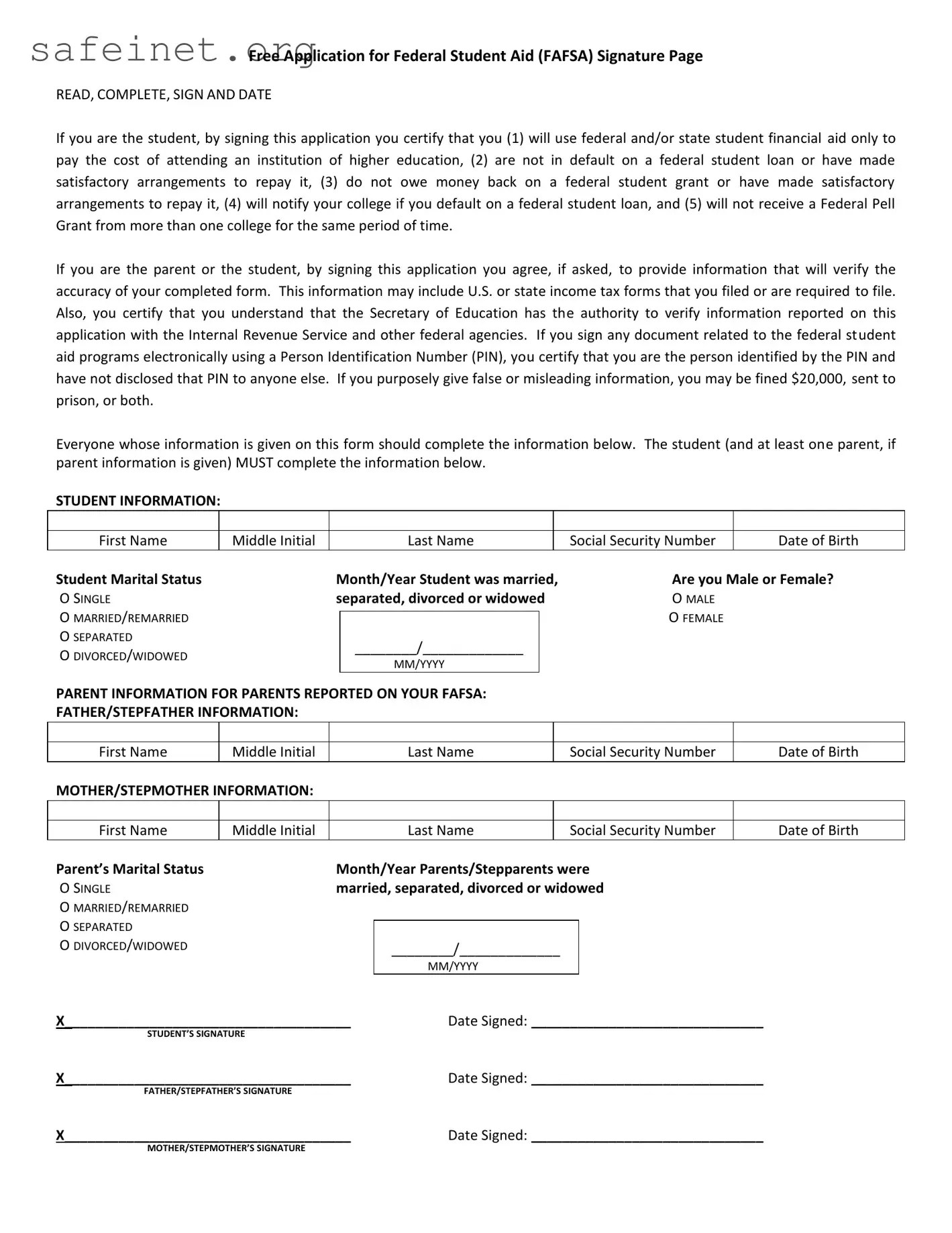
Blank Fafsa Signature Page Form ≡
To get started, make sure you save copies of the facebook and x. Insert a graphic of your signature, save it as autotext, or add a blank signature line to an online or printed document. You can create a signature for your email messages using a readily available signature gallery template. In microsoft office infopath 2007, you can also choose.

Thesis Signature Page Template Pdf Thesis Citation
Your handwritten signature gives your document a personal touch. A signature confirms that the information. You can get a head start on creating a branded signature by starting with an email signature template. You can scan your signature, store it as a picture, and then insert your signature in word documents. Create an email signature in outlook open a new email message.
On The Message Tab
A signature confirms that the information. A digital signature is an electronic, encrypted, stamp of authentication on digital information such as email messages, macros, or electronic documents. Create an email signature in outlook open a new email message. You can modify your email signature or create a new one to include links to your facebook or x (formerly twitter) profiles.
You Can Create A Signature For Your Email Messages
Use a ready signature template from a gallery to create your email signature in outlook. Insert a graphic of your signature, save it as autotext, or add a blank signature line to an online or printed document. You can scan your signature, store it as a picture, and then insert your signature in word documents. All you have to do is get the template, copy the signature you like into your email message and.
To Get Started
When you create a form template, you can enable digital signatures so that users can add them either to the entire form or to specific parts of the form. From the template you can copy the signature you like into your email message and personalize it to. Your handwritten signature gives your document a personal touch. In microsoft office infopath 2007, you can also choose.
How To Create Or Edit Your Outlook Signature
Include your signature, text, images, electronic business card, and logo. You can get a head start on creating a branded signature by starting with an email signature template.