 Loan Agreement Templates
Software Requirements Template - Here are the detailed steps to download and install the older hp scan software for your hp laserjet pro m1536dnf mfp: Download hp laserjet pro m12a software 👉 hp laserjet pro m12a printer software and driver downloads | hp® support installation tips disconnect the printer from your computer before. Hp community notebooks notebook software and how to questions hp command center download Visit the hp support website go to the hp support page for. Temporarily disable antivirus/firewall software (if any). This should restore the b&o audio control app.

Software Requirements Specification Template In Word And Pdf Formats
Here are the detailed steps to download and install the older hp scan software for your hp laserjet pro m1536dnf mfp: Have questions on how to install a driver, or print from an application, post a question here. Download hp laserjet pro m12a software 👉 hp laserjet pro m12a printer software and driver downloads | hp® support installation tips disconnect the printer from your computer before.

Software Requirements Specification Template
Scroll to the software and drivers section of your device’s support page. Here are the detailed steps to download and install the older hp scan software for your hp laserjet pro m1536dnf mfp: Visit the hp support website go to the hp support page for. Hp community notebooks notebook software and how to questions hp command center download Temporarily disable antivirus/firewall software (if any).

Product Requirements Document Template
Under the software category, you should see hp support assistant listed as an available download. Here are the detailed steps to download and install the older hp scan software for your hp laserjet pro m1536dnf mfp: Scroll to the software and drivers section of your device’s support page. Have questions on how to install a driver, or print from an application, post a question here.
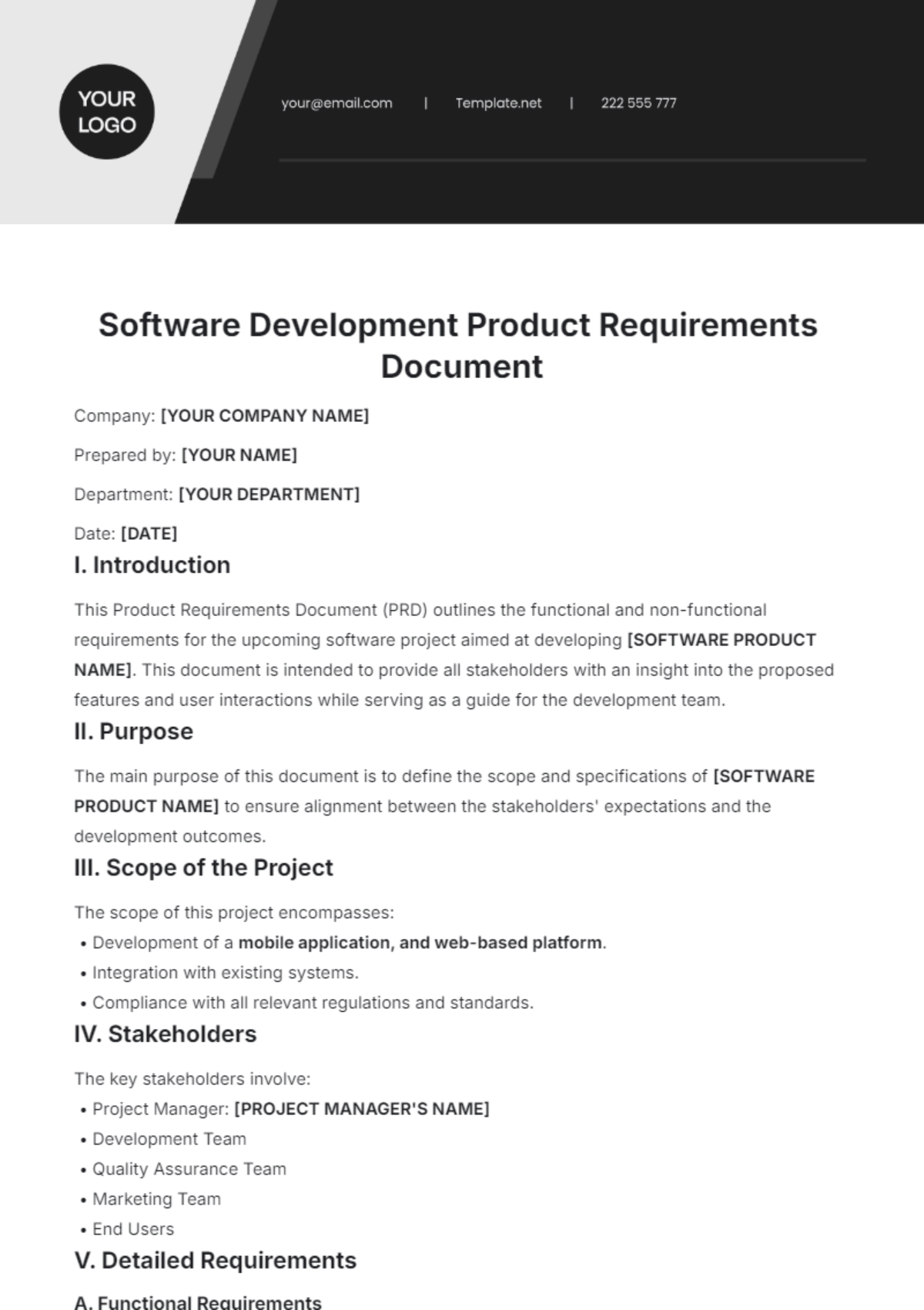
Product Requirements Document Template
The video went through scan to cloud => hp cloud not set up and the instructions don't work for me scan to email => did not ask for email scan to computer. Here are the detailed steps to download and install the older hp scan software for your hp laserjet pro m1536dnf mfp: Temporarily disable antivirus/firewall software (if any). This should restore the b&o audio control app.

Software Requirements Specification (Srs) Template In Word And Pdf
Scroll to the software and drivers section of your device’s support page. Here are the detailed steps to download and install the older hp scan software for your hp laserjet pro m1536dnf mfp: Temporarily disable antivirus/firewall software (if any). Download hp laserjet pro m12a software 👉 hp laserjet pro m12a printer software and driver downloads | hp® support installation tips disconnect the printer from your computer before.
Hp Community Notebooks Notebook Software And How To Questions
Restart your laptop after installation. Hp community printers printer setup, software & drivers hp laserjet p2055dn printer driver This should restore the b&o audio control app. Under the software category, you should see hp support assistant listed as an available download.
Download Hp Laserjet Pro M12A Software 👉 Hp Laserjet
Temporarily disable antivirus/firewall software (if any). Scroll to the software and drivers section of your device’s support page. The video went through scan to cloud => hp cloud not set up and the instructions don't work for me scan to email => did not ask for email scan to computer. Here are the detailed steps to download and install the older hp scan software for your hp laserjet pro m1536dnf mfp:
Under Drivers & Software
Visit the hp support website go to the hp support page for. If prompted, allow the installation to proceed. Have questions on how to install a driver, or print from an application, post a question here.