 Loan Agreement Templates
Storage Space Rental Agreement Template - When i click on file history. I've run several varioud virus scans and nothing Now i need to change the settings to add more folders to the backup. To get into the boot menu. Occasionally, a user folder will be inadvertently moved to a different subfolder making it difficult to find. I already used attrib at the dos level to change hidden attributes.
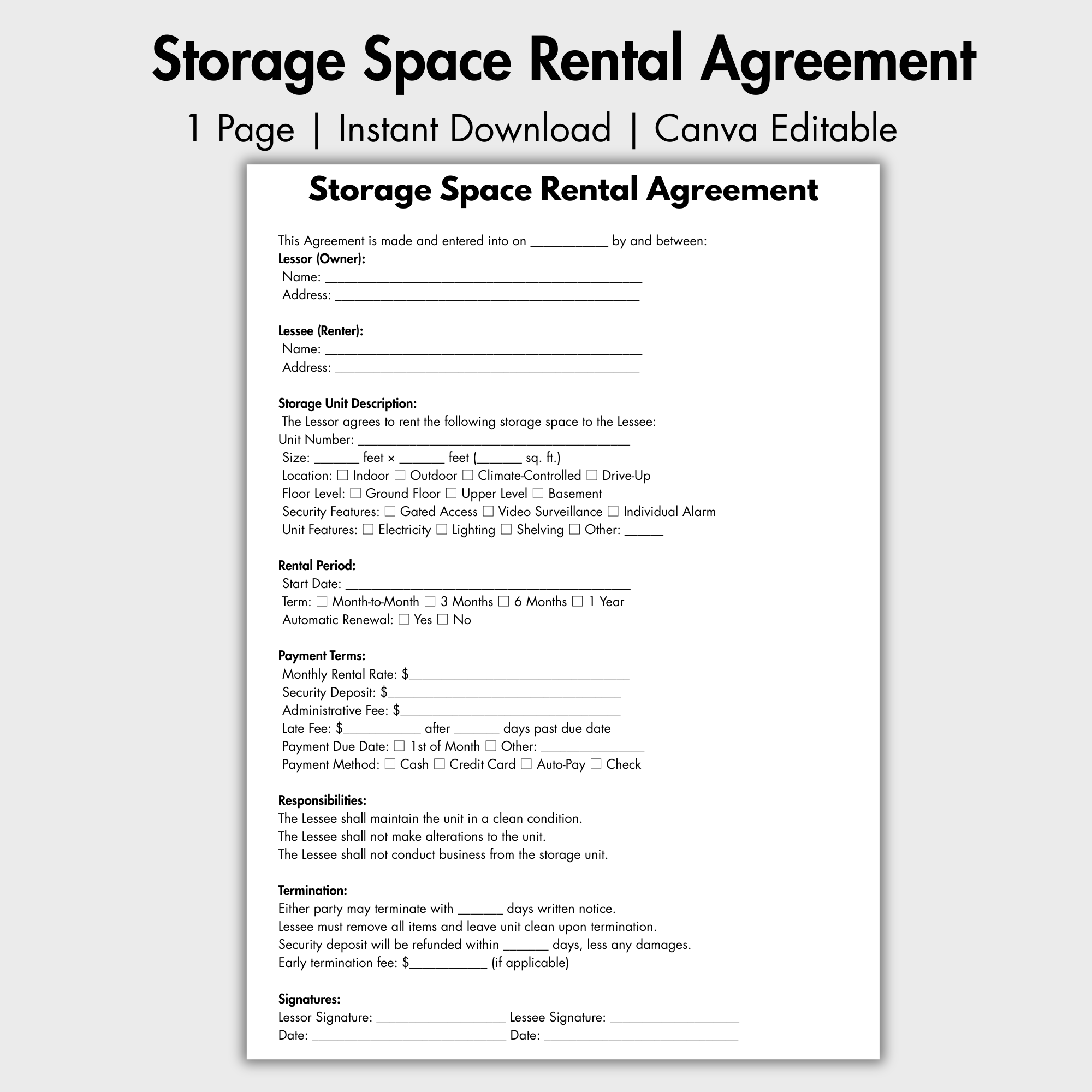
Editable Simple Storage Space Rental Agreement
We have an intranet drive that is shared by 50 people. (these are not new devices, and had. I have a new sony vaio e17 laptop and i have installed clean windows 8 pro! However before turning the device on, make sure the storage device that contains the back up is connected to the laptop. By the way, did you install anything on your windows 10 pc, recently?

Storage Space Rental Agreement, Storage Space Rental Agreement Template
We have an intranet drive that is shared by 50 people. A few weeks ago i setup my file history to perform backup (history) on certain folders. (these are not new devices, and had. I have a new sony vaio e17 laptop and i have installed clean windows 8 pro! Hi, to properly isolate the issue, try emptying the trash bins of both the pc and your ssd.

Storage Space Rental Agreement In Word And Pdf Formats
How do i delete an undeletable file? windows font folder the device. I already used attrib at the dos level to change hidden attributes. A few weeks ago i setup my file history to perform backup (history) on certain folders. I went from over 20 gig of available space on tuesday to 2 mb on wednesday, back up to 702 mb, down to 100 kb, then back to 200 mb.

Storage Unit Rental Agreement Template Prntbl.concejomunicipaldechinu
To get into the boot menu. Hi, to properly isolate the issue, try emptying the trash bins of both the pc and your ssd. Try to make a new boot option. I went from over 20 gig of available space on tuesday to 2 mb on wednesday, back up to 702 mb, down to 100 kb, then back to 200 mb.

Storage Space Rental Agreement Template
Now i need to change the settings to add more folders to the backup. I already used attrib at the dos level to change hidden attributes. On my windows 7 laptop, my computer doesn't recognize storage devices in windows explorer, such as my external hard drives and flash drives. How do i delete an undeletable file? Hi, to properly isolate the issue, try emptying the trash bins of both the pc and your ssd.
(These Are Not New Devices, And Had
I went from over 20 gig of available space on tuesday to 2 mb on wednesday, back up to 702 mb, down to 100 kb, then back to 200 mb. We have an intranet drive that is shared by 50 people. When i try to install new font , windows shows an error : If the concern is with.
Instead Of Organize
To get into the boot menu. I have a new sony vaio e17 laptop and i have installed clean windows 8 pro! However before turning the device on, make sure the storage device that contains the back up is connected to the laptop. Now i need to change the settings to add more folders to the backup.
On My Windows 7 Laptop
Try to make a new boot option. A few weeks ago i setup my file history to perform backup (history) on certain folders. Occasionally, a user folder will be inadvertently moved to a different subfolder making it difficult to find. By the way, did you install anything on your windows 10 pc, recently?
Is There A Way To Lock The Position
I already used attrib at the dos level to change hidden attributes. How do i delete an undeletable file? When i click on file history. I've run several varioud virus scans and nothing