 Loan Agreement Templates
Word Table Template - On the insert tab, in the tables group, click the table button: Not sure the default table templates on microsoft word are for you? Making a table in microsoft word can be tricky, but with just a few simple steps, creating and customizing one for your needs is easy. These templates range from simple calendars to complex matrices, streamlining. These are immediately available when you click file > new But to save time, create a table template that you can reuse in word.

Table Templates In Word Free Download
Here's how you can create and use custom table templates. On the insert tab, in the tables group, click the table button: Making a table in microsoft word can be tricky, but with just a few simple steps, creating and customizing one for your needs is easy. Not sure the default table templates on microsoft word are for you? Microsoft word offers a feature called quick tables which provides a gallery of prebuilt tables.
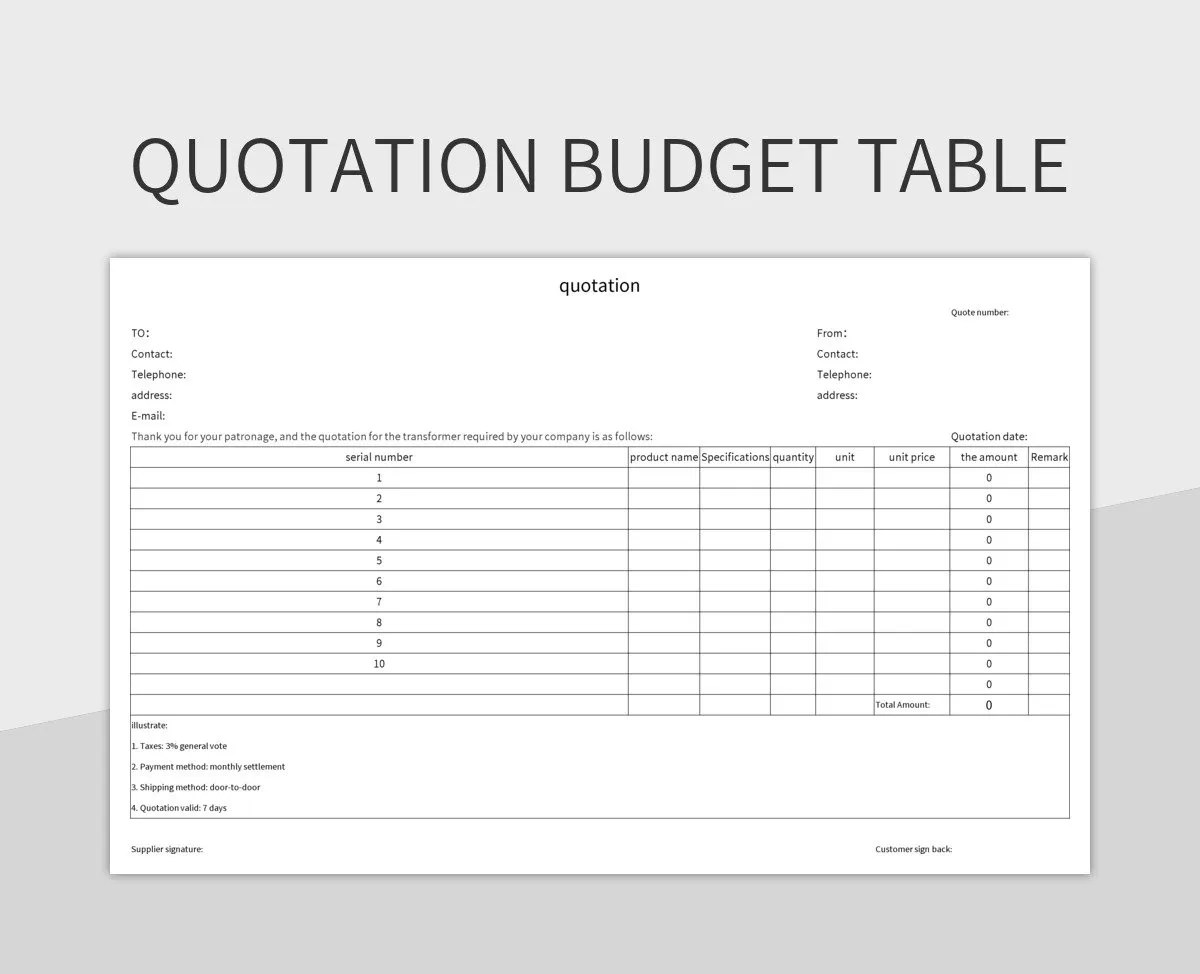
Making a table in microsoft word can be tricky, but with just a few simple steps, creating and customizing one for your needs is easy. Microsoft word offers a feature called quick tables which provides a gallery of prebuilt tables. To create a blank table in a word document, do the following: On the insert tab, in the tables group, click the table button: Easy to create and customize, our editable table templates in word offer professional quality designs that are fully downloadable.

Table Template Word Matttroy
We recommend adding _custom tables as a category to better organize your table templates (by adding an underscore at the beginning, the custom tables will appear at the top of the. In this article, we’ll teach you how to make a table in. Easy to create and customize, our editable table templates in word offer professional quality designs that are fully downloadable.

Plus, learn how to use custom table templates and how to delete them. To create a blank table in a word document, do the following: Here's how you can create and use custom table templates. Personalize document templates for any occasion like work or school with microsoft word. These templates range from simple calendars to complex matrices, streamlining.

Learn how to save tables as custom templates in microsoft word. Microsoft word offers a feature called quick tables which provides a gallery of prebuilt tables. These are immediately available when you click file > new Easy to create and customize, our editable table templates in word offer professional quality designs that are fully downloadable. Place your cursor where you want to insert the table.
Easy To Create And Customize
Learn how to save tables as custom templates in microsoft word. These are immediately available when you click file > new In this article, we’ll teach you how to make a table in. Plus, learn how to use custom table templates and how to delete them.
Not Sure The Default Table Templates On Microsoft Word
Here's how you can create and use custom table templates. Making a table in microsoft word can be tricky, but with just a few simple steps, creating and customizing one for your needs is easy. These templates range from simple calendars to complex matrices, streamlining. Personalize document templates for any occasion like work or school with microsoft word.
We Recommend Adding _Custom Tables As A Category
On the insert tab, in the tables group, click the table button: To create a blank table in a word document, do the following: But to save time, create a table template that you can reuse in word. Place your cursor where you want to insert the table.