 TikTok Trend Analysis
Editing Captions On Tiktok - There’s more than one way to create tiktok captions. To add captions to your tiktok videos, you need to access the caption editor. This tutorial discussed how to add and edit captions on tiktok videos on iphone and android phones. Open the tiktok app and navigate to the video you want to edit. Editing your captions lets you easily change them whenever you deem necessary or when you make a mistake. Discover how to fix mistakes, update information, and enhance your content engagement.

Tiktok Auto Captions How And Why To Use Them
Discover how to fix mistakes, update information, and enhance your content engagement. There’s more than one way to create tiktok captions. Unfortunately, there is no way to edit a caption on tiktok. Simply open the tiktok app and navigate to your profile. With tiktok's new edit post feature, you can now edit captions, hashtags, mentions, location tags, and even your cover image after posting.

Funny Tiktok Captions. Meltblogs
Tiktok video from mckenzie cloak (@mckenziecloak): Tiktok and capcut, a video editing software, were legally banned in the u.s. Did you know that you can now edit elements of your tiktok post after posting? To edit captions on tiktok, you need to access the caption editor. There’s more than one way to create tiktok captions.
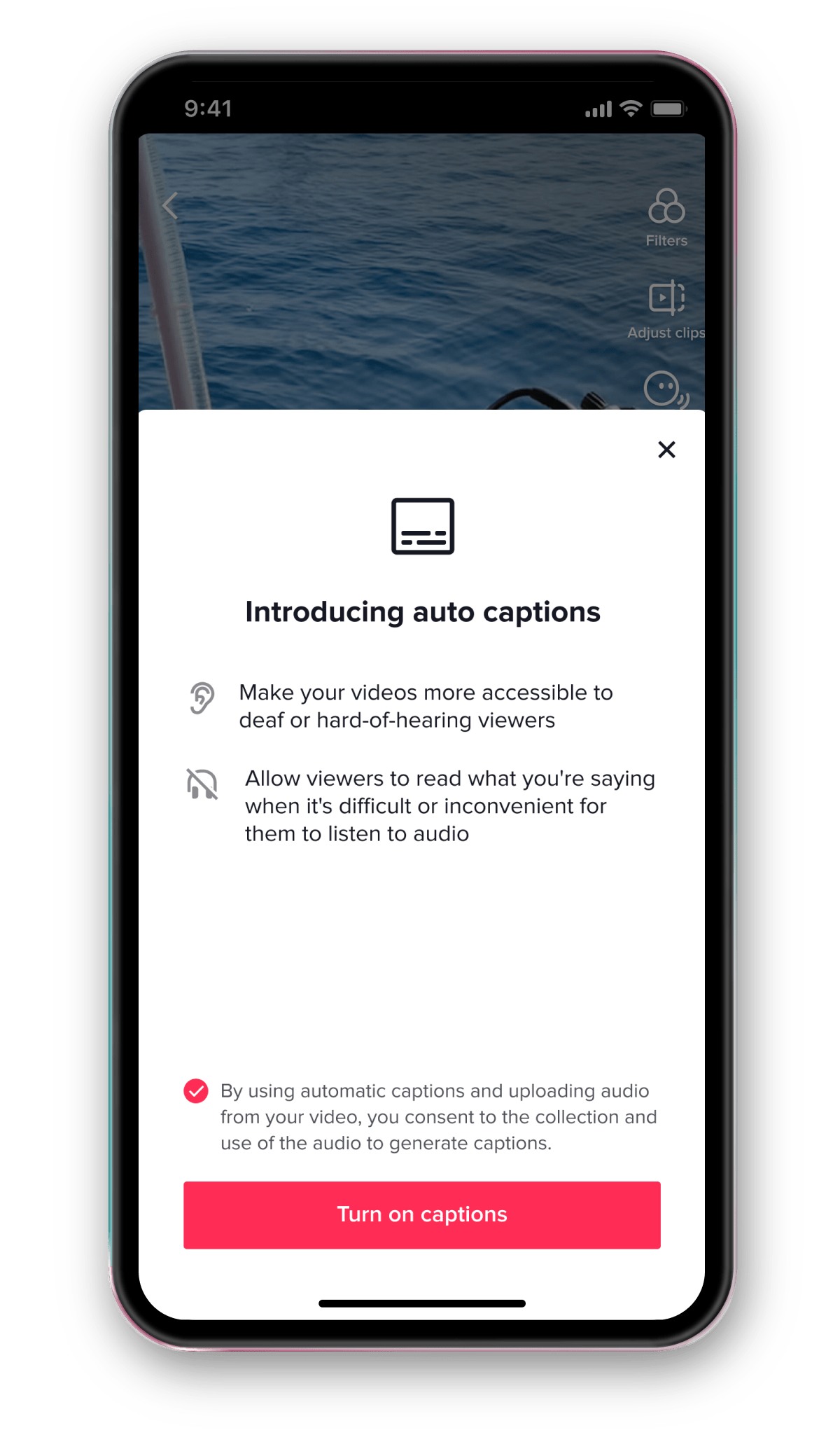
Introducing Auto Captions Tiktok Newsroom
To edit captions on tiktok, you need to access the caption editor. Tap the captions tool on the right side of the screen. Meta sunday announced a new video editing app called edits, after bytedance’s video editing app capcut was removed from apple’s app store and the google play store as. Did you know that you can now edit elements of your tiktok post after posting?

Tiktok Auto Captions How And Why To Use Them
Edit your captions if needed. Unfortunately, there is no way to edit a caption on tiktok. Tiktok and capcut, a video editing software, were legally banned in the u.s. Here's how to edit a caption on tiktok. Free to downloadget started for freeuseful ai featuresmake video and podcasts
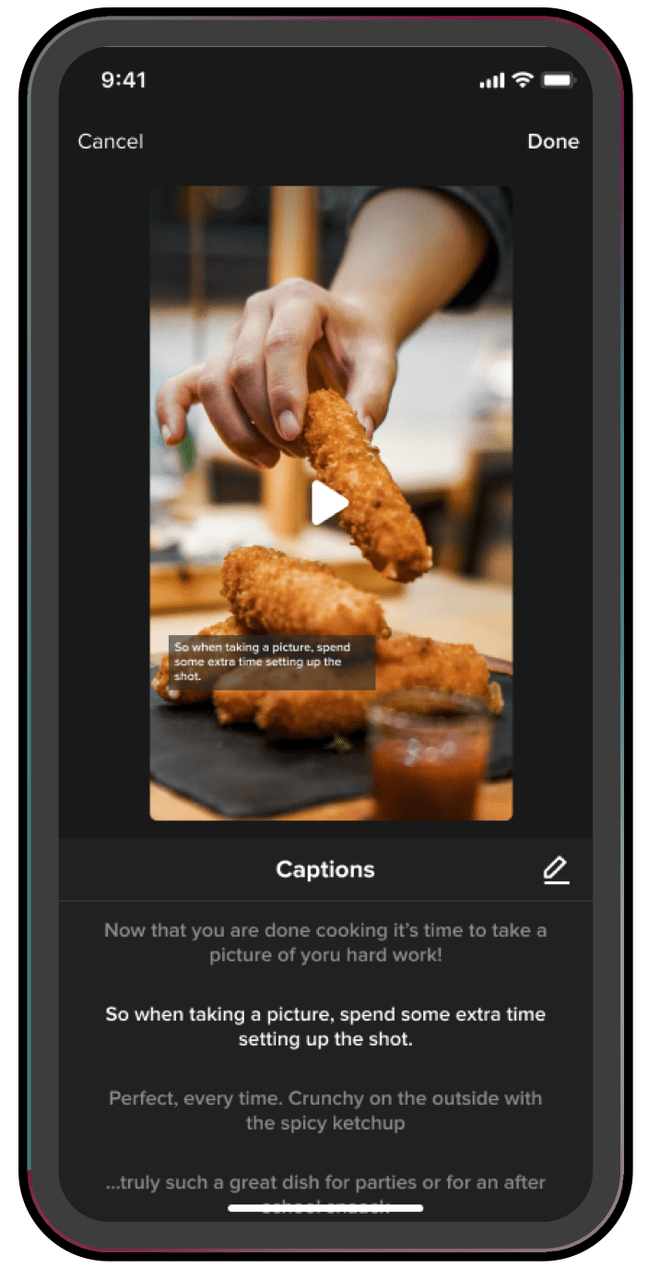
Making Tiktok More Accessible Auto Captions Launches In Canada
Did you know that you can now edit elements of your tiktok post after posting? Open the tiktok app and navigate to the video you want to edit. Learn how to edit tiktok captions after posting with three effective methods. Can you edit a caption after posting a video? Unfortunately, with the way tiktok works, the app doesn't offer an edit feature once.
There’s More Than One Way To Create Tiktok Captions
This tutorial discussed how to add and edit captions on tiktok videos on iphone and android phones. Here’s how to edit your captions on tiktok before and after posting to avoid mistakes, boost engagement, and make your videos stand out. Edit your captions if needed. Did you know that you can now edit elements of your tiktok post after posting?
Unfortunately, There Is No Way To Edit A Caption
Free to downloadget started for freeuseful ai featuresmake video and podcasts Tap the captions tool on the right side of the screen. Meta sunday announced a new video editing app called edits, after bytedance’s video editing app capcut was removed from apple’s app store and the google play store as. “learn how to easily change video captions for better clarity and engagement in your content.
Editing Your Captions Lets You Easily Change Them Whenever
Learn how to edit tiktok captions after posting with three effective methods. No more embarrassing typos in your captions! To add captions to your tiktok videos, you need to access the caption editor. Open the tiktok app and navigate to the video you want to edit.
Open The Tiktok App And Navigate To The Video
Upload or film your video in tiktok. To edit captions on tiktok, you need to access the caption editor. Discover how to fix mistakes, update information, and enhance your content engagement. While some opt to use tiktok’s internal.