 TikTok Trend Analysis
How To Add Caption To Tiktok - Open the tiktok app and select the video you want to add captions to. There are several ways to add captions to tiktok videos through the tiktok app itself. Whether it’s for enhancing viewer understanding, reaching a broader audience, or. Tiktok video from shann (@shann_chinita2): Upload the video from your camera roll. In the following sections, we will explore.

How To Edit Caption On Your Tiktok Videos?
In the following sections, we will explore. “i no no wanna add a caption 3: Enhance accessibility and engagement by adding captions to your tiktok videos step by step. There are several ways to add captions to tiktok videos through the tiktok app itself. To add captions to your tiktok videos, follow these straightforward steps:
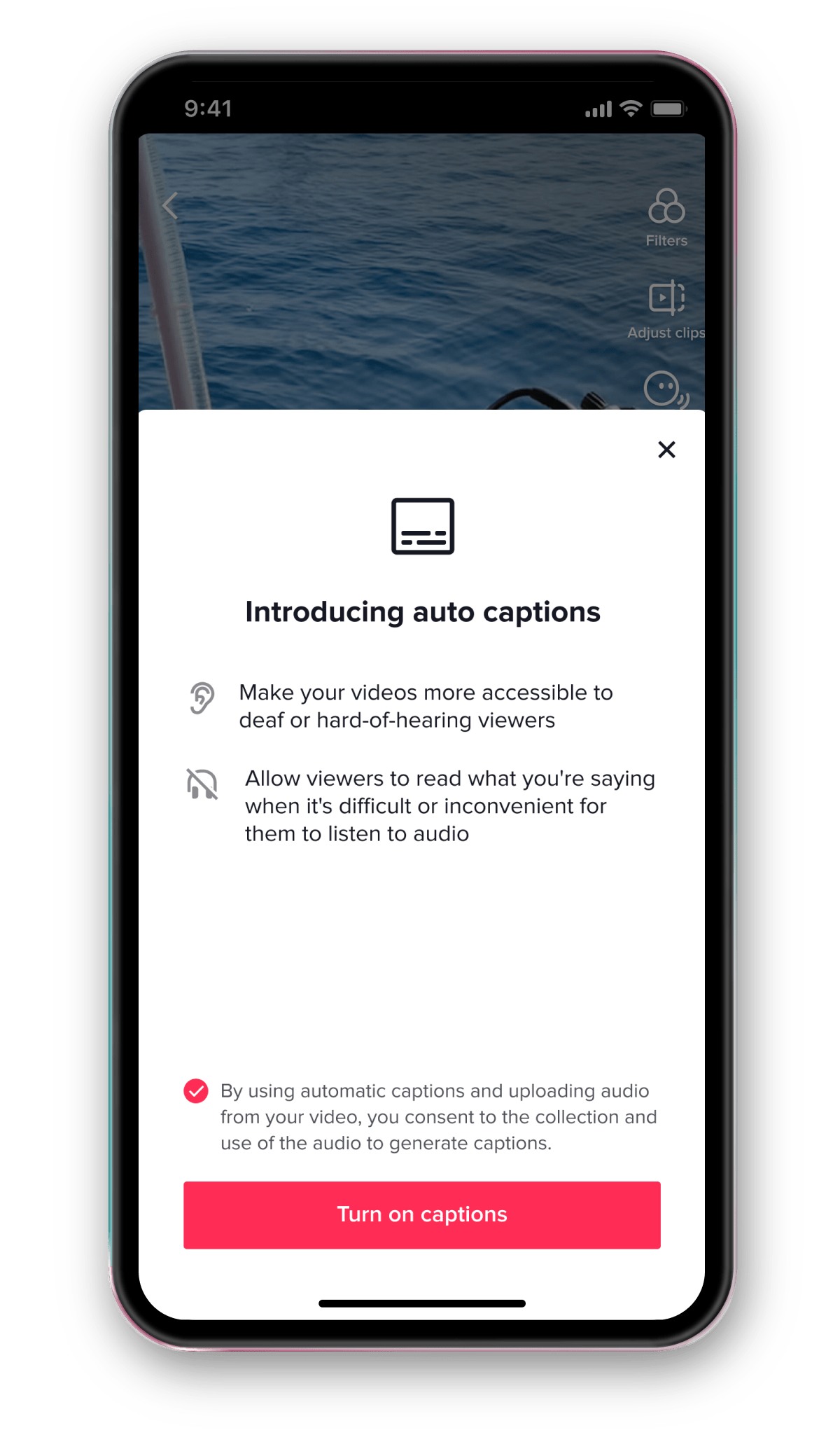
Introducing Auto Captions Tiktok Newsroom
Tap the text button to add a caption. Perfect for enhancing your tiktok content! Tiktok video from shann (@shann_chinita2): Open the tiktok app and select the video you want to add captions to. Learn how to easily add captions to your tiktok videos with this quick tutorial.

How To Edit Caption On Tiktok ( 5 Steps
Tiktok video from shann (@shann_chinita2): You will be directed to the video editor. In the following sections, we will explore. Tap on the edit button. “learn how to add captions and adjust duration in your videos with this easy tutorial.

How To Add Caption On Tiktok Beginner's Guide Techcult
Upload the video from your camera roll. Adding captions is a key step to making your tiktok videos more accessible and engaging. Here's how to add captions on tiktok using your iphone, ipad, or android device. There are several ways to add captions to tiktok videos through the tiktok app itself. The ‘on’ and ‘off’ captions aspect is easy for users to navigate, so it calls comes down to how to add closed caption to tiktok videos and the process.

How To Edit Caption On Tiktok After Posting
Now it’s time to add captions to your tiktok videos. Here's how to add captions on tiktok using your iphone, ipad, or android device. Learn how to add captions on tiktok easily with this complete guide. You'll just need to turn it on in the editing stage, check for accuracy, and then upload your video normally. Adding captions is a key step to making your tiktok videos more accessible and engaging.
How To Add Captions On Your Tiktok Videos
Whether it’s for enhancing viewer understanding, reaching a broader audience, or. “i forgot to add a caption in last post but i'm tryna get my main back cuz i forgot my password 😭 @toonpiano. Open the tiktok app on your phone and tap the “+” sign in the navigation bar. Tap the text button to add a caption.
To Add Captions To Your Tiktok Videos
You’ll learn how to add subtitles on tiktok automatically from within the tiktok app. Enhance accessibility and engagement by adding captions to your tiktok videos step by step. Tiktok video from shann (@shann_chinita2): In the following sections, we will explore.
You Will Be Directed To The Video Editor
It’s not possible to upload.srt files. For more videos like this then please leave a like. The fastest and easiest technique is. Perfect for enhancing your tiktok content!
Tiktok's New Auto Captions Feature Generates Subtitles
Here's how to add captions on tiktok using your iphone, ipad, or android device. The ‘on’ and ‘off’ captions aspect is easy for users to navigate, so it calls comes down to how to add closed caption to tiktok videos and the process. Learn how to easily add captions to your tiktok videos with this quick tutorial. 76 likes, tiktok video from asher/moz (@mozi.stix):