 TikTok Trend Analysis
How To Add Captions To Tiktok - It’s not possible to upload.srt files. It's the “aa” icon you'll find at the bottom of the screen. In the following sections, we will explore. You can use the text tool during recording; “learn how to easily add captions to your videos to boost engagement and accessibility. You can easily add subtitles to tiktok clips on any device using our online tool, directly in your browser.

How To Add Tiktok Captions And Watch Videos
How to add captions on your tiktok videos in this video. Tap on the text tool: The following steps will guide you on. There are several ways to add captions to tiktok videos through the tiktok app itself. You’ll learn how to add subtitles on tiktok automatically from within the tiktok app.
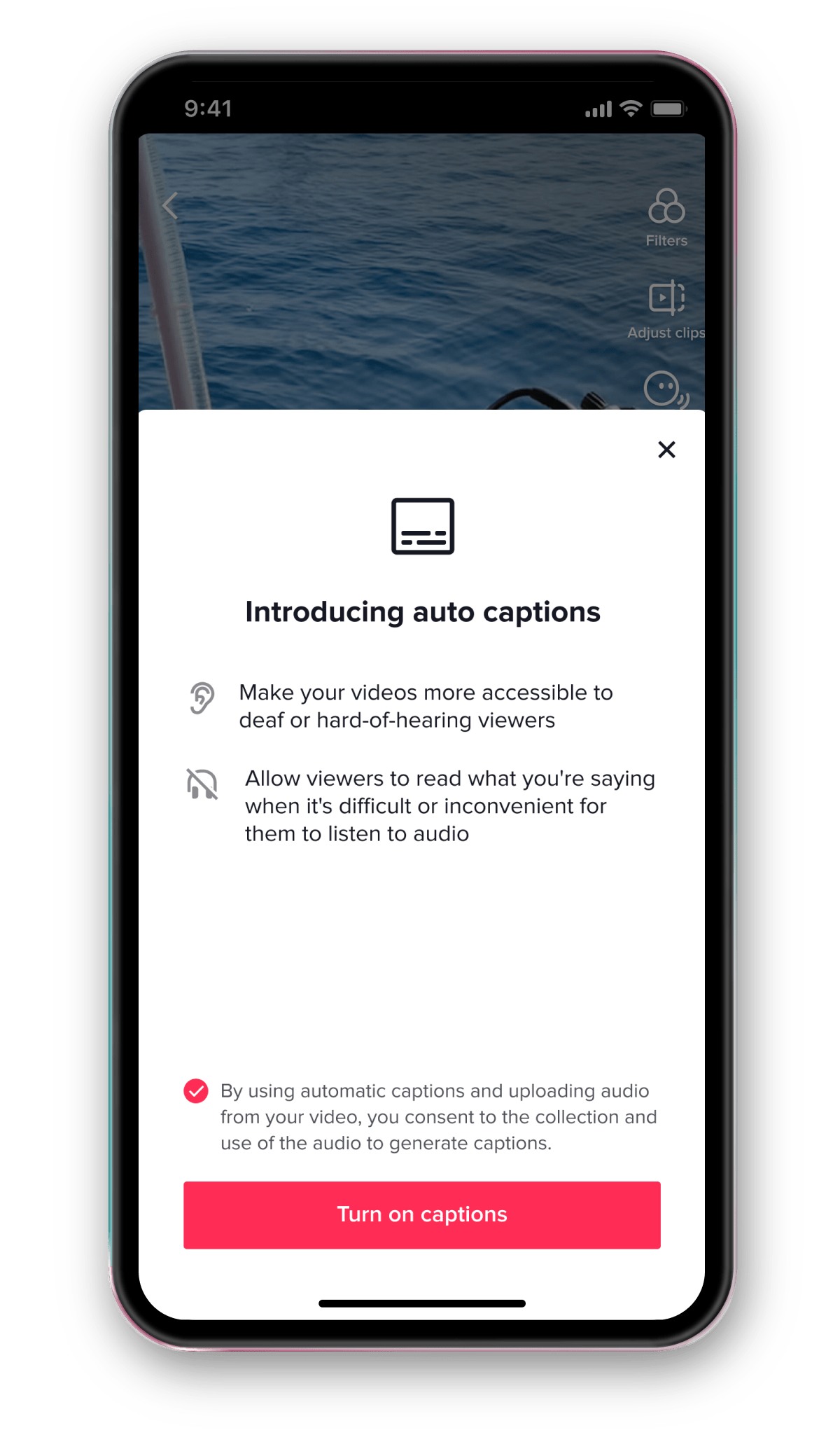
Introducing Auto Captions Tiktok Newsroom
You’ll learn how to add subtitles on tiktok automatically from within the tiktok app. Tiktok video from dunsinola backup (@dunsin0la): Now it’s time to add captions to your tiktok videos. Adding captions to your videos is a great way to make your content more accessible to people, and tiktok has made it easy for everyone by allowing creators to add.

How To Add Captions And Subtitles On Tiktok Videos?
Here's how to add captions on tiktok using your iphone, ipad, or android device. The following steps will guide you on. There are several ways to add captions to tiktok videos through the tiktok app itself. Now it’s time to add captions to your tiktok videos. Tiktok's new auto captions feature generates subtitles for your videos.

How To Add Captions On Tiktok?
In this comprehensive guide, we will walk you through the art of adding closed captions to your tiktok videos, making your content inclusive and engaging for a wider. The ‘on’ and ‘off’ captions aspect is easy for users to navigate, so it calls comes down to how to add closed caption to tiktok videos and the process. Tiktok video from dunsinola backup (@dunsin0la): Start by creating or choosing a video.
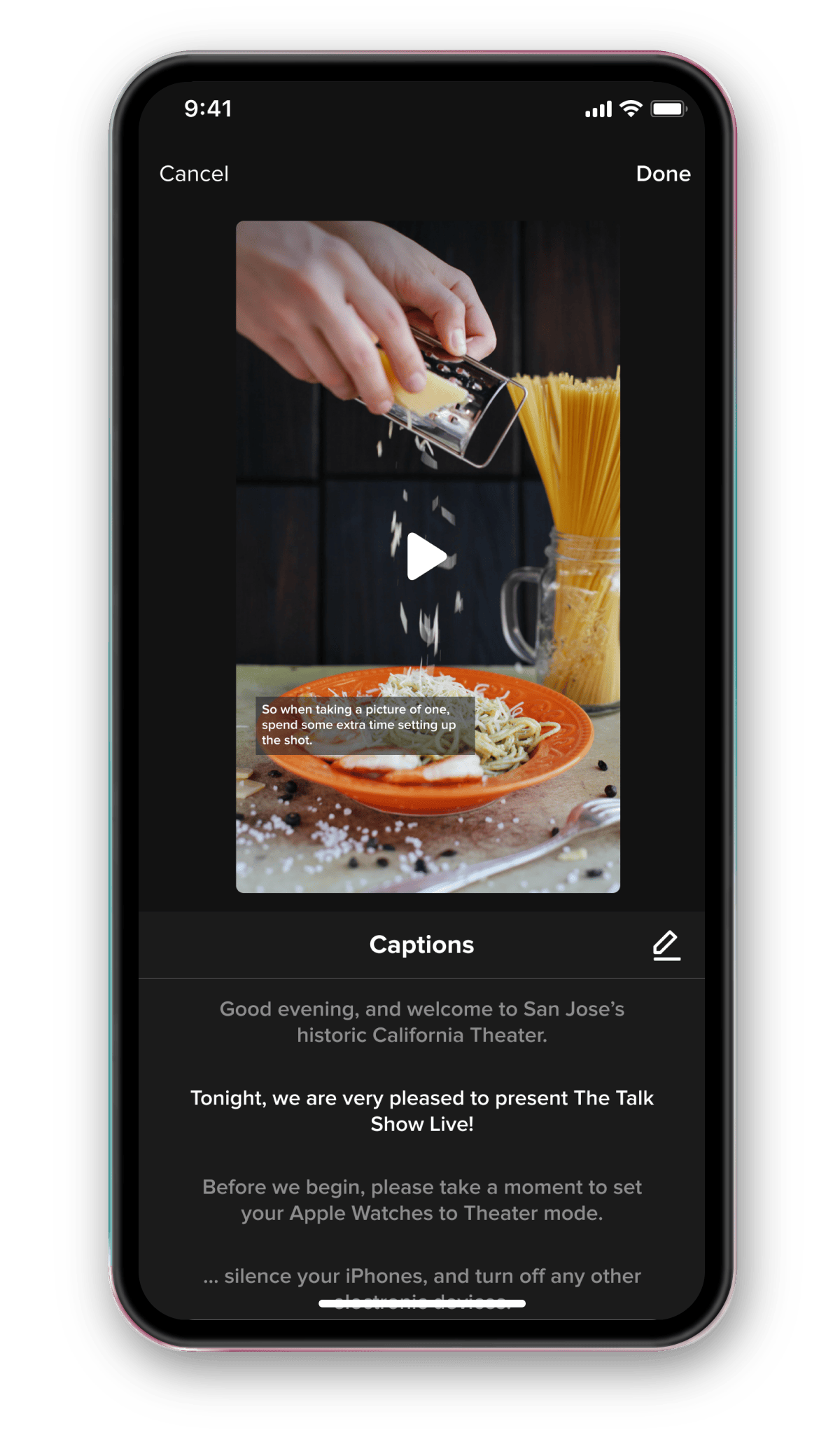
Introducing Auto Captions Tiktok Newsroom
It’s not possible to upload.srt files. We are here to help you understand all. Adding captions to your videos is a great way to make your content more accessible to people, and tiktok has made it easy for everyone by allowing creators to add. Record or upload your video: You’ll learn how to add subtitles on tiktok automatically from within the tiktok app.
In The Following Sections, We Will Explore
It’s not possible to upload.srt files. Tiktok's new auto captions feature generates subtitles for your videos. The following steps will guide you on. Start by creating or choosing a video.
“Learn How To Easily Add Captions To Your Videos
You can easily add subtitles to tiktok clips on any device using our online tool, directly in your browser. For more videos like this then please leave a like. The fastest and easiest technique is. We are here to help you understand all.
Now It’s Time To Add Captions To Your Tiktok
The ‘on’ and ‘off’ captions aspect is easy for users to navigate, so it calls comes down to how to add closed caption to tiktok videos and the process. Here's how to add captions on tiktok using your iphone, ipad, or android device. In short, learning how to add captions on tiktok will not only elevate your content but also broaden its appeal to a more diverse audience. In this comprehensive guide, we will walk you through the art of adding closed captions to your tiktok videos, making your content inclusive and engaging for a wider.
How To Edit Tiktok
Adding captions to your videos is a great way to make your content more accessible to people, and tiktok has made it easy for everyone by allowing creators to add. There are three main ways you can add captions to your tiktok videos: You can use the text tool during recording. There are several ways to add captions to tiktok videos through the tiktok app itself.