 TikTok Trend Analysis
How To Add Multiple Songs On Tiktok - Despite the limitations, there are some creative ways to add multiple songs on tiktok: Another way to add more than one song on tiktok is by using a music editor. Before we dive into the process, let’s. After recording your video, go to the “adjust clips” option to refine your sound timing. Though tiktok doesn’t have the feature for adding multiple sounds to a video directly, you can use some tricks. Tap the music tab at the bottom of the.

How To Add Two Or Multiple Songs
Select a song that fits your video’s mood and style. Tap the music tab at the bottom of the. Here’s how you can do it: But don’t worry—there are ways. There are 3 ways to conjoin multiple (separate) audio files and make a new one out of excerpts from each sound clip.

How To Add Two Or Multiple Songs
Though tiktok doesn’t have the feature for adding multiple sounds to a video directly, you can use some tricks. Here’s what you need to know: Method 1 add multiple songs & sounds to tiktok video with flexclip. Here’s how to edit a tiktok sound using tiktok’s editing tools: Adding two songs to a tiktok video can make your content more dynamic and interesting.
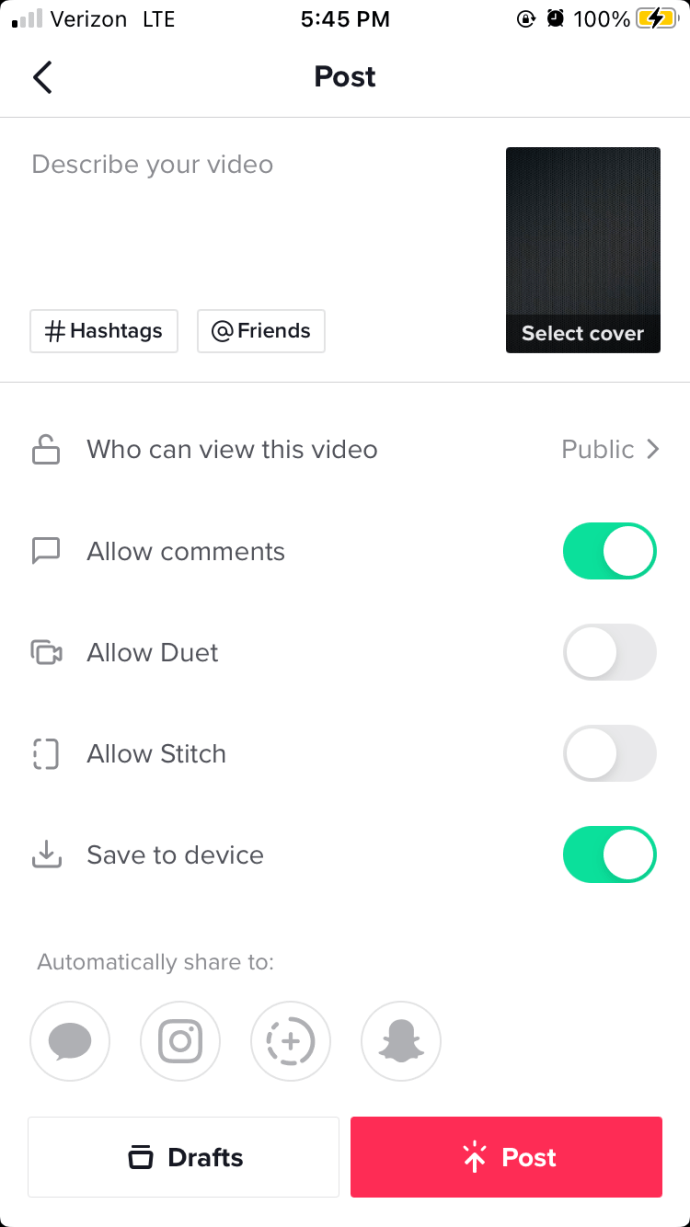
How To Add Two Songs To A Tiktok Video
Here’s what you need to know: Here, we'll introduce 2 workarounds to help you add multiple songs or sounds to tiktok videos to produce catchy and engaging content. To begin, we'll start with the easiest option that you can follow to add multiple. There are 3 ways to conjoin multiple (separate) audio files and make a new one out of excerpts from each sound clip.

How To Make Songs Longer On Tiktok
Despite the limitations, there are some creative ways to add multiple songs on tiktok: Add two songs to video using tiktok Here’s how to edit a tiktok sound using tiktok’s editing tools: Here’s what you need to know: Incorporate a seamless blend of multiple songs to elevate the auditory experience of your tiktok content.

Can You Add Multiple Songs To A Tiktok Video
Here, we'll introduce 2 workarounds to help you add multiple songs or sounds to tiktok videos to produce catchy and engaging content. Method 1 add multiple songs & sounds to tiktok video with flexclip. Learn how to add multiple songs to tiktok easily! Technically, you can add multiple songs to a tiktok video, but it’s not as straightforward as it sounds.
Don’t Worry—There Are Ways
Tiktok video from queen_zoe forever (@queen_zoei): Here’s how to add multiple songs to tiktok using your own sounds: Open the tiktok app and start creating a new video by tapping the + icon. Technically, you can add multiple songs to a tiktok video, but it’s not as straightforward as it sounds.
Select A Song
Method 1 add multiple songs & sounds to tiktok video with flexclip. Another way to add more than one song on tiktok is by using a music editor. Match different vibes in your video. After recording your video, go to the “adjust clips” option to refine your sound timing.
The First Step To Using A Song On Tiktok
Add two songs to video using tiktok Adding multiple songs isn’t as straightforward as selecting them from tiktok’s library, but it’s entirely possible. Before we dive into the process, let’s. Change the song every 15.
Why Add Multiple Songs To Tiktok?
This part will guide you on how to add two songs on tiktok. However, tiktok doesn’t directly let you add multiple songs in its app. Though tiktok doesn’t have the feature for adding multiple sounds to a video directly, you can use some tricks. Learn how to add multiple songs to tiktok easily!