 TikTok Trend Analysis
How To Duet On Tiktok With A Saved Video - Can you duet on tiktok with a saved video? A duet on tiktok is basically when you record a video that follows along with another person video when you po. Select duet from the bottom row of icons. You may need to scroll to the left to see the duet. How to duet a video on tiktok, tiktok duet tutorial, how to duet videos, dueting on tiktok, steps to duet a video, tiktok video duets, easy tiktok duet guide, duet. Instead, you’ll need to use a video editor app such as.

How To Duet On Tiktok With A Saved Video
This can be a video from. How to duet a video on tiktok, tiktok duet tutorial, how to duet videos, dueting on tiktok, steps to duet a video, tiktok video duets, easy tiktok duet guide, duet. Here are a few easy steps to do a duet in tiktok: Start by browsing tiktok to find a video you want to duet with.

How To Duet On Tiktok With A Saved Video
Start by browsing tiktok to find a video you want to duet with. Find out how to manage your privacy settings, edit your video, and report any issues. Here's how to use tiktok's known duet feature to respond or collaborate with other posts. You may need to scroll to the left to see the duet. Also, find out how to stitch a saved video on tiktok and the.

How To Do Duet On Tiktok 4 Steps (
Can you duet on tiktok with a saved video? The duet feature on tiktok has become a popular way for users to collaborate, react, and interact with each other's content in a creative and engaging manner. You can duet on tiktok to record a new video beside an existing tiktok. Here are a few easy steps to do a duet in tiktok: Stay till the end of the video to find out how to make duet on tiktok with a.

How To Duet On Tiktok With A Saved Video
Select the duet option to duet on tiktok,. Start by browsing tiktok to find a video you want to duet with. Here's how to duet on tiktok with saved video. When you post a duet,. Learn how to duet on tiktok with a saved video in gallery.
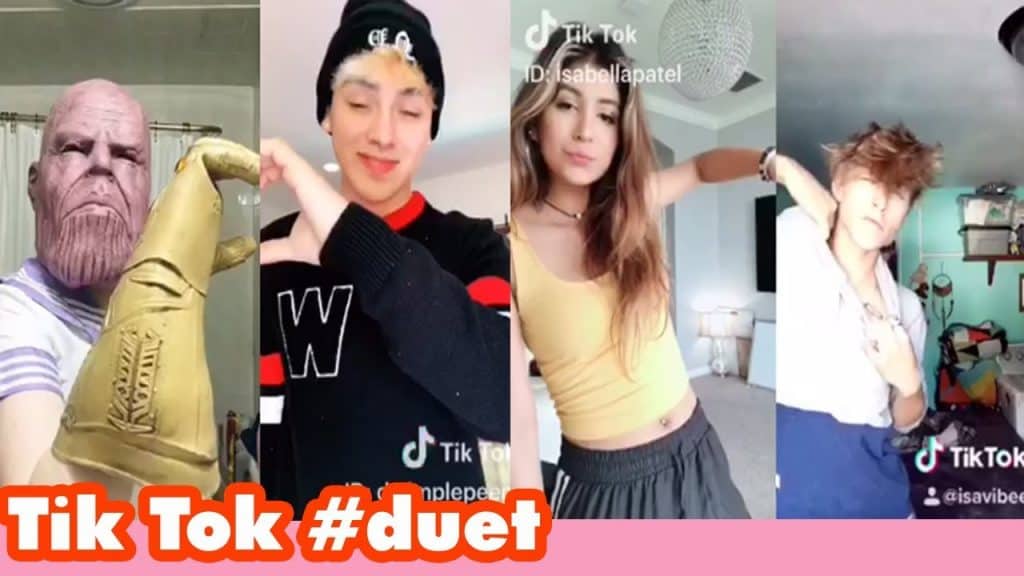
How To Duet On Tiktok
Choose a video to duet with. Find out how to manage your privacy settings, edit your video, and report any issues. This can be a video from. Here's how to duet on tiktok with saved video. A duet on tiktok is basically when you record a video that follows along with another person video when you po.
Inside The Tiktok App
Find out how to manage your privacy settings, edit your video, and report any issues. You can duet on tiktok to record a new video beside an existing tiktok. Select duet from the bottom row of icons. Can you duet on tiktok with a saved video?
Instead, You’ll Need To Use A Video Editor App
Also, find out how to stitch a saved video on tiktok and the. Start by browsing tiktok to find a video you want to duet with. A duet on tiktok is basically when you record a video that follows along with another person video when you po. In this article, we’ll show you how to do it and provide you with the ultimate guide to duetting on tiktok with a saved video.
How To Duet On Tiktok With A Saved Video
Find a video that you want to duet with. The duet feature on tiktok has become a popular way for users to collaborate, react, and interact with each other's content in a creative and engaging manner. In this video, you will learn how to do duet on tiktok with saved video easily. Here's how to use tiktok's known duet feature to respond or collaborate with other posts.
How To Duet On Tiktok With A Saved Videoi
You may need to scroll to the left to see the duet. To make a tiktok duet, you'll need to find the video you want to duet with and open the share menu. Select the duet option to duet on tiktok,. Find the post you want to duet.