 TikTok Trend Analysis
How To Move Captions On Tiktok - The ‘on’ and ‘off’ captions aspect is easy for users to navigate, so it calls comes down to how to add closed caption to tiktok videos and the process. This is usually found in. You'll just need to turn it on in the editing stage, check for accuracy, and then upload your video. Simply go to your profile, tap on the video, and then tap the three dots at the bottom. In this article, we’ll explore how to move captions on tiktok,. This tutorial discussed how to add and edit captions on tiktok videos on iphone and android phones.

How To Move The Captions On Tiktok Videos Wlfa
How to move captions on tiktok. Below is a dissection of all four: Tiktok video from mckenzie cloak (@mckenziecloak): Tiktok's new auto captions feature generates subtitles for your videos. To move captions on tiktok, you can follow these steps:

How To Add Tiktok Captions And Watch Videos
The ‘on’ and ‘off’ captions aspect is easy for users to navigate, so it calls comes down to how to add closed caption to tiktok videos and the process. If you made a typo in your caption or just want to change what you wrote, you can now edit your captions after posting on tiktok. You can only edit a caption if it's been fewer than 7 days since you posted the video.
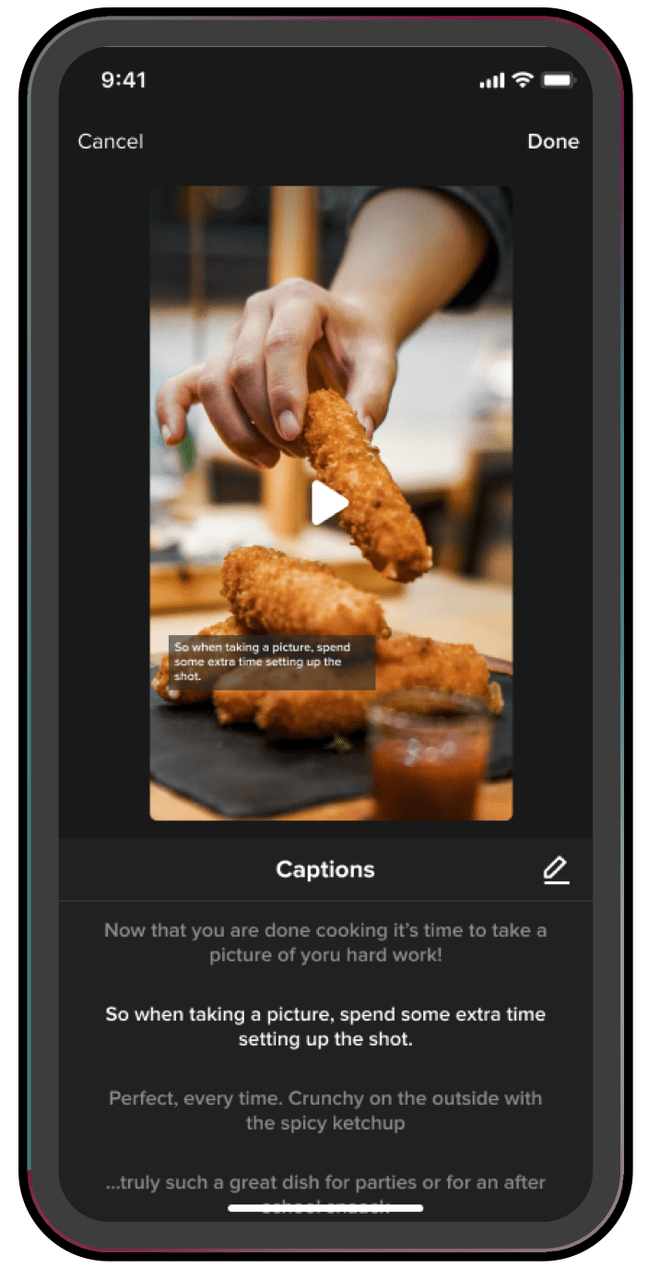
Making Tiktok More Accessible Auto Captions Launches In Canada
While some opt to use tiktok’s internal. The ‘on’ and ‘off’ captions aspect is easy for users to navigate, so it calls comes down to how to add closed caption to tiktok videos and the process. Open your tiktok video and tap the edit button. Below is a dissection of all four: To move captions on tiktok, you can follow these steps:.
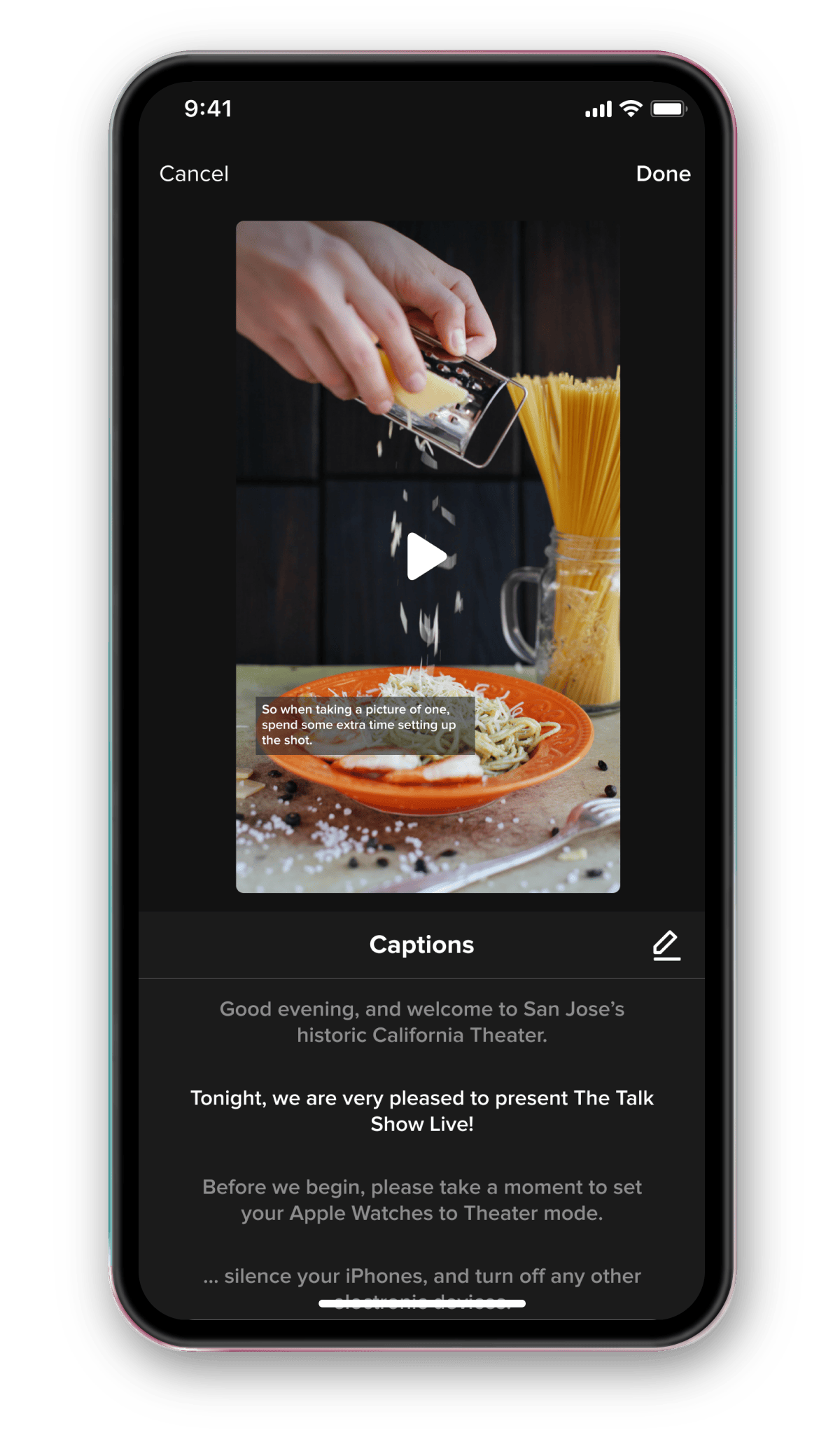
Introducing Auto Captions Tiktok Newsroom
One of the easiest ways to move tiktok captions is by using the edit feature. Simply go to your profile, tap on the video, and then tap the three dots at the bottom. Adding automatic captions lets the tiktok app. If you made a typo in your caption or just want to change what you wrote, you can now edit your captions after posting on tiktok.

Funny Tiktok Captions. Meltblogs
You can only edit a caption if it's been fewer than 7 days since you posted the video. The ‘on’ and ‘off’ captions aspect is easy for users to navigate, so it calls comes down to how to add closed caption to tiktok videos and the process. “learn how to easily change video captions for better clarity and engagement in your content.
You'll Just Need To Turn
If you want to get captions on tiktok when watching a video, tap the captions icon on the left of the screen, above the video information. Below is a dissection of all four: To move captions on tiktok, you can follow these steps: If you made a typo in your caption or just want to change what you wrote, you can now edit your captions after posting on tiktok.
Thankfully, Tiktok Allows You To Edit Your Captions Even
Here’s the exact demo that reveals how you can add moving captions in tiktok! Tiktok video from mckenzie cloak (@mckenziecloak): Here, you can either record a new one or upload a. While some opt to use tiktok’s internal.
Open Your Tiktok Video And Tap The Edit Button
You can only edit a caption if it's been fewer than 7 days since you posted the video. Simply go to your profile, tap on the video, and then tap the three dots at the bottom. How to move captions on tiktok? Open the tiktok app on your mobile.
Select The Caption You Want To Move And Tap
How to move captions on tiktok. #movingcaptions #howtoaddtiktokcaptions #howtoaddcaptionstoavideo #tiktokcaptions #tiktokcaptiondemo”. “learn how to easily change video captions for better clarity and engagement in your content. One of the most significant updates that have turned many heads is the ability to move captions on tiktok.