 TikTok Trend Analysis
How To See Message Requests On Tiktok - Whether you're receiving messages from friends or new connections, we'll walk you through the steps to access and review your message requests seamlessly. Tap on the profile icon () located at the bottom of the screen. First, open the tiktok app on your mobile device. Finding message requests on tiktok can be a bit tricky, but we’re here to help. To view your direct messages on tiktok: Yesterday, i received a notification from tiktok saying “this person wants to message you”.

How To See Follow Requests On Tiktok Followchain
Open the tiktok app : Whether you're receiving messages from friends or new connections, we'll walk you through the steps to access and review your message requests seamlessly. Tap on the profile icon : Tap on the profile icon (represented by a person icon) in the. Before we begin, ensure you have the latest version of the tiktok app installed on your.

Why You’re Getting Follow Requests On Tiktok Wlfa
Open the tiktok app and log in to your account. To check your tiktok messages, locate the speech bubble icon at the bottom right corner of the screen. Open the tiktok app on your mobile device. Tap a name from the list to go to the chat. Their profile picture was blurred & it did not show their username, so i don’t know who it is.

How To See Follow Requests On Tiktok Followchain
To check your message requests on tiktok, open the app, tap on the inbox icon at the bottom, then look for a section labeled 'requests' at the top or under 'messages'. Check tiktok message requests by logging in to your account, visiting the notifications page, and clicking on the requests tab. Tap on the profile icon (represented by a person icon) in the.

New Tiktok Message Feature 📩 Tiktoknewupdate Socialmediahacks Tikt
To check message requests on tiktok, follow these steps: Checking message requests on tiktok is a relatively straightforward process. Finding message requests on tiktok is a straightforward process. Tap a name from the list to go to the chat. By following the steps outlined in this article, you’ll be able to find and manage your message requests with.
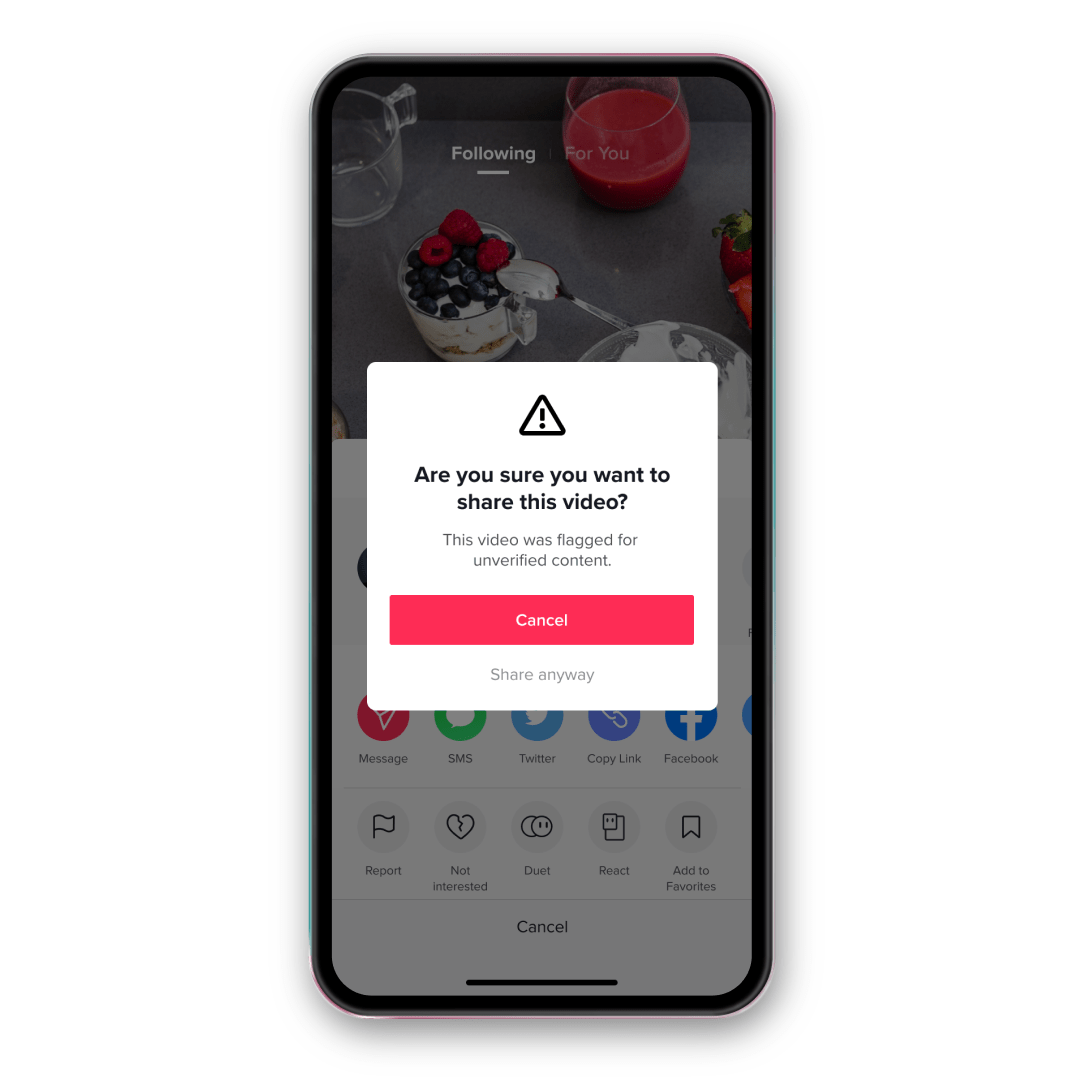
New Prompts To Help People Consider
By following the steps outlined in this article, you’ll be able to find and manage your message requests with. Message requests on tiktok are private messages sent by other users to you. To check your tiktok messages, locate the speech bubble icon at the bottom right corner of the screen. How to see message requests on tiktok | view tiktok message requestsin this video, we’ll show you how to see message requests on tiktok, making it easier for.
First, Open The Tiktok App On Your Mobile Device
How to send a direct. To check your tiktok message requests, follow these simple steps: 🚀 ️ whether you're a seasoned tiktok creator or just. Finding message requests on tiktok is a straightforward process.
Tap On The Profile Icon () Located
In this exciting tutorial, we'll show you exactly how to check your message requests on tiktok and unlock the full potential of your inbox! Message requests on tiktok are private messages sent by other users to you. Their profile picture was blurred & it did not show their username, so i don’t know who it is. Before we begin, ensure you have the latest version of the tiktok app installed on your.
Tiktok Message Requests
Tap on the profile icon (represented by a person icon) in the. Whether you're receiving messages from friends or new connections, we'll walk you through the steps to access and review your message requests seamlessly. In the tiktok app, tap inbox at the bottom. To see message requests on tiktok, follow these simple steps:
Engage With Your Tiktok Community
To check message requests on tiktok, follow these steps: How to find your direct messages. Tap a name from the list to go to the chat. To view your direct messages on tiktok: