 Biology Genetics Worksheets
Change The Margins Of The Current Worksheet To Narrow - Click on the margins button within the page setup group. A dropdown menu will appear with a few default margin options like normal, wide, and narrow. To set custom margins, follow. You can customize the margins based on your preferences by navigating to page layout and clicking on custom margins from the margins dropdown. From the margin options, choose any predefined margin, such as normal, wide, or narrow. It's a small change that can have a big impact on how.

Change Cell Margins In Word Companionopm
Narrow margins allow you to maximize the space on each sheet, ensuring that your data is presented clearly and professionally. A dropdown menu will appear with a few default margin options like normal, wide, and narrow. Follow these steps to adjust margins using the. There's also an option to adjust the header and footer margins, which are the spaces above and below your.

Change Page Margins In Excel Customguide
Follow these steps to adjust margins using the. Choose a preset margin option: In the page layout tab, find and click on the “margins” button. Click the page layout tab at the top of the window. There's also an option to adjust the header and footer margins, which are the spaces above and below your.
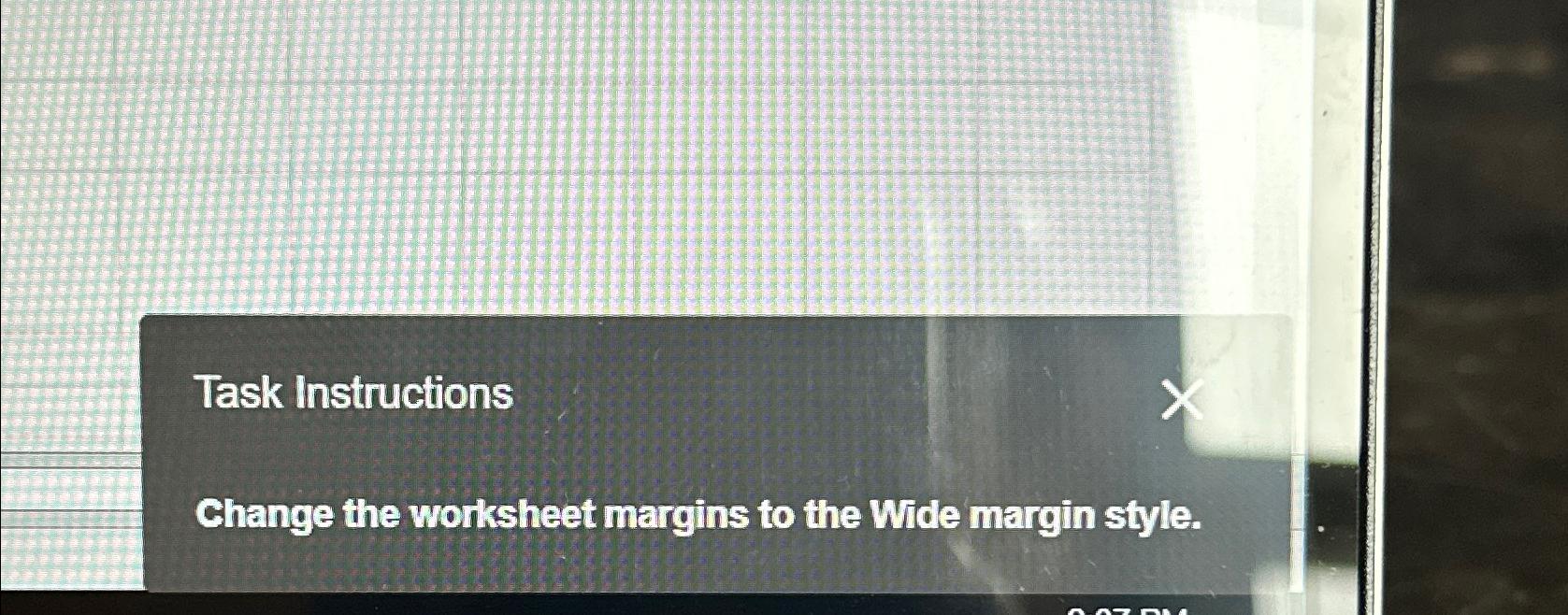
Solved Task Instructionschange The Worksheet Margins To The
Narrow margins allow you to maximize the space on each sheet, ensuring that your data is presented clearly and professionally. In excel, margins can be set for the top, bottom, left, and right sides of your page. Adjusting margins can help improve the readability of your. There's also an option to adjust the header and footer margins, which are the spaces above and below your.

Change The Margins Of The Current Worksheet To Narrow
Choose a preset margin option: In the page layout tab, find and click on the “margins” button. Narrow margins allow you to maximize the space on each sheet, ensuring that your data is presented clearly and professionally. Click the page layout tab at the top of the window. If you want to set.

How To Change Margins In Excel (2 Methods) Exceldemy
Choose the narrow option to. To get more rows on a page, try reducing the top and bottom margins. Choose a preset margin option: Useful for large documents or spreadsheets. To get more columns on a page, try reducing the left and right margins.
Narrow Margins Allow You To Maximize The Space
Or, you can navigate to file and. It's a small change that can have a big impact on how. Click the page layout tab at the top of the window. In this post, we'll walk through how you can use ai to change margins to narrow in excel.
Open Your File In Excel For Office 365
To set custom margins, follow. Adjusting margins can help improve the readability of your. Select the worksheet you want to print. Click on the margins button within the page setup group.
To Get More Columns On A Page
In the page layout tab, find and click on the “margins” button. Top, bottom, left, right : In microsoft excel 2021 (part of microsoft 365), customizing margins for your spreadsheet is done slightly differently than in older versions. This option reduces the margin sizes, allowing you to fit more content on a single page.
Go To The Page Layout Tab
In excel, margins can be set for the top, bottom, left, and right sides of your page. From the margin options, choose any predefined margin, such as normal, wide, or narrow. There's also an option to adjust the header and footer margins, which are the spaces above and below your. A dropdown menu will appear with a few default margin options like normal, wide, and narrow.