 Biology Genetics Worksheets
Display The Formulas In The Worksheet - How to use display in a sentence. The simple definition of display is to put (something) where people can see it —sometimes used figuratively. How to change settings and layout for multiple displays in windows 10 quite a many of us have multiple displays connected to our computers, i for instance always have a browser full. Video projector, an image projector that projects a video image onto a reflective projection screen. Managing your display brightness can significantly enhance your viewing experience and help conserve battery life. Whether you're adjusting brightness, changing resolution, or setting up multiple monitors,.
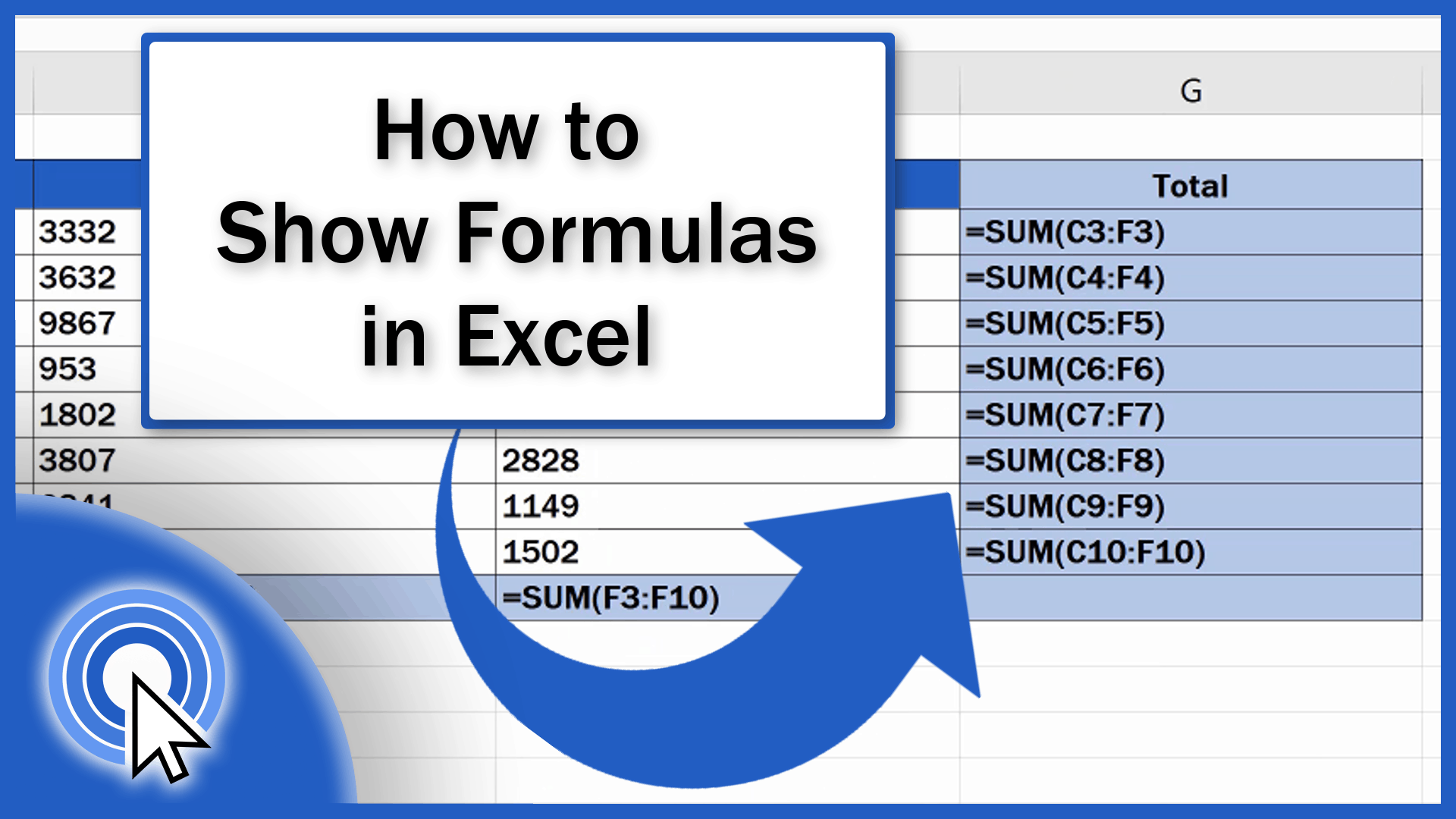
How To Show Formulas In Excel
Learn how to adjust the display scaling and resolution on your windows pc or tablet to make images clearer and text more readable. Managing your display brightness can significantly enhance your viewing experience and help conserve battery life. Customizing your display settings in windows can significantly enhance your computing experience. Learn how to improve the clarity of text and images displayed on your screen by changing the screen resolution, scale and layout of your monitor.

[Quick Way] To Display/Show Formulas In Excel Show Formula
Learn how to adjust the display scaling and resolution on your windows pc or tablet to make images clearer and text more readable. You can adjust the brightness manually or let your pc handle it automatically based on. Managing your display brightness can significantly enhance your viewing experience and help conserve battery life. Do you need to change your windows display settings but you’re not sure how to go about this task?

How To Show Formulas In Excel Customguide
Learn how to improve the clarity of text and images displayed on your screen by changing the screen resolution, scale and layout of your monitor. In this article, we’ll explain how. Learn how to adjust the display scaling and resolution on your windows pc or tablet to make images clearer and text more readable. Read our guide to learn what to do.
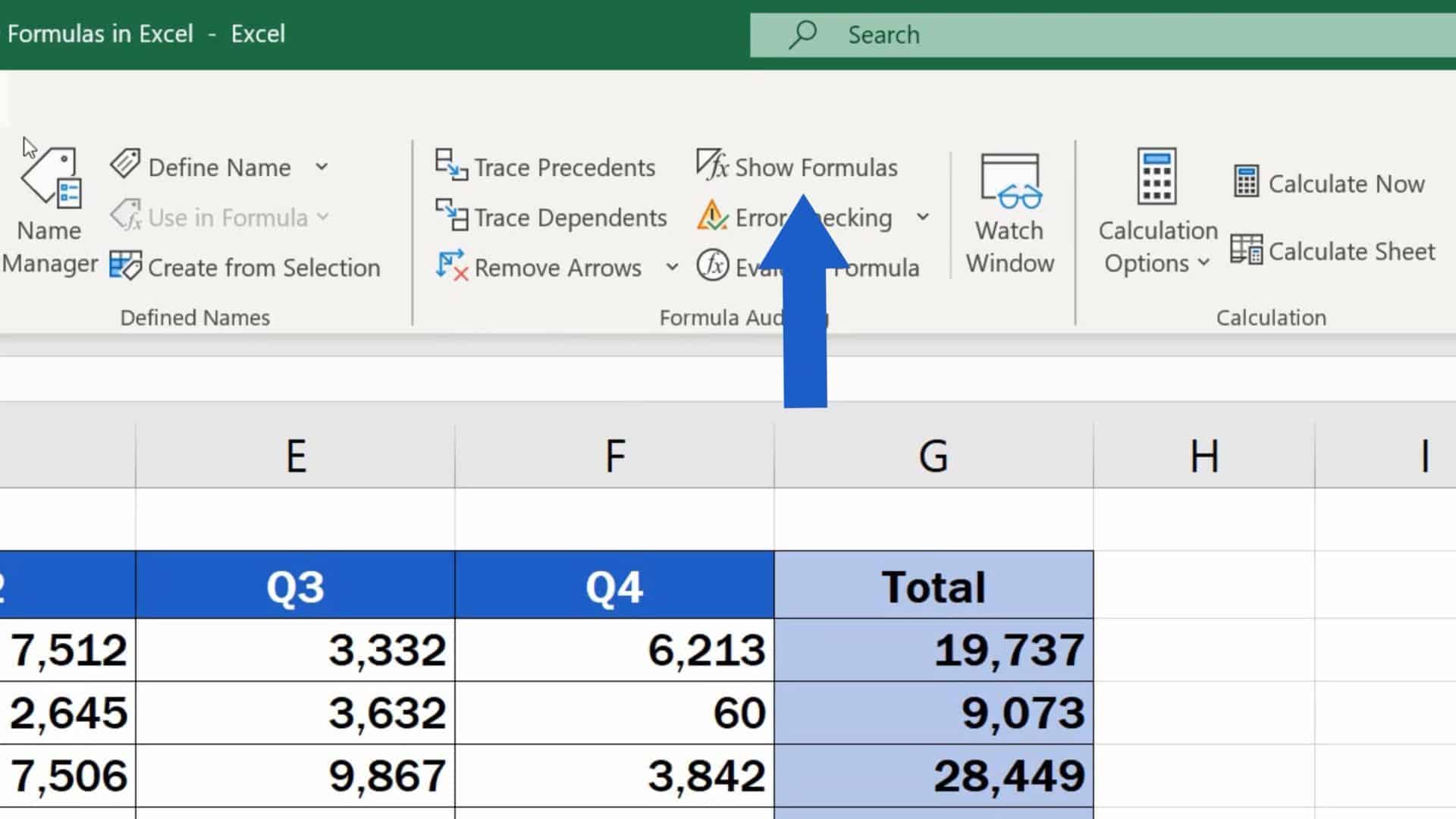
How To Show Formulas In Excel
You can adjust the brightness manually or let your pc handle it automatically based on. Do you need to change your windows display settings but you’re not sure how to go about this task? There are several ways to do this, including using special function keys on your keyboard and using the brightness slider in the quick settings menu. In this article, we’ll explain how.

Display All Formulas In Excel Worksheets Library
How to use display in a sentence. Read our guide to learn what to do. The simple definition of display is to put (something) where people can see it —sometimes used figuratively. Do you need to change your windows display settings but you’re not sure how to go about this task? To serve as a place for displaying (something).
How To Use Display In A Sentence
Video projector, an image projector that projects a video image onto a reflective projection screen. How to change settings and layout for multiple displays in windows 10 quite a many of us have multiple displays connected to our computers, i for instance always have a browser full. Learn how to improve the clarity of text and images displayed on your screen by changing the screen resolution, scale and layout of your monitor. The simple definition of display is to put (something) where people can see it —sometimes used figuratively.
Whether You're Adjusting Brightness
To serve as a place for displaying (something). The meaning of display is to place or spread (something) for people to see. Learn how to adjust the display scaling and resolution on your windows pc or tablet to make images clearer and text more readable. Do you need to change your windows display settings but you’re not sure how to go about this task?
You Can Adjust The Brightness Manually Or Let
Read our guide to learn what to do. In this article, we’ll explain how. There are several ways to do this, including using special function keys on your keyboard and using the brightness slider in the quick settings menu. Customizing your display settings in windows can significantly enhance your computing experience.