 Biology Genetics Worksheets
Evaluate A Function Worksheet - The math calculator will evaluate your problem down to a final solution. If a person were to eat 3 slices, the remaining fraction of the pie would therefore be 5 8 as shown in the image to the right. Use our evaluate calculator to solve any expression or function. Evaluate mathematical expressions, functions, and perform calculations with variables. Note that the denominator of a fraction cannot be 0, as it would make the fraction. Examples show you how to do simple math as well as how to do percentages on a.

A) Worksheet
You can also add, subtraction, multiply, and divide and complete any arithmetic. Follow the steps to input numbers and symbols and perform calculations with operator buttons. The math calculator will evaluate your problem down to a final solution. The expression 7 × 3 −2 × 5 evaluates to 11 after performing the multiplications and subtraction. If a person were to eat 3 slices, the remaining fraction of the pie would therefore be 5 8 as shown in the image to the right.
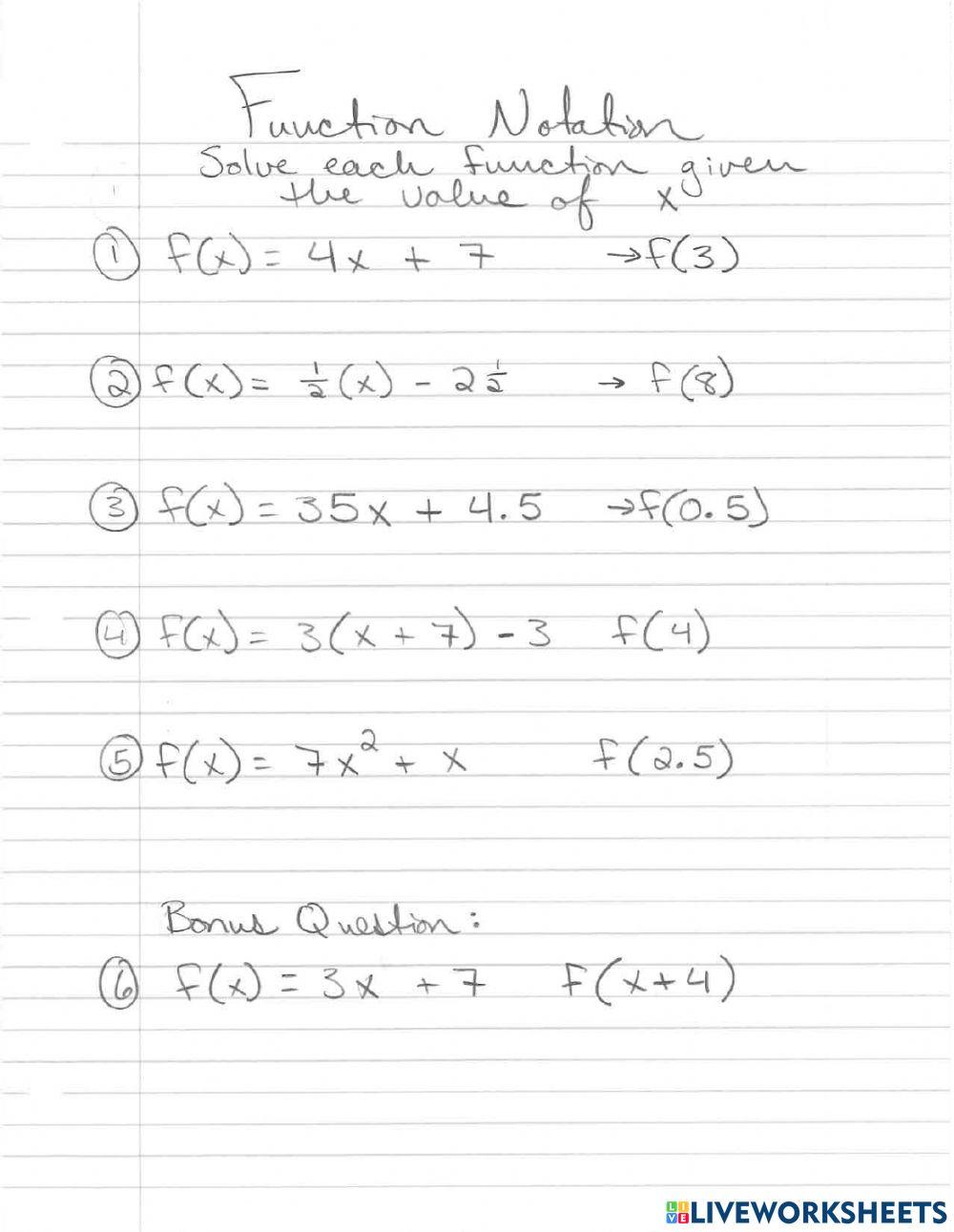
Function Evaluation Worksheet Worksheets Library
First, 7 × 3 = 21 and 2× 5 = 10, which leads to the final calculation of 21 − 10 = 11. Examples show you how to do simple math as well as how to do percentages on a. Symbolab is the best step by step calculator for a wide range of physics problems, including mechanics, electricity and magnetism, and thermodynamics.

Coloring Worksheet
It shows you the steps and explanations for each. Evaluate mathematical expressions, functions, and perform calculations with variables. You can also add, subtraction, multiply, and divide and complete any arithmetic. Examples show you how to do simple math as well as how to do percentages on a. If a person were to eat 3 slices, the remaining fraction of the pie would therefore be 5 8 as shown in the image to the right.

Evaluating Functions From A Graph Practice Worksheet Worksheets Library
Examples show you how to do simple math as well as how to do percentages on a. The expression 7 × 3 −2 × 5 evaluates to 11 after performing the multiplications and subtraction. Symbolab is the best step by step calculator for a wide range of physics problems, including mechanics, electricity and magnetism, and thermodynamics. The math calculator will evaluate your problem down to a final solution.

Piecewise Function Worksheet Pdf Pdf Worksheets Library
The algebra section allows you to expand, factor or. Quickly evaluate mathematical expressions with the evaluate calculator. Evaluate functions and expressions step by step the calculator will find the value of the given function or expression, plugging the values of the given variables if needed. Use our evaluate calculator to solve any expression or function. Evaluate mathematical expressions, functions, and perform calculations with variables.
It Shows You The Steps And Explanations For Each
Examples show you how to do simple math as well as how to do percentages on a. The math calculator will evaluate your problem down to a final solution. This calculator supports arithmetic operations, trigonometric functions, logarithms, exponents, and. Note that the denominator of a fraction cannot be 0, as it would make the fraction.
The Expression 7 × 3 −2 × 5 Evaluates
If a person were to eat 3 slices, the remaining fraction of the pie would therefore be 5 8 as shown in the image to the right. Evaluate functions and expressions step by step the calculator will find the value of the given function or expression, plugging the values of the given variables if needed. Quickly evaluate mathematical expressions with the evaluate calculator. Symbolab is the best step by step calculator for a wide range of physics problems, including mechanics, electricity and magnetism, and thermodynamics.
Enter The Expression You Want To Evaluate
Use our evaluate calculator to solve any expression or function. Evaluate mathematical expressions, functions, and perform calculations with variables. First, 7 × 3 = 21 and 2× 5 = 10, which leads to the final calculation of 21 − 10 = 11. Follow the steps to input numbers and symbols and perform calculations with operator buttons.
The Algebra Section Allows You To Expand, Factor Or
You can also add, subtraction, multiply, and divide and complete any arithmetic.