 National Holiday Calendar
Adding Google Calendar To Iphone - Once the linking process is complete, your iphone calendar should now be synced with google calendar. Google provides a simple process to add your google account onto your ios device. With visual intelligence, it's just a matter of point and tap and you'll have the event added right to your calendar app. In the top left corner of your screen, click calendar preferences. Google calendar enhancements for appointments, reminders, syncing, and more. On the left side of the accounts tab, click add.
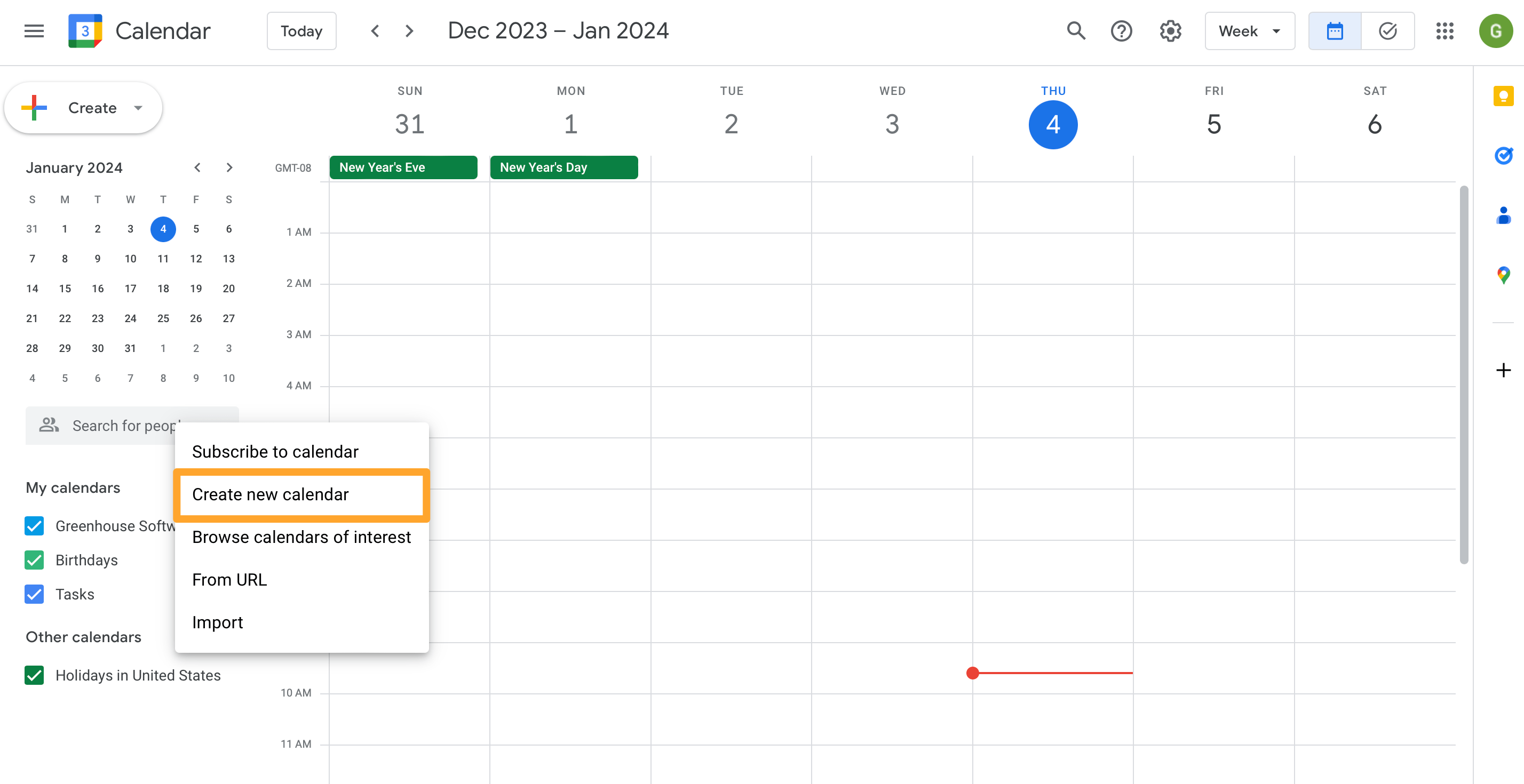
Create A Shared Calendar With Google Calendar Greenhouse Support
Adding other people’s google calendars to your iphone can greatly enhance your ability to stay organized and in sync with others. Open the settings app on your iphone.. Open the settings app on your iphone. You can sync google calendar with the calendar app that comes on your iphone or ipad. This article will break down three ways to add your google calendar to your iphone, explaining each method in detail.

Google Calendar How To Add Your Outlook Calendar
Follow these steps to set up your google calendar: On your computer, open apple calendar. That said, google calendar isn’t as powerful as some paid alternatives like fantastical or outlook. If you're a gmail user and keep your schedule. Google provides a simple process to add your google account onto your ios device.

Google Releases Official Google Calendar App For Iphone
To get the most out of your google calendar on your iphone, it’s essential to configure the settings to your liking. Here are the steps to follow: In the top left corner of your screen, click calendar preferences. To add google calendar to your iphone, you’ll need to download and install the google calendar app from the app store. Open the 'settings' app on your iphone.

How To Integrate Google Calendar? Revenuehero Docs
Tap accounts and then select add account. Open the 'settings' app on your iphone. Here's how to use this fancy new feature to add an event. Open the settings app on your iphone. Can feel overwhelming with too many features.

Google Calendar For Iphone Review Imore
In the top left corner of your screen, click calendar preferences. Google today introduced a new gemini side panel for calendar, a feature that lets you check your schedule, create an. Open the app store on your iphone. To access gemini in the side panel of workspace apps, users need to have smart features and personalization turned on. Here's how to use this fancy new feature to add an event.
Google Calendar Enhancements For Appointments, Reminders, Syncing, And More
In the top left corner of your screen, click calendar preferences. Previously, calendar’s month view was not very useful on iphone. On the left side of the accounts tab, click add. For those who utilize both google calendar and the iphone calendar, synchronizing these two platforms can significantly enhance productivity and organization.
Tap Accounts And Then Select Add Account
Scroll down and tap on 'passwords & accounts.' tap on 'add account.' select 'google' from the list of options. Synchronizing your google, outlook, and iphone calendars allows for a seamless flow of information and ensures that you’re always on top of your plans. Here are the steps to follow: Open the settings app on your iphone.
If You're A Gmail User And Keep Your Schedule
This article will break down three ways to add your google calendar to your iphone, explaining each method in detail. Open the app store on your iphone. It showed you the dates, with colored dots representing days containing events. Can feel overwhelming with too many features.
Admins Can Turn On Default Personalization
It lacks advanced scheduling tools for large teams, and you’ll need. Adding google calendar via the ios. You can add google calendar events to your apple calendar on your mac, iphone, or ipad. To get the most out of your google calendar on your iphone, it’s essential to configure the settings to your liking.